The First Apps You Should DELETE On Your Google Pixel
TL;DR
Learn which Google Pixel apps to disable or uninstall for better performance.
Transcript
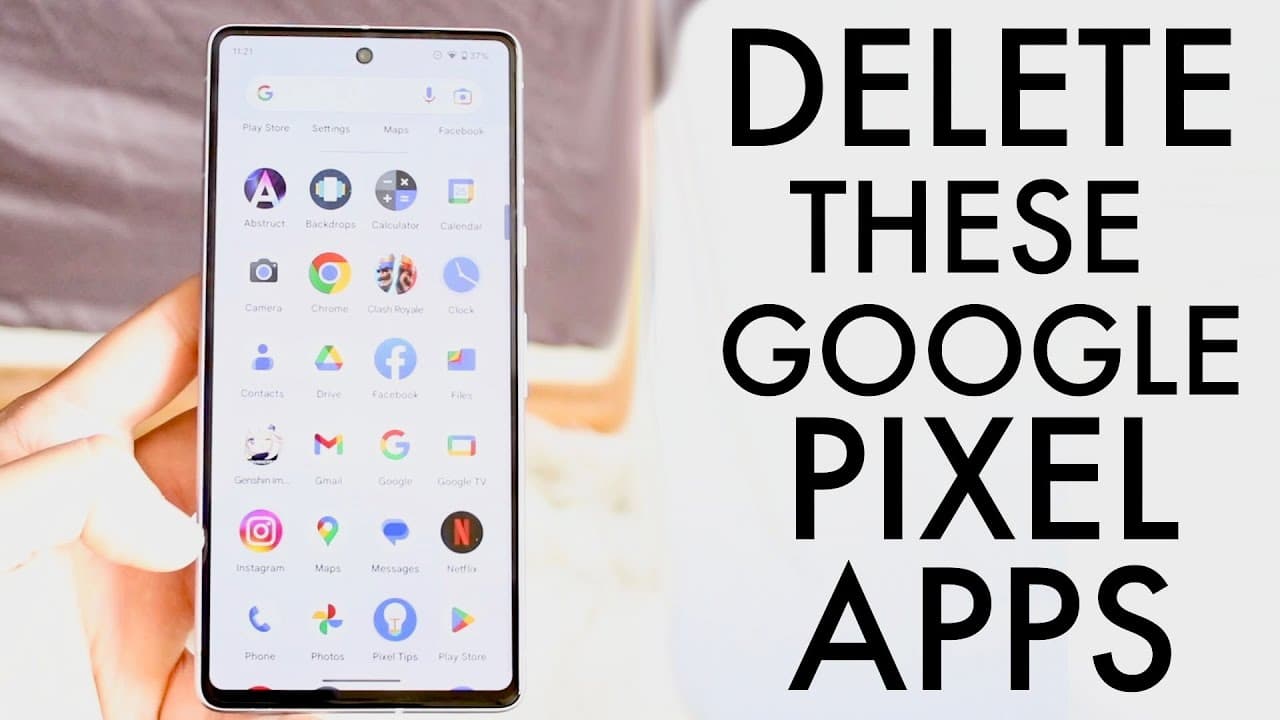
so you may have just picked up a Google pixel and you might be trying to figure out some of the first applications that you might be wanting to delete from this specific phones now I will tell you from what I can find there's not a lot that are built in straight from your Google pixel that are you know deletable a lot of them are Google built-in ap... Read More
Key Insights
- ✋ Many built-in applications on Google Pixel cannot be deleted but can be effectively managed through force stopping or disabling.
- 👤 Popular applications like Google Calendar and Gmail can be disabled if users opt for other alternatives, optimizing resource usage.
- 😶🌫️ Google Drive provides significant free storage and should generally be retained unless a different cloud service is utilized.
- 🈸 Disabling unnecessary apps can enhance performance and free up storage, particularly for users who have alternative applications.
- 💁 The Google pixel launcher and pixel tips can be disabled for users who find them intrusive or unnecessary.
- 🈸 Regular app assessment is advisable to ensure that only necessary applications occupy device resources.
- 😀 Returning to app settings allows for managing disabled apps, making the process of re-enabling easy if needed later.
Install to Summarize YouTube Videos and Get Transcripts
Explore YouTube Video Summarizer or Get YouTube Transcript Extractor
Questions & Answers
Q: What is the difference between disabling an app and force stopping it on Google Pixel?
Disabling an app prevents it from running and removes it from the app drawer, effectively uninstalling all updates. Force stopping an app, conversely, merely pauses the app's activities temporarily, allowing it to be opened again later. This can be beneficial if you want to reduce resource use without permanently removing the app.
Q: Are there any apps on Google Pixel that should never be disabled?
Yes, apps like location services and system applications like settings, which are crucial for the phone's operation and functionalities, should be retained. Disabling them may lead to unforeseen issues, thereby impacting the overall usability of the device.
Q: How can I safely remove Google Drive from my Google Pixel?
You should not fully uninstall Google Drive if you utilize its storage features. However, you can force stop and disable it if you primarily use another service, ensuring it does not consume storage in the background. This keeps your device running smoothly without losing essential functionality.
Q: What are some recommended apps to keep on a Google Pixel?
Essential apps to keep include stock applications like the camera, clock, contacts, and Google Drive for cloud storage. These apps enhance the functionality of the Pixel and are typically preferred by users. Disabling them could limit useful features and connectivity.
Q: Is it possible to re-enable a disabled app?
Yes, if you later find a need for an app you disabled, you can easily re-enable it through the settings. There is a dedicated section in the apps section where you can find all disabled apps and restore them to full functionality.
Q: Which third-party alternatives might be preferable to default Google apps?
Users often prefer alternative apps like Microsoft OneDrive over Google Drive for storage, or third-party calendar apps that offer added features not found in Google Calendar. The choice of apps largely depends on personal preference and usage patterns.
Summary & Key Takeaways
-
Users with a new Google Pixel should evaluate pre-installed apps to improve performance. Although many apps are built-in, some can be force stopped, have updates uninstalled, or be disabled.
-
It's recommended to keep essential apps like the camera, clock, and contacts while disabling or uninstalling those that have alternatives, such as calculators and email clients, to free up resources.
-
Applications such as Google Drive and Maps may be retained for their utility despite potential alternatives; however, users can disable or uninstall apps they do not frequently use to reduce background resource consumption.
Read in Other Languages (beta)
Share This Summary 📚
Summarize YouTube Videos and Get Video Transcripts with 1-Click
Try YouTube Summary with ChatGPT & Claude or YouTube Transcript Generator
Explore More Summaries from Simple Alpaca 📚






Summarize YouTube Videos and Get Video Transcripts with 1-Click
Try YouTube Summary with ChatGPT & Claude or YouTube Transcript Generator