How to Stop Windows from Spying with the Hosts File
TL;DR
To stop Windows from connecting to third-party sites without your consent, modify the hosts file to redirect unwanted domains to the loopback address 127.0.0.1. This effectively prevents your system from accessing those sites while still allowing normal internet use. Remember to run Notepad as an administrator to save your changes.
Transcript
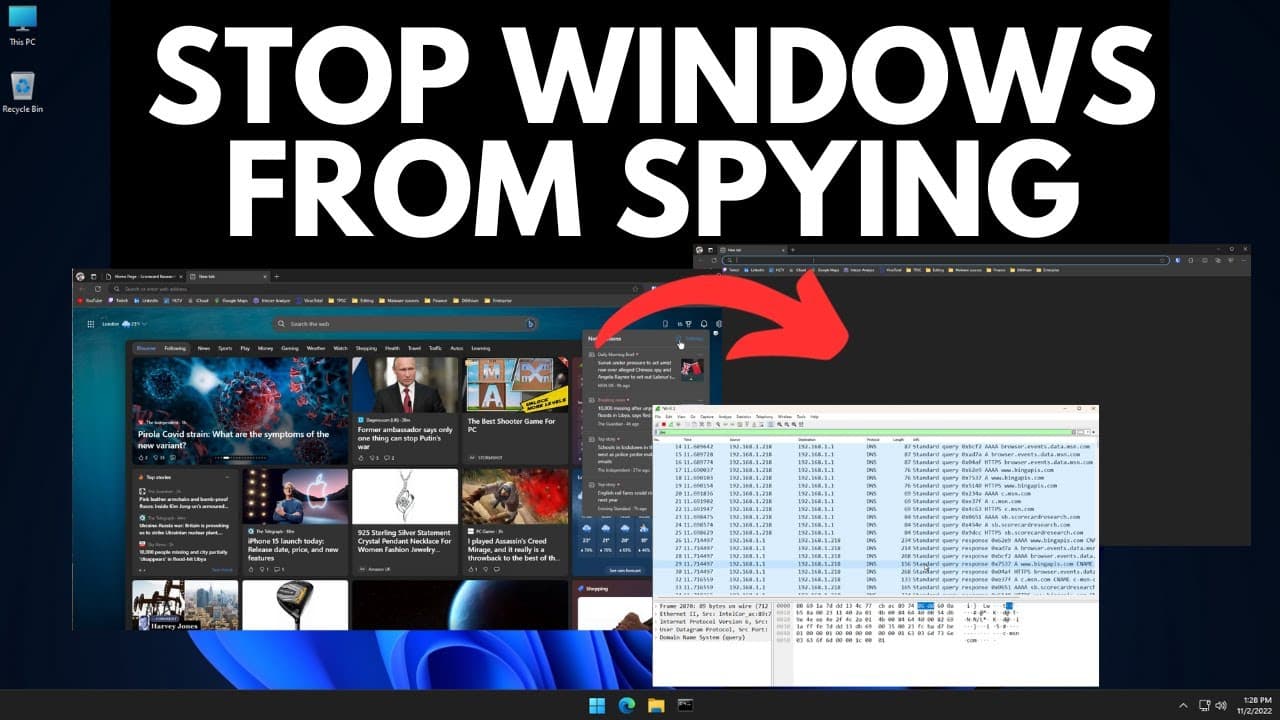
[Applause] all right I'm just kidding with you we're not gonna do one of those notepad tutorials but we all know that Windows spies on you and a previous video I used Wireshark to actually look at all the different addresses that Microsoft connects to without you actually even opening your browser and this is what we found here's a list of the diff... Read More
Key Insights
- 🥳 Windows computers send user data to third-party sites for behavioral studies without explicit consent.
- 🥳 By modifying the host file, users can prevent their system from connecting to these third-party sites.
- 📁 Modifying the host file directs the system to believe that the data is stored locally, blocking the connection.
- 🍃 Using the loopback IP address (127.0.0.1) ensures the connection fails, as the traffic never leaves the system.
- 👻 Modifying the host file does not affect other browser functionalities.
- 👶 Clearing the browser cache may be necessary to see the blank new tab page.
- 🔨 While this is a simple tweak, other approaches, such as using specific tools or router settings, can further limit data collection and telemetry by Microsoft.
Install to Summarize YouTube Videos and Get Transcripts
Explore YouTube Video Summarizer or Get YouTube Transcript Extractor
Questions & Answers
Q: Why does Windows connect to third-party sites without consent?
Windows connects to third-party sites for behavioral studies and data collection purposes. By studying user behavior, organizations can improve their products and services.
Q: How can the host file be modified to stop connections to third-party sites?
To modify the host file, open it in Notepad as an administrator. Copy and paste the addresses provided in the video into the file, ensuring they point to 127.0.0.1. Save the file, and the system will no longer connect to those sites.
Q: What is the purpose of using the loopback IP address (127.0.0.1) in the host file?
The loopback IP address ensures that the system thinks the data is stored locally, preventing the connection to the listed domains. It is considered a secure way to block unwanted connections.
Q: Will modifying the host file affect other browser functionalities?
No, modifying the host file only affects the connection to the listed domains. Other browser functionalities, such as using search engines or accessing websites, will still work normally.
Summary & Key Takeaways
-
Windows computers send user data to third-party sites for behavioral studies, which can be intrusive and unwanted.
-
By modifying the host file located in C Windows system 32 drivers Etc, users can override domain name resolution and prevent their system from connecting to these sites.
-
Modifying the host file to point all listed addresses to 127.0.0.1 ensures that the system believes the data is on the computer, preventing the connection.
Read in Other Languages (beta)
Share This Summary 📚
Summarize YouTube Videos and Get Video Transcripts with 1-Click
Try YouTube Summary with ChatGPT & Claude or YouTube Transcript Generator
Explore More Summaries from The PC Security Channel 📚






Summarize YouTube Videos and Get Video Transcripts with 1-Click
Try YouTube Summary with ChatGPT & Claude or YouTube Transcript Generator