How to Remove a Background in Photoshop
TL;DR
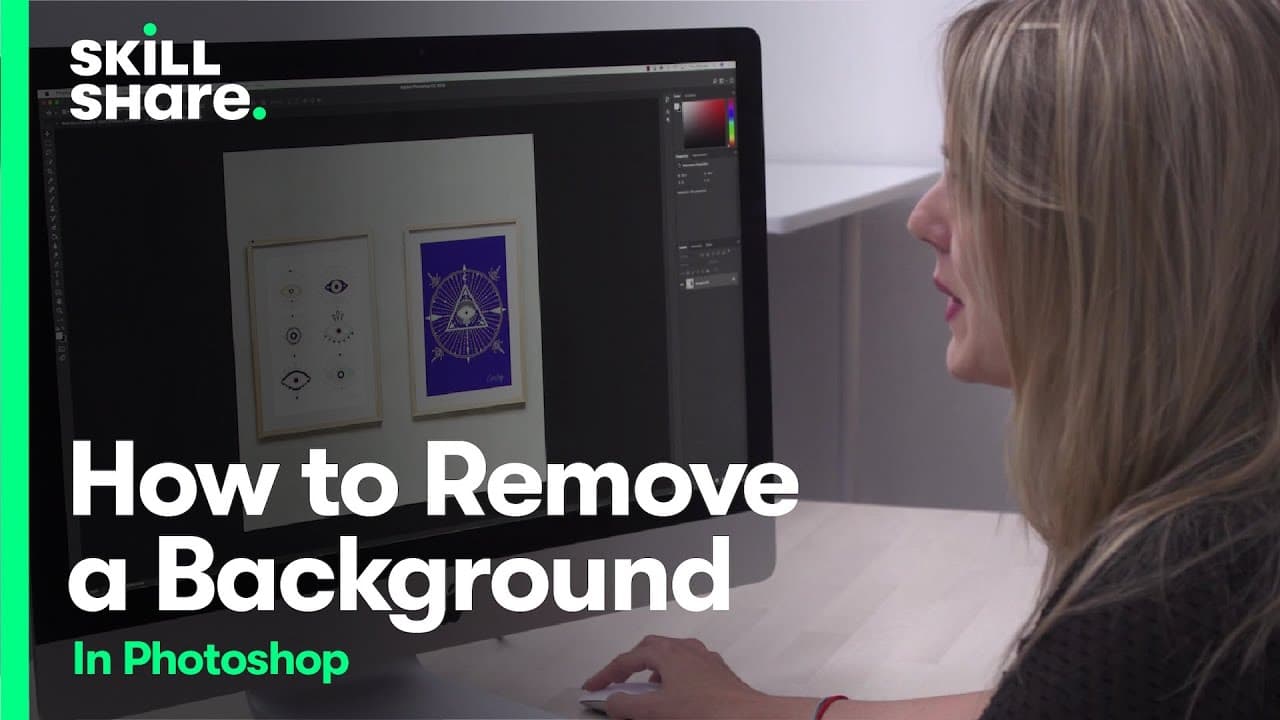
Learn different methods for removing backgrounds in Photoshop using non-destructive editing.
Transcript
so one of the most common things that people want to learn how to do in photoshop is remove the background so that you can isolate an object and the rest of the image is transparent so there are a lot of different ways to do this and i'm going to show you some of the ones i use the most often there are two different ways that you can remove a backg... Read More
Key Insights
- 🚱 Removing backgrounds in Photoshop can be done using both destructive and non-destructive editing techniques.
- 😷 Non-destructive editing, such as using masks, allows for flexibility and easy adjustments later on.
- 🔨 The lasso tool is a quick and simple method, but it may not produce the most precise results.
- 🤗 The pen tool provides greater control and precision in creating paths for background removal.
- 🤗 Zooming in while using the pen tool helps in creating more accurate selections.
- 😷 Paths can be converted into masks to isolate the object and create a transparent background.
- 😷 Inverting the mask can help achieve a clean and precise background removal.
Install to Summarize YouTube Videos and Get Transcripts
Explore YouTube Video Summarizer or Get YouTube Transcript Extractor
Questions & Answers
Q: What is the difference between destructive and non-destructive editing in Photoshop?
Destructive editing permanently alters the image, while non-destructive editing allows for changes that can be easily undone or adjusted.
Q: How can the lasso tool be used to remove backgrounds?
The lasso tool allows for freehand selection of the object, but it may not provide perfect results and may require refining the edges.
Q: What is the advantage of using the pen tool for background removal?
The pen tool allows for more precise selection by creating paths around the object, resulting in cleaner and more accurate background removal.
Q: How can the pen tool be used to remove backgrounds in Photoshop?
With the pen tool selected, users can create paths around the object by clicking and dragging to create curves. The paths can then be converted into masks for background removal.
Summary & Key Takeaways
-
The video demonstrates two methods for removing backgrounds in Photoshop: using the lasso tool and the pen tool.
-
The lasso tool allows for quick selection but may result in imprecise and rough edges.
-
The pen tool provides more precision and control in creating a path around the object for seamless background removal.
Read in Other Languages (beta)
Share This Summary 📚
Summarize YouTube Videos and Get Video Transcripts with 1-Click
Try YouTube Summary with ChatGPT & Claude or YouTube Transcript Generator
Explore More Summaries from Skillshare 📚






Summarize YouTube Videos and Get Video Transcripts with 1-Click
Try YouTube Summary with ChatGPT & Claude or YouTube Transcript Generator