Lightroom 5 Raw Photo Edit League of Legends Cosplay
TL;DR
Roberto Blake demonstrates raw photo editing for a League of Legends cosplay, enhancing details in Lightroom.
Transcript
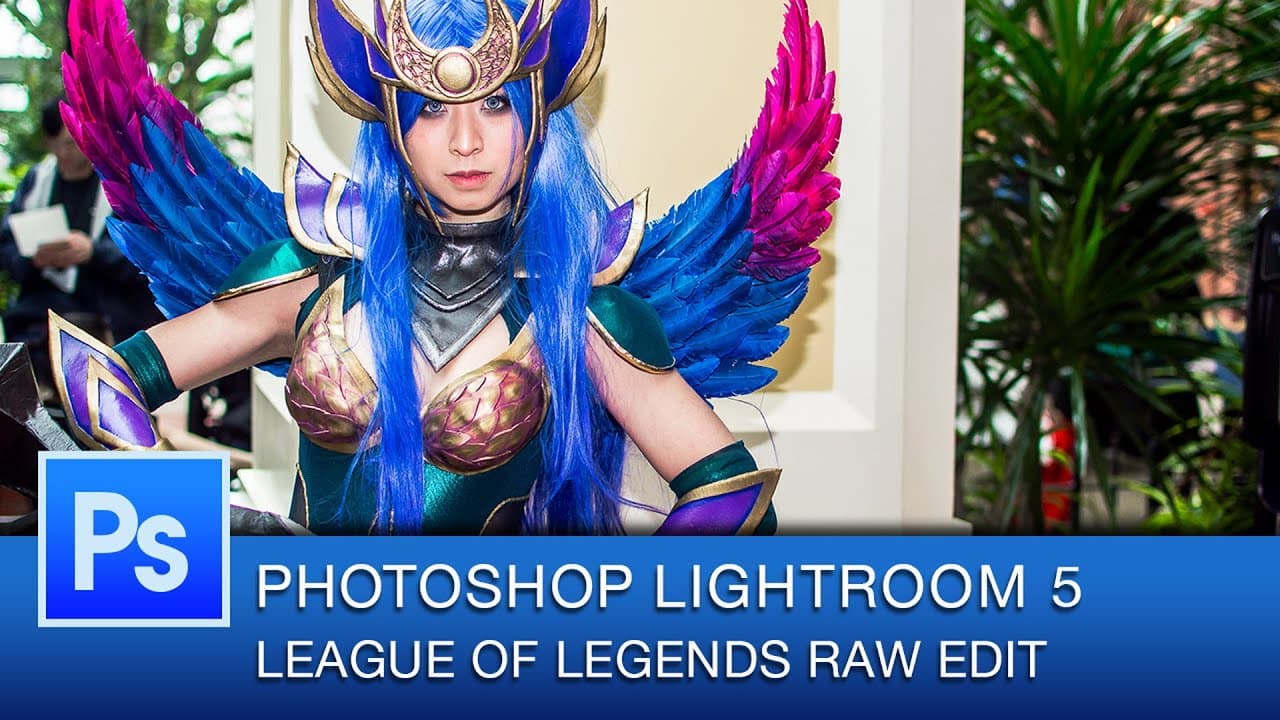
hey everybody this is Roberto Blake and in today's Photoshop Lightroom edit I'm going to be editing the raw file of a photo I took of cosplayer Vicky bunny angel in her League of Legends dark Valkyrie Diana cosplay uh which the armor she actually did all of that herself it was uh using uh warbl if you guys are familiar with that kind of thing uh I'... Read More
Key Insights
- 🍓 Roberto Blake showcases the raw photo editing process in Lightroom for a League of Legends cosplay.
- 🥌 The editing workflow includes adjusting exposure, contrast, shadows, highlights, clarity, vibrance, saturation, and color tones.
- ⚙️ Recommendations for photography gear and equipment are provided for improving photography skills.
- 📷 The final edited photo demonstrates enhanced sharpness, contrast, and vibrant colors, ready for further Photoshop editing.
- 📷 Lightroom editing enables quick enhancements to improve the overall quality of cosplay photos.
- ✋ Roberto Blake emphasizes the importance of creating high-quality artwork through detailed editing processes.
- 📷 The edited cosplay photo reflects the skill and creativity of both the cosplayer and the photographer.
Install to Summarize YouTube Videos and Get Transcripts
Explore YouTube Video Summarizer or Get YouTube Transcript Extractor
Questions & Answers
Q: What software does Roberto Blake use for editing the raw cosplay photo?
Roberto Blake uses Lightroom to edit the raw photo of cosplayer Vicky Bunny Angel's League of Legends cosplay.
Q: How does Roberto Blake enhance the details in the cosplay photo during the editing process?
Roberto Blake adjusts various settings like exposure, contrast, shadows, highlights, clarity, vibrance, saturation, and color tones to enhance details in the cosplay photo.
Q: What recommendations does Roberto Blake offer for those looking to improve their photography game?
Roberto Blake provides recommendations for photography gear and equipment to help individuals step up their photography game.
Q: How does Roberto Blake describe the final edited photo of cosplayer Vicky Bunny Angel's League of Legends cosplay?
Roberto Blake expresses satisfaction with the final edited photo, highlighting its improved sharpness, contrast, and vibrant colors suitable for further editing in Photoshop.
Summary & Key Takeaways
-
Roberto Blake edits a raw photo of cosplayer Vicky Bunny Angel as League of Legends Dark Valkyrie Diana in Lightroom.
-
He adjusts exposure, contrast, shadows, highlights, clarity, vibrance, saturation, and color tones to make the image pop.
-
The final edited photo showcases enhanced sharpness, contrast, and colors suitable for further Photoshop editing.
Read in Other Languages (beta)
Share This Summary 📚
Summarize YouTube Videos and Get Video Transcripts with 1-Click
Try YouTube Summary with ChatGPT & Claude or YouTube Transcript Generator
Explore More Summaries from Roberto Blake 📚






Summarize YouTube Videos and Get Video Transcripts with 1-Click
Try YouTube Summary with ChatGPT & Claude or YouTube Transcript Generator