Connecting Computers, TVs & Camcorders : How to Burn a DVD From a Camcorder
TL;DR
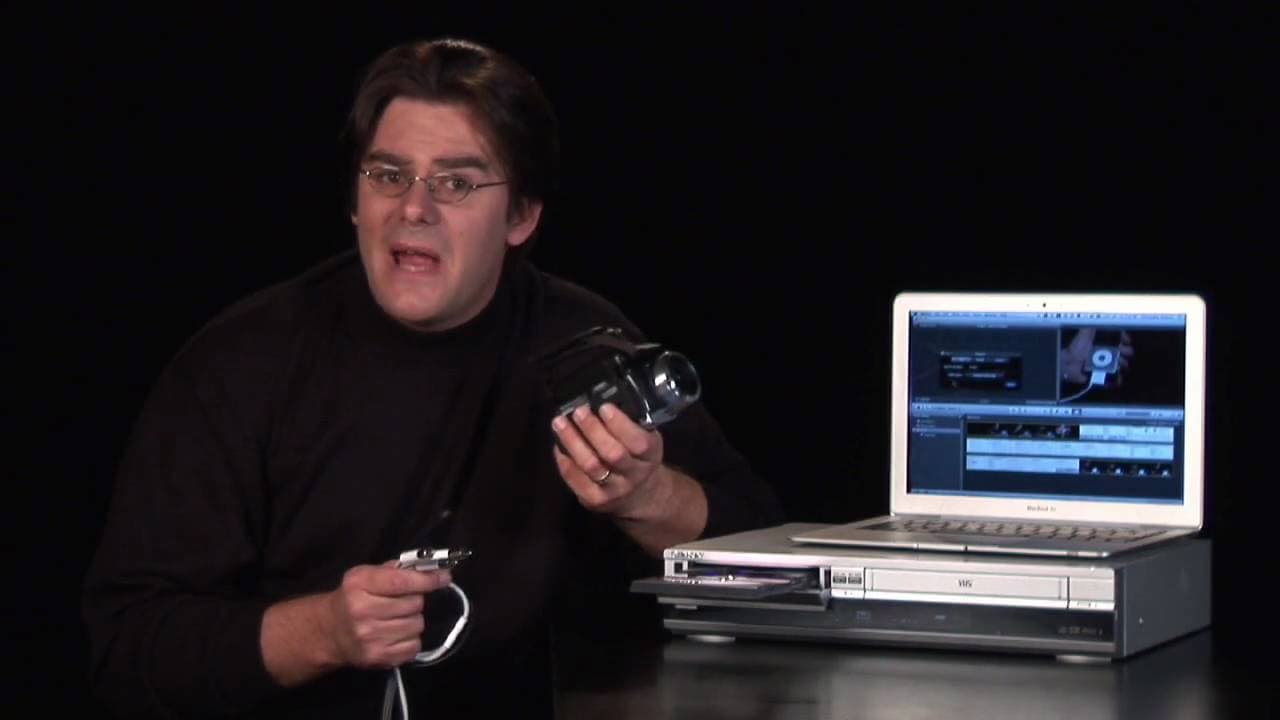
Learn how to transfer your home movies from a camcorder to a DVD using either a computer or a VHS DVD player and burner.
Transcript
hey it's rokosz your digital lifestyle expert here and I'm going to show you how to get your home movies out of your camcorder on to a DVD so you can share with family and friends now there's a couple ways to go about that the first way uses a computer alright and for that you're going to need a program that can log and capture your tape footage th... Read More
Key Insights
- 📀 There are multiple ways to transfer home movies from a camcorder to a DVD, including using a computer or a dedicated VHS DVD player and burner.
- 👻 Using a computer allows for more flexibility and editing options, but it may require additional software and learning.
- 📀 A VHS DVD player and burner offer a simpler method for transferring raw footage directly to a DVD.
- 🚠 It is important to properly connect the AV cables from the camcorder to the transfer device.
- 🗞️ The pre-roll technique helps to avoid losing any footage during the transferring process.
- 🔥 Previewing the transferred footage on a monitor can ensure the quality and content before burning it to a DVD.
- 👪 Transferring home movies to a DVD allows for easy sharing with family and friends.
Install to Summarize YouTube Videos and Get Transcripts
Explore YouTube Video Summarizer or Get YouTube Transcript Extractor
Questions & Answers
Q: What are the two methods to transfer home movies from a camcorder to a DVD?
The two methods are using a computer with a program like iMovie or using a VHS DVD player and burner.
Q: Do all computers have a built-in DVD burner?
Most Macs and PCs have built-in super drives that can burn DVDs. However, some older models may require an external super drive.
Q: Is it necessary to edit the footage before transferring it to a DVD?
No, you can choose to transfer the raw footage without any editing. This is especially useful if you want to quickly create a DVD without going through the process of learning editing software.
Q: What is the purpose of the pre-roll in the transferring process?
The pre-roll allows you to make a clean cut on the DVD. By rolling the tape back a few seconds before starting the recording, you ensure a smooth and seamless transfer.
Summary & Key Takeaways
-
There are two ways to transfer home movies to a DVD: using a computer with a program like iMovie or using a VHS DVD player and burner.
-
To transfer using a computer, you need a program to log and capture the footage, such as iMovie. You can then edit the footage or burn it as is using iDVD.
-
If you prefer a simpler method, you can use a VHS DVD player and burner, which allows you to directly transfer your camcorder footage to a DVD.
Read in Other Languages (beta)
Share This Summary 📚
Summarize YouTube Videos and Get Video Transcripts with 1-Click
Try YouTube Summary with ChatGPT & Claude or YouTube Transcript Generator
Explore More Summaries from ehow 📚

Summarize YouTube Videos and Get Video Transcripts with 1-Click
Try YouTube Summary with ChatGPT & Claude or YouTube Transcript Generator