What Are the Best Video Editing Apps for iPhone?
TL;DR
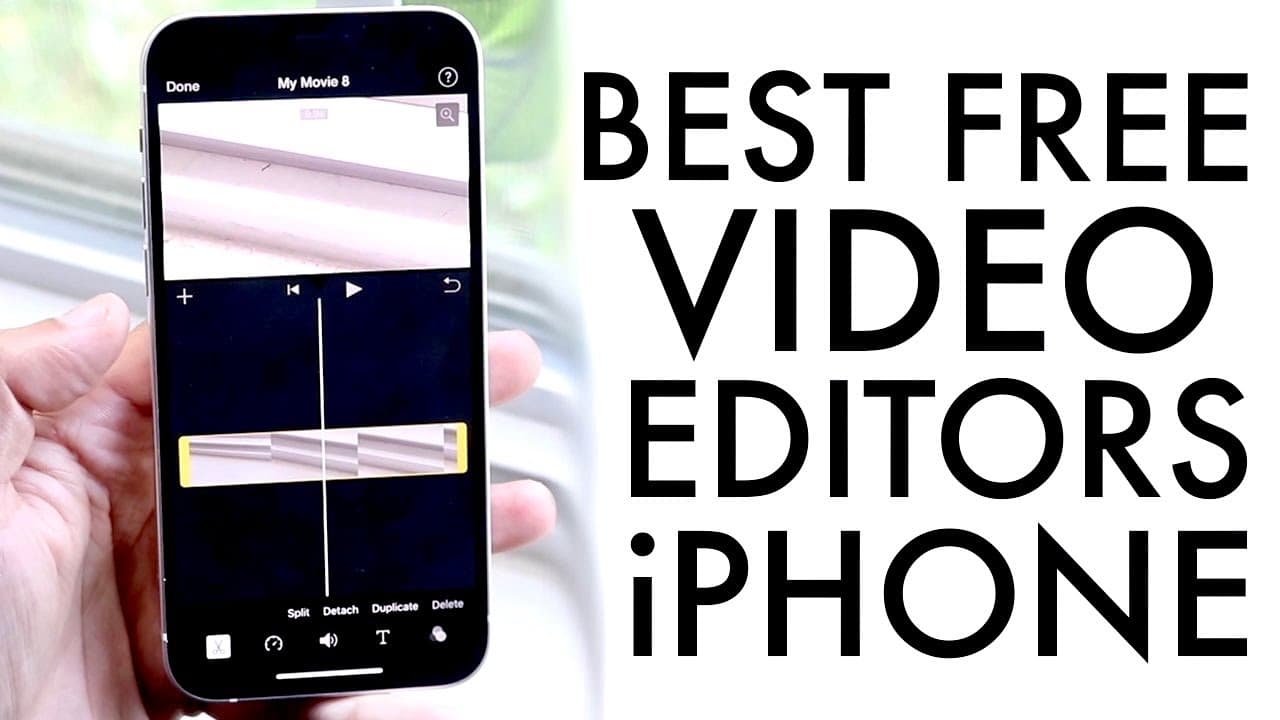
The best video editing apps for iPhone include iMovie, Video Leap, Cap Cut, and Film Maker Pro. iMovie is recommended for beginners due to its user-friendly features and free accessibility. Video Leap is ideal for trendy TikTok videos, while Cap Cut offers additional editing capabilities. Film Maker Pro suits users seeking more advanced options, though it lacks 4K export.
Transcript
what's up everyone and welcome back to the channel let's go ahead and break down some of my favorite video editing apps i guess on really any iphone that you can download now these range from basic apps to more intensive things a lot of these are great for if you want to film a quick video you know if you want to just edit a tick tock or instagram ... Read More
Key Insights
- 🛟 iMovie is pre-installed and serves as an ideal starting point for novice video editors on iPhones.
- 💁 Video Leap offers extensive editing functions suited for trendy, short-form videos like TikTok clips.
- 🛝 Cap Cut provides a well-rounded experience with additional editing features, including brightness and color adjustments.
- 🖤 Film Maker Pro targets users familiar with more intense editing; however, it lacks 4K export capability.
- 😀 Users are encouraged to select apps based on their editing needs, whether for casual social media posts or more complex projects.
- 😀 Each app has unique strengths, catering to different levels of experience and project requirements.
- 😀 The tutorial guidance in apps like Video Leap enhances user confidence in creating content.
Install to Summarize YouTube Videos and Get Transcripts
Explore YouTube Video Summarizer or Get YouTube Transcript Extractor
Questions & Answers
Q: What makes iMovie stand out among the video editing apps discussed?
iMovie is highlighted as a cult classic and comes pre-installed on many iPhones, making it easily accessible. Its features are comparable to Final Cut Pro, allowing users to edit videos with tools like trimming, speed adjustments, and audio manipulations, all in a user-friendly interface. Its ease of exporting videos is also emphasized, making it great for quick edits.
Q: Can you compare Video Leap with other video editing apps?
Video Leap is appreciated for its extensive features, ideal for creating TikTok and Instagram videos. It offers a range of capabilities that surpass those of iMovie in some areas but may encounter stability issues, such as occasional crashes. It supports exporting in 4K resolution and allows users to change frames per second, adding more versatility.
Q: How does Cap Cut compare to iMovie and Video Leap?
Cap Cut is noted as another strong free editing option, providing various features that rival both iMovie and Video Leap. Users can edit videos, add audio and text, and apply various effects and filters. Additionally, Cap Cut allows adjustments like brightness and contrast, enhancing the video quality, although it does not support 4K export like Video Leap.
Q: What is the recommended order of video editing apps based on personal preference?
The creator ranks the apps in this hierarchy: iMovie as the top choice due to its user-friendliness and feature set, followed by Video Leap for its extensive capabilities, then Cap Cut for its solid free features, and finally Film Maker Pro, which, despite being decent, lacks some key export functions such as 4K support.
Summary & Key Takeaways
-
The content discusses various video editing apps suitable for iPhone users, ranging from basic to more advanced tools.
-
Key apps highlighted include iMovie, Video Leap, Cap Cut, and Film Maker Pro, with each offering different features and capabilities for users.
-
The creator recommends iMovie as the best option for most users, based on its ease of use and comprehensive free features.
Read in Other Languages (beta)
Share This Summary 📚
Summarize YouTube Videos and Get Video Transcripts with 1-Click
Try YouTube Summary with ChatGPT & Claude or YouTube Transcript Generator
Explore More Summaries from Simple Alpaca 📚






Summarize YouTube Videos and Get Video Transcripts with 1-Click
Try YouTube Summary with ChatGPT & Claude or YouTube Transcript Generator