How to Use Freeform on Mac - New brainstorming app from Apple
TL;DR
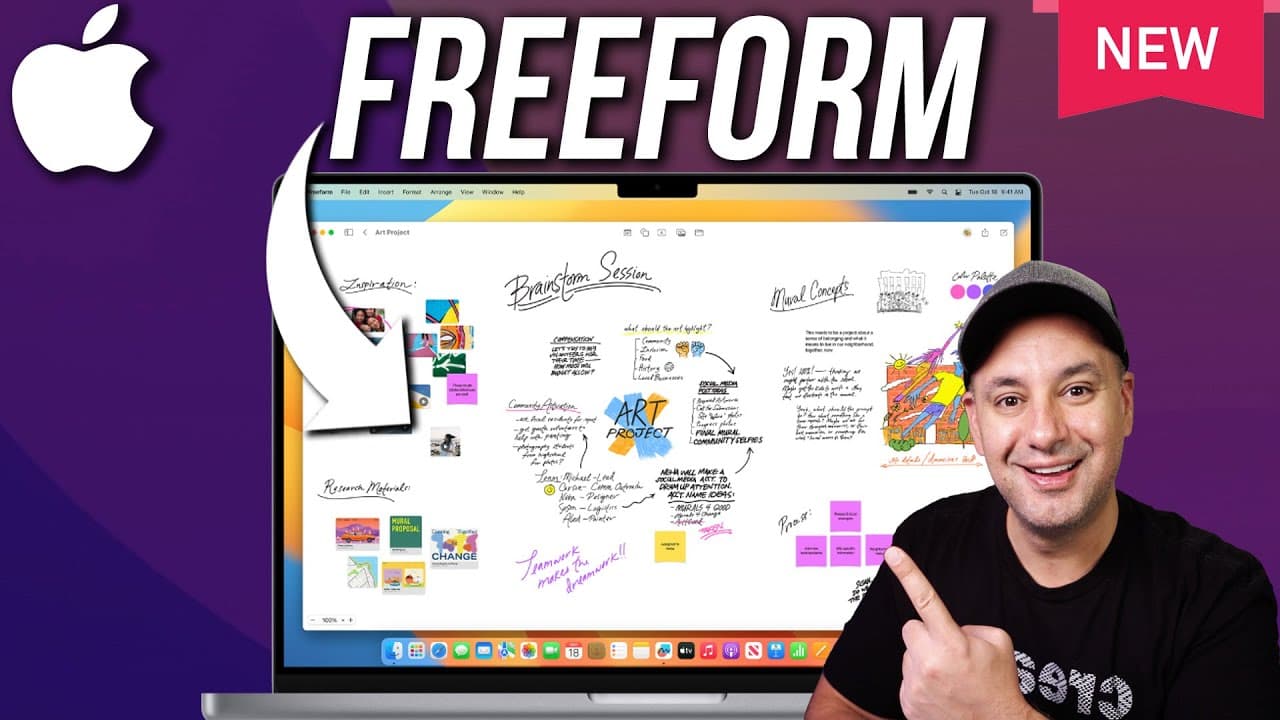
Freeform is a versatile brainstorming app by Apple for Mac, iPad, and iPhone that enables visual idea organization and sharing.
Transcript
freeform is a brand new visual brainstorming app that's available from Apple on Mac iPad and iPhone and you could actually sync any project you create on one of those platforms across all your devices I'll show you exactly how to get started with freeform on a Mac here in this video and I have a dedicated iPhone and iPad video that I'll link below ... Read More
Key Insights
- 👻 Freeform allows users to create visual projects for brainstorming and organizing ideas efficiently.
- 😀 The app offers a variety of tools, including sticky notes, shapes, text, photos, videos, and sketches, for creative expression.
- 👤 Users can share their projects with others and collaborate on ideas through different sharing options.
- 💦 Syncing between devices is seamless, enabling users to work on their projects across all Apple devices.
- 🫵 Freeform provides a user-friendly interface with features like zoom, grid views, and color customization for enhanced creativity.
- 😀 The app supports collaborative work by allowing multiple users to edit or view projects through sharing options.
- 🧑💻 Troubleshooting syncing issues involves checking iCloud settings and ensuring all devices are logged into the same iCloud account.
Install to Summarize YouTube Videos and Get Transcripts
Explore YouTube Video Summarizer or Get YouTube Transcript Extractor
Questions & Answers
Q: How can users sync their projects across all Apple devices?
Users can sync their projects by ensuring they have the latest updates on Mac (Ventura 13.1 or later) and iOS (16.2) and enabling iCloud syncing in the system settings.
Q: What are the main features of Freeform for organizing ideas visually?
Freeform allows users to add sticky notes, shapes, text, photos, videos, sketches, and descriptions to their projects, offering a range of creative tools for brainstorming.
Q: How can users share their Freeform projects with others?
Users can share their projects via text message, email, or by inviting others to edit or view the project through a link, with options to control permissions for editing.
Q: How can users troubleshoot syncing issues between devices when using Freeform?
Users experiencing syncing issues can ensure their iCloud settings are turned on for Freeform on all devices, allowing seamless syncing between devices logged into the same iCloud account.
Summary & Key Takeaways
-
Freeform is a visual brainstorming app for Mac, iPad, and iPhone that allows syncing across devices.
-
Users can create projects, add sticky notes, shapes, text, photos, videos, and sketches to organize ideas visually.
-
The app offers sharing options, syncing between devices, and various tools for creative brainstorming.
Read in Other Languages (beta)
Share This Summary 📚
Summarize YouTube Videos and Get Video Transcripts with 1-Click
Try YouTube Summary with ChatGPT & Claude or YouTube Transcript Generator
Explore More Summaries from Howfinity 📚






Summarize YouTube Videos and Get Video Transcripts with 1-Click
Try YouTube Summary with ChatGPT & Claude or YouTube Transcript Generator