Automating Link Building with Zapier (Advanced Tutorial)
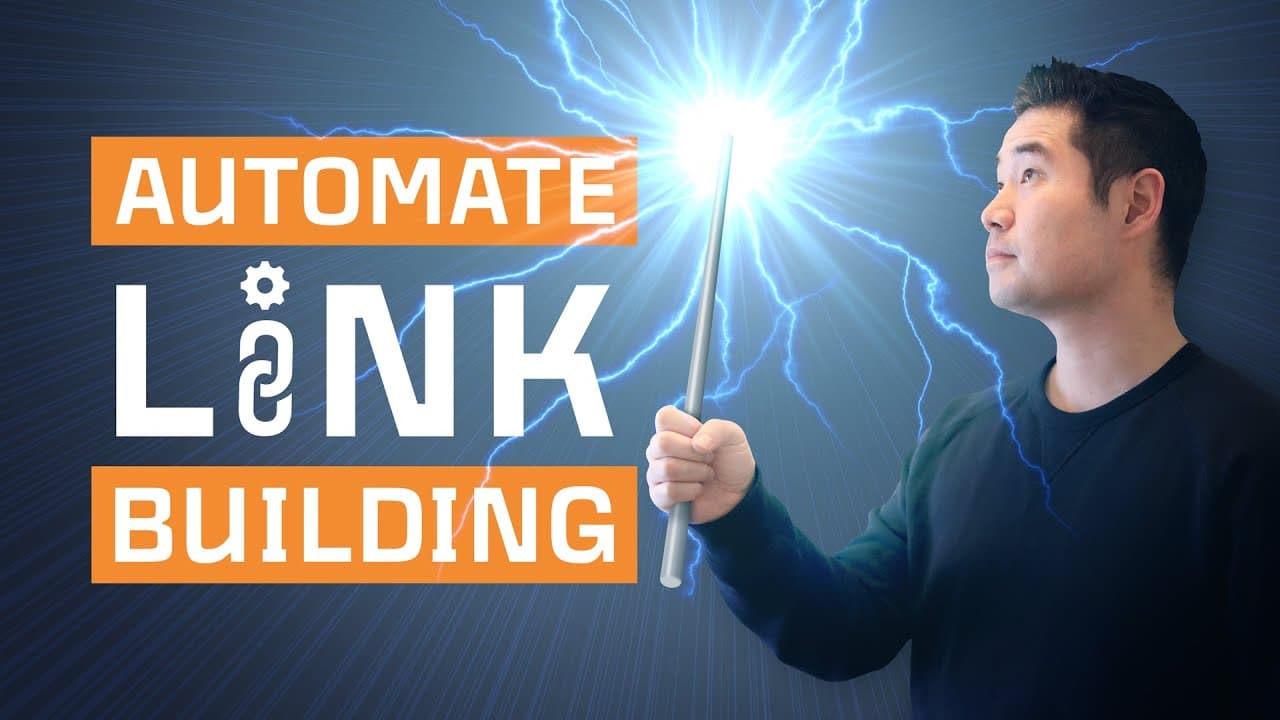
TL;DR
Learn to automate link building with Zapier for efficiency.
Transcript
Link building is a time suck. You have to find prospects, vet them, find their emails, verify them, and send outreach emails plus some follow ups. But half of these steps can be semi-automated using Zapier. So if you want to learn how to automate these 3 steps of the link building process, then stay tuned. [music] If you haven't heard of Zapier it'... Read More
Key Insights
- Zapier allows the automation of repetitive tasks in link building, such as email finding and outreach, by connecting web apps through 'If... Then' statements.
- Creating 'zaps' in Zapier can significantly reduce the manual workload in link building, allowing more time for personalization and conversion improvement.
- The tutorial emphasizes the importance of setting a trigger in Zapier, using Google Sheets as an example to start automations when a row is updated.
- Email finding can be automated using the Hunter app, which requires mapping domain, first name, and last name fields for accurate results.
- Email validation is crucial to ensure deliverability, using NeverBounce to verify email addresses and setting filters in Zapier to proceed only with valid emails.
- Mailshake is recommended for sending personalized outreach emails and follow-ups, integrating seamlessly with Zapier for automated campaign management.
- Updating Google Sheets dynamically with results from Zapier automations helps in tracking progress and managing data efficiently.
- The tutorial outlines a comprehensive six-step process for automating link building, from setting triggers to sending emails and updating data.
Install to Summarize YouTube Videos and Get Transcripts
Explore YouTube Video Summarizer or Get YouTube Transcript Extractor
Questions & Answers
Q: What is Zapier and how does it help in link building?
Zapier is a tool that connects web apps using 'If... Then' statements, enabling automation of repetitive tasks. In link building, it helps automate processes like finding and verifying emails, sending outreach emails, and updating spreadsheets, thereby saving time and effort.
Q: How does the tutorial suggest finding and verifying emails?
The tutorial suggests using the Hunter app within Zapier to find emails by mapping domain, first name, and last name fields. For verification, it uses the NeverBounce app to ensure emails are deliverable, employing filters to proceed only with valid email addresses.
Q: What role does Google Sheets play in the automation process?
Google Sheets acts as a central hub for managing and tracking data. It is used to store prospect information, trigger automations when rows are updated, and dynamically update with results from the email finding and validation processes to ensure data integrity.
Q: Why is setting a trigger important in Zapier automations?
Setting a trigger is crucial as it defines when an automation should start. In the tutorial, a trigger is set in Google Sheets to initiate the process when a row is updated, ensuring the automation runs only under specific conditions, thus maintaining control and accuracy.
Q: How does Mailshake integrate into the link building automation?
Mailshake is used for sending personalized outreach emails and follow-ups. It integrates with Zapier to automatically add prospects to campaigns, using data from Google Sheets. This integration streamlines the email sending process, allowing for efficient and targeted outreach.
Q: What are the potential challenges in automating link building?
Challenges include ensuring data accuracy, especially with email finding and validation, managing app integrations and permissions, and setting appropriate triggers and filters to prevent errors. The tutorial addresses these by demonstrating detailed setup and testing for each step.
Q: What are the benefits of automating link building tasks?
Automating link building tasks reduces manual workload, increases efficiency, and allows marketers to focus on strategic aspects like personalization and conversion optimization. It also ensures consistency in processes and helps manage large volumes of data more effectively.
Q: Can the automation process be customized for different needs?
Yes, Zapier's flexibility allows customization of automation processes to fit different needs. Users can choose from over 2,000 apps to create tailored workflows, set specific triggers and actions, and adjust filters to meet their unique link building objectives and strategies.
Summary & Key Takeaways
-
The tutorial demonstrates how to use Zapier to automate parts of the link building process, reducing manual effort and increasing efficiency. It explains setting triggers, finding emails, validating them, and sending outreach emails using various web apps.
-
Zapier's integration with over 2,000 apps provides endless possibilities for automation. The video focuses on link building, illustrating how to connect apps like Google Sheets, Hunter, and Mailshake to streamline the process.
-
By automating tasks such as email finding and validation, the tutorial shows how marketers can save time and focus on more strategic outreach efforts. The process includes setting up zaps, validating emails, and updating spreadsheets for tracking.
Read in Other Languages (beta)
Share This Summary 📚
Summarize YouTube Videos and Get Video Transcripts with 1-Click
Try YouTube Summary with ChatGPT & Claude or YouTube Transcript Generator
Explore More Summaries from Ahrefs 📚

![Why Your Blog Content Has to be Great [6.1] thumbnail](/_next/image?url=https%3A%2F%2Fi.ytimg.com%2Fvi%2F4qPaHyOQA9c%2Fhqdefault.jpg&w=750&q=75)

Summarize YouTube Videos and Get Video Transcripts with 1-Click
Try YouTube Summary with ChatGPT & Claude or YouTube Transcript Generator