Create a Clickable (HTML5) US Map in Minutes!
TL;DR
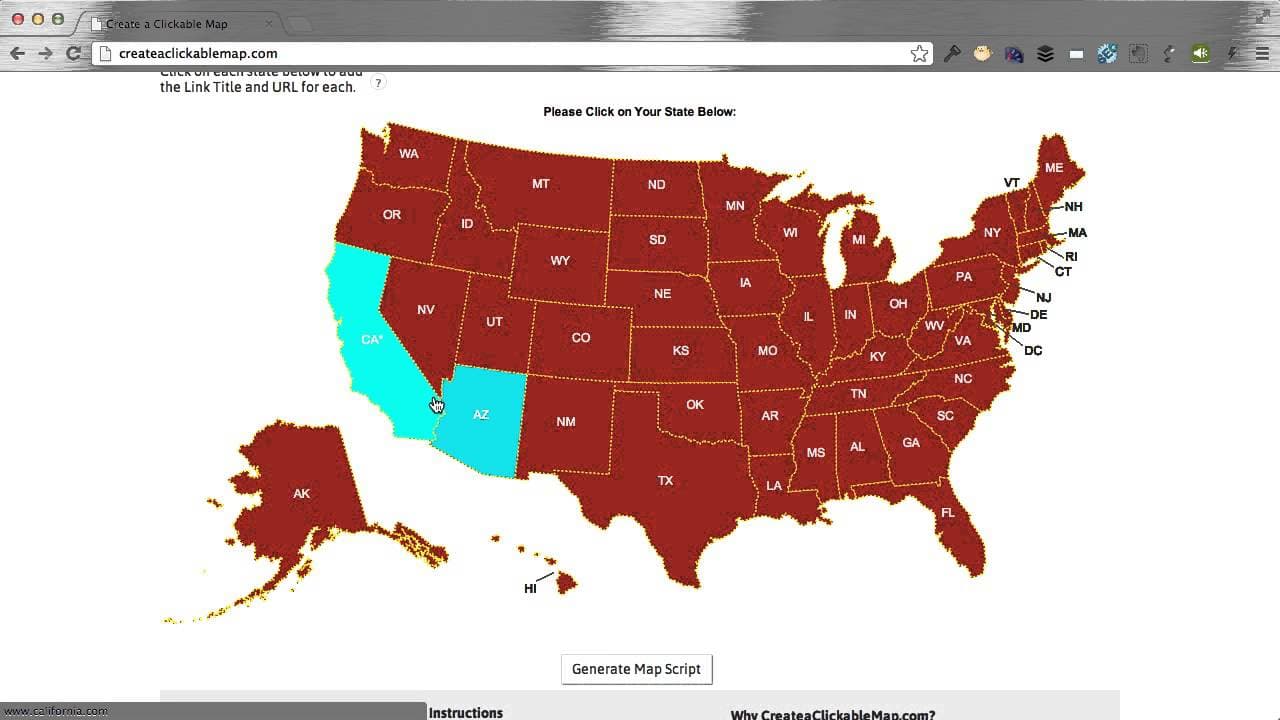
Easily build a customized clickable map without coding or wasting time or money.
Transcript
hey my name is pat flynn and welcome to create a clickable map calm or you can easily build your own customized clickable html5 compatible map without the developers or learning how to code or wasting time or money or any that stuff now this is gonna be a quick video tutorial to show you how to use a tool and what you can do with it so let's get st... Read More
Key Insights
- 👤 Users can easily customize the size, font, colors, and labels of a clickable map to match their website's aesthetic.
- 👤 The tool offers the flexibility to change the state colors and labels when hovered over for improved user experience.
- 👤 Users can add links to specific states, enabling visitors to navigate to relevant pages directly from the map.
- 🤗 The ability to choose border style, color, and whether links open in a new window provides further customization options.
- 👤 Saving the map for future editing requires a one-time payment, but users can still obtain the code for free to use it on their website.
- 🍁 The tutorial provides clear instructions on how to generate the map script and where to paste it on different platforms.
- 💌 FAQ section and email support are available for users with additional questions or inquiries.
Install to Summarize YouTube Videos and Get Transcripts
Explore YouTube Video Summarizer or Get YouTube Transcript Extractor
Questions & Answers
Q: How can I change the size of the map to fit my website?
To adjust the width and height of the map, simply input the desired dimensions proportional to your website's content area. For example, if your content area is 600 pixels wide, change the width setting to 600.
Q: Can I customize the colors of individual states on the map?
Yes, you can change the color of each state by selecting the state and entering the desired color in the "Allstate's color" field. You can also change the color of individual states' labels when hovered over.
Q: How do I add links to specific states on the map?
Click on a state and enter the link title and URL in the corresponding fields. This allows users to click on a state and be redirected to the provided URL.
Q: Is it possible to save the map for future editing?
Yes, you have the option to save the map for a one-time payment of $9.99. Alternatively, you can obtain the code for free and use it on your website without the ability to make future changes.
Summary & Key Takeaways
-
The tutorial demonstrates how to use a tool to create a clickable map with customizable features such as font, colors, labels, borders, and more.
-
Users can adjust the width and height of the map to fit their website and change the font and colors to match their branding.
-
The tool allows users to add links to each state, customize border style and color, and choose whether links open in a new window.
Read in Other Languages (beta)
Share This Summary 📚
Summarize YouTube Videos and Get Video Transcripts with 1-Click
Try YouTube Summary with ChatGPT & Claude or YouTube Transcript Generator
Explore More Summaries from Pat Flynn 📚



Summarize YouTube Videos and Get Video Transcripts with 1-Click
Try YouTube Summary with ChatGPT & Claude or YouTube Transcript Generator