Essential iPad Productivity Tips
TL;DR
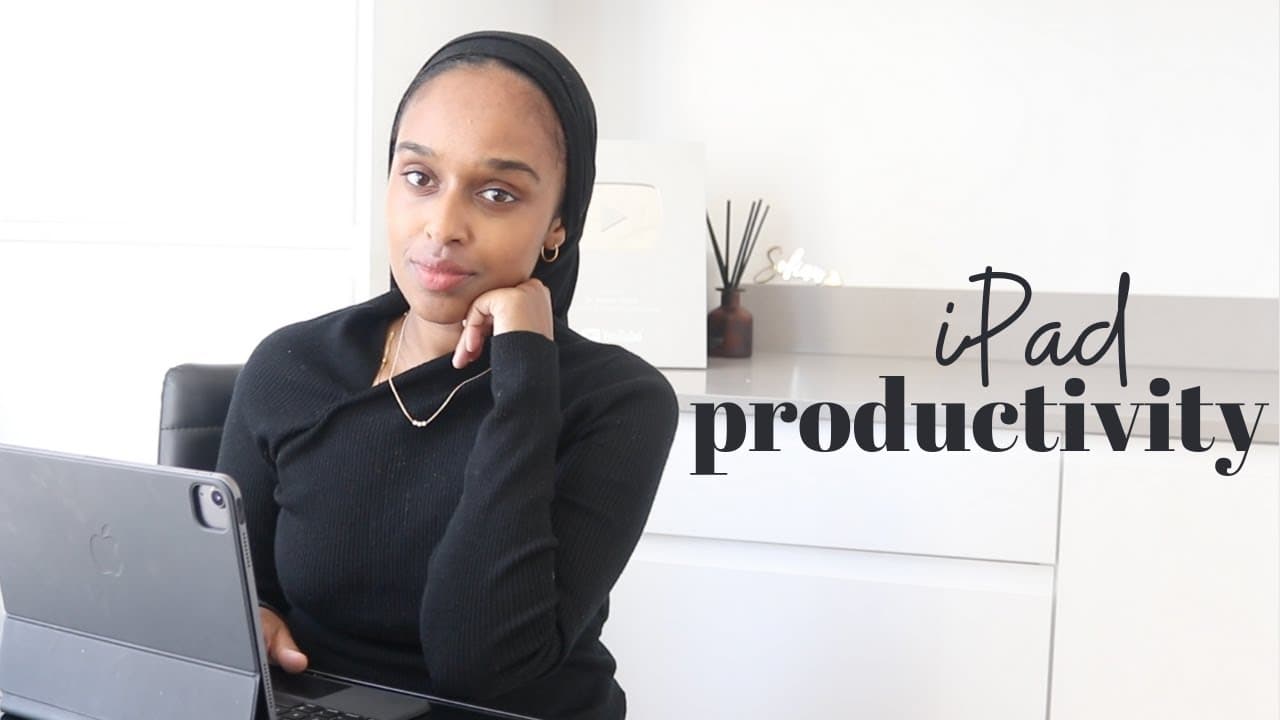
Maximize productivity with the iPad through note-taking, PDF annotation, scripting, planning, journaling, as a second screen, for studying, and audio resources.
Transcript
hey everyone and welcome back to my channel if you are new here my name is amina and you probably noticed a brand new background as you can see i have moved into a new place and still kind of deciding on my filming space and still getting furniture arrived and all sorts of things and that's why i've taken a little break from posting but i am back i... Read More
Key Insights
- 💦 The iPad's versatility enhances productivity through PDF annotation, note-taking, and scripting for work-related tasks.
- ❓ Its functionality as a planner and journal offers portable organization and task management solutions.
- 💻 Utilizing the iPad as a second screen optimizes multitasking and seamless transitions between multiple applications.
- 🥶 The iPad supports studying, learning, and active engagement through distraction-free environments.
- 🎙️ Accessing audio resources like podcasts and ebooks on the iPad complements productivity during various tasks.
- 😀 Customizable app settings ensure a productive work environment by minimizing distractions.
- 👻 The iPad's portability allows for efficient task completion in short intervals, enhancing overall time management.
Install to Summarize YouTube Videos and Get Transcripts
Explore YouTube Video Summarizer or Get YouTube Transcript Extractor
Questions & Answers
Q: How does the iPad enhance productivity through PDF annotation?
The iPad streamlines work by offering a user-friendly platform for annotating PDFs, scanning documents, and managing various types of content effortlessly.
Q: In what ways does the iPad facilitate note-taking for users?
Utilizing note-taking apps like Notability, the iPad enables users to take quick, organized notes, access them across multiple devices, and enhance productivity during lectures, meetings, and scripting video content.
Q: How can the iPad serve as a portable planner and journal?
With customized planner templates and journaling functionalities, the iPad provides a digital solution for planning tasks, time blocking, and documenting daily activities on-the-go.
Q: What are the benefits of using the iPad as a second screen for productivity?
By extending the screen functionality, the iPad enables multitasking, seamless transitions between apps, efficient note-taking during lectures or meetings, and enhances overall work efficiency.
Summary & Key Takeaways
-
The iPad is utilized for productivity through PDF annotation, note-taking, and scripting to facilitate work-related activities efficiently.
-
It serves as a planner and journal, offering portability and ease of use for scheduling and organizing tasks effectively.
-
Additionally, the iPad functions as a second screen, supports studying, learning, and serves as an audio resource hub for podcasts and ebooks.
Read in Other Languages (beta)
Share This Summary 📚
Summarize YouTube Videos and Get Video Transcripts with 1-Click
Try YouTube Summary with ChatGPT & Claude or YouTube Transcript Generator
Explore More Summaries from Dr Amina Yonis 📚





Summarize YouTube Videos and Get Video Transcripts with 1-Click
Try YouTube Summary with ChatGPT & Claude or YouTube Transcript Generator