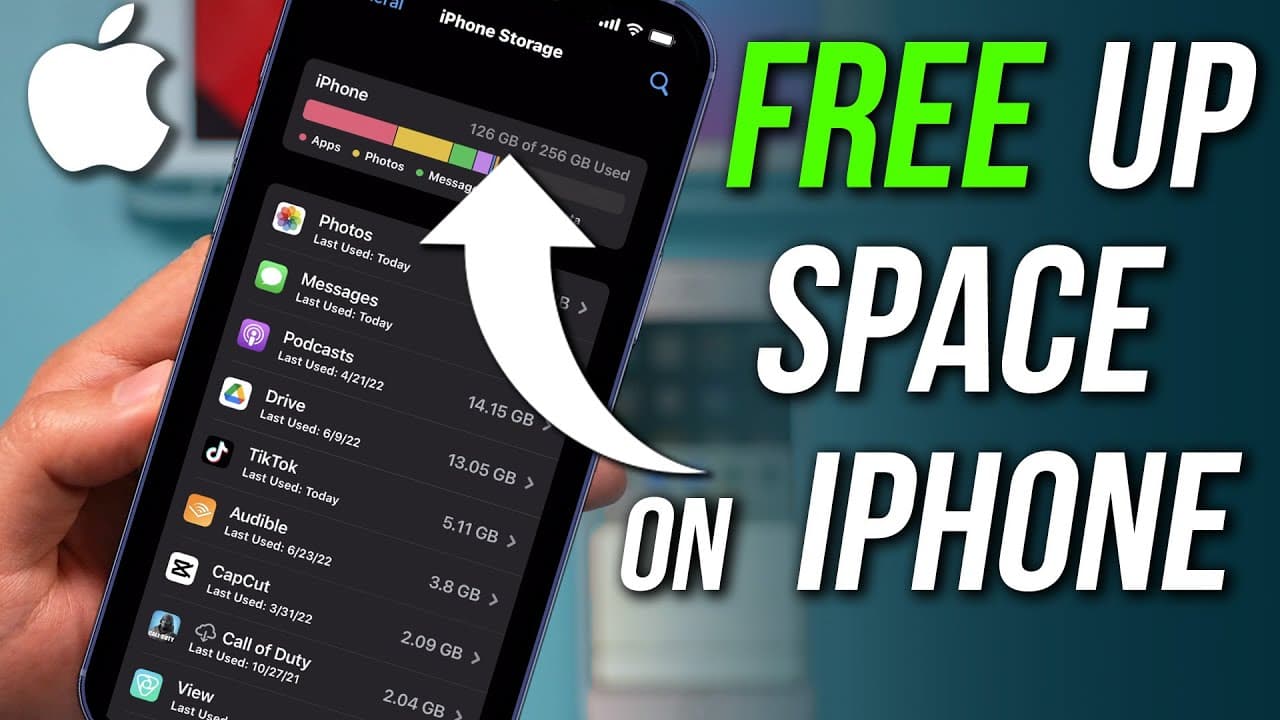
How To Free Up Space On iPhone
TL;DR
Learn how to free up space on your iPhone by backing up to iCloud and removing photos, messages, and unused apps.
Transcript
i want to show you exactly how to free up space on your iphone so if you're running out of space on your iphone this is going to be the exact step-by-step process of freeing up more storage and i should mention this same process works on freeing space on ipad as well and it works for pretty much every iphone it's been the same for a long time and i... Read More
Key Insights
- 🥹 Backing up data to iCloud before cleaning up iPhone storage is crucial to prevent data loss.
- 🥶 Utilize options like iCloud and Google Photos to back up photos and free up space on your iPhone.
- 😀 Deleting unnecessary messages, offloading unused apps, and clearing system data are effective ways to maximize storage on your device.
- 👾 Identifying and managing storage-hungry apps like games can significantly impact available space.
- 🥶 Freeing up space on your iPhone can improve performance and functionality.
- ❓ Regularly reviewing and decluttering your iPhone storage can prevent storage issues in the future.
- 👾 Understanding the different types of data that consume space on your device helps in efficient cleanup.
Install to Summarize YouTube Videos and Get Transcripts
Explore YouTube Video Summarizer or Get YouTube Transcript Extractor
Questions & Answers
Q: Why is it important to back up data to iCloud before cleaning up iPhone storage?
Backing up to iCloud ensures that you don't lose any important data while removing content from your phone. It provides a safety net in case you accidentally delete something crucial.
Q: What are the different options for backing up photos from an iPhone?
You can use iCloud to back up photos to the cloud or use Google Photos as an alternative backup option. Both methods allow you to remove photos from your phone without losing them permanently.
Q: How can you efficiently delete messages to free up storage on an iPhone?
By going to the Messages section in iPhone Storage, you can easily delete photos and videos that take up space. Select and delete items to create more storage on your device.
Q: What is the benefit of offloading unused apps instead of deleting them?
Offloading apps allows you to free up space taken up by apps you don't use without losing your data. This way, you can reinstall the app in the future with your saved information intact.
Summary & Key Takeaways
-
Back up your data to iCloud to ensure you don't lose anything important during the space cleanup process.
-
Use iCloud or Google Photos to back up your photos and then delete them from your phone to free up significant space.
-
Delete unnecessary messages, offload unused apps, and clear system data to maximize storage on your iPhone.
Read in Other Languages (beta)
Share This Summary 📚
Summarize YouTube Videos and Get Video Transcripts with 1-Click
Try YouTube Summary with ChatGPT & Claude or YouTube Transcript Generator
Explore More Summaries from Howfinity 📚






Summarize YouTube Videos and Get Video Transcripts with 1-Click
Try YouTube Summary with ChatGPT & Claude or YouTube Transcript Generator