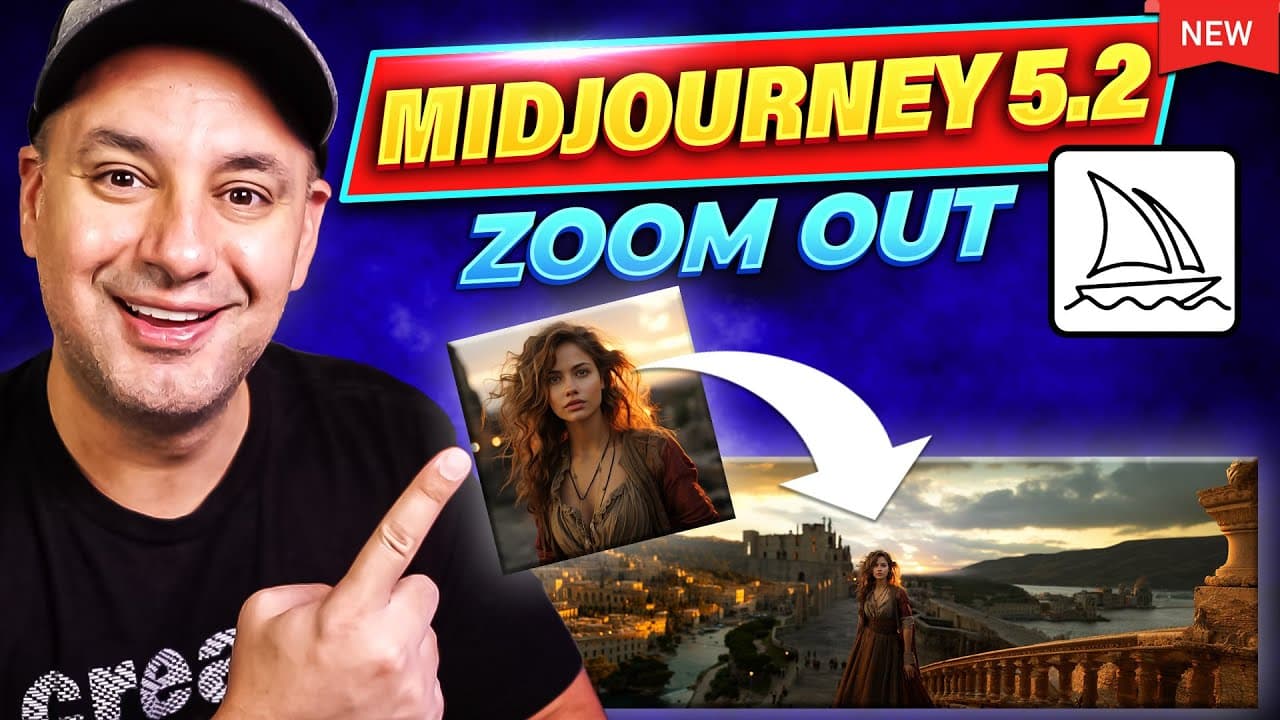
Midjourney 5.2 is Unbelievable - Zoom out inside Midjourney
TL;DR
Mid-Journey version 5.2 introduces variation control and zoom options for enhanced image manipulation.
Transcript
mid-journey just released version 5.2 and he has some of the biggest upgrades I've ever seen inside of mid-journey the first one is variation control now you could get subtle variations in one click it now does a much better job understanding your text input and the biggest update that I've seen mid-journey release ever is now you could zoom out an... Read More
Key Insights
- 🖕 Mid-Journey version 5.2 introduces variation control for subtle image changes.
- 😣 Users can now zoom out and fill out the rest of the image in Mid-Journey 5.2.
- 🥳 Custom options like aspect ratio adjustments offer more control over image sizes.
- ❓ The platform is releasing an entire learning platform for generative AI courses.
- 👻 Mid-Journey 5.2 allows for unique image manipulation techniques with customizable options.
- 👤 The upgrades in Mid-Journey 5.2 aim to enhance user experience and output quality.
- 🎮 Variation control and zoom features in Mid-Journey 5.2 provide increased flexibility for image editing.
Install to Summarize YouTube Videos and Get Transcripts
Explore YouTube Video Summarizer or Get YouTube Transcript Extractor
Questions & Answers
Q: What are the key upgrades in Mid-Journey version 5.2?
Mid-Journey version 5.2 introduces variation control for subtle image changes, enhanced text input understanding, and customizable zoom options for image manipulation.
Q: How does the variation control feature work in Mid-Journey?
Variation control in Mid-Journey allows users to choose between strong and subtle variations, providing different output options while maintaining the fundamental prompt.
Q: What custom options are available in Mid-Journey version 5.2?
Users can customize zoom levels, aspect ratios, and image sizes in Mid-Journey version 5.2, allowing for more control over the final output.
Q: What is the significance of the zoom feature in Mid-Journey 5.2?
The zoom feature in Mid-Journey 5.2 enables users to zoom out and upscale images, providing a wider perspective and more detailed output possibilities.
Summary & Key Takeaways
-
Mid-Journey version 5.2 offers upgrades like variation control for subtle image changes with one click.
-
Zoom feature allows users to fill out the rest of the image and customize zoom levels.
-
Custom options like aspect ratio adjustments provide more control over image sizes.
Read in Other Languages (beta)
Share This Summary 📚
Summarize YouTube Videos and Get Video Transcripts with 1-Click
Try YouTube Summary with ChatGPT & Claude or YouTube Transcript Generator
Explore More Summaries from Howfinity 📚






Summarize YouTube Videos and Get Video Transcripts with 1-Click
Try YouTube Summary with ChatGPT & Claude or YouTube Transcript Generator