How to Craft Perfect AI Prompts with One Formula
TL;DR
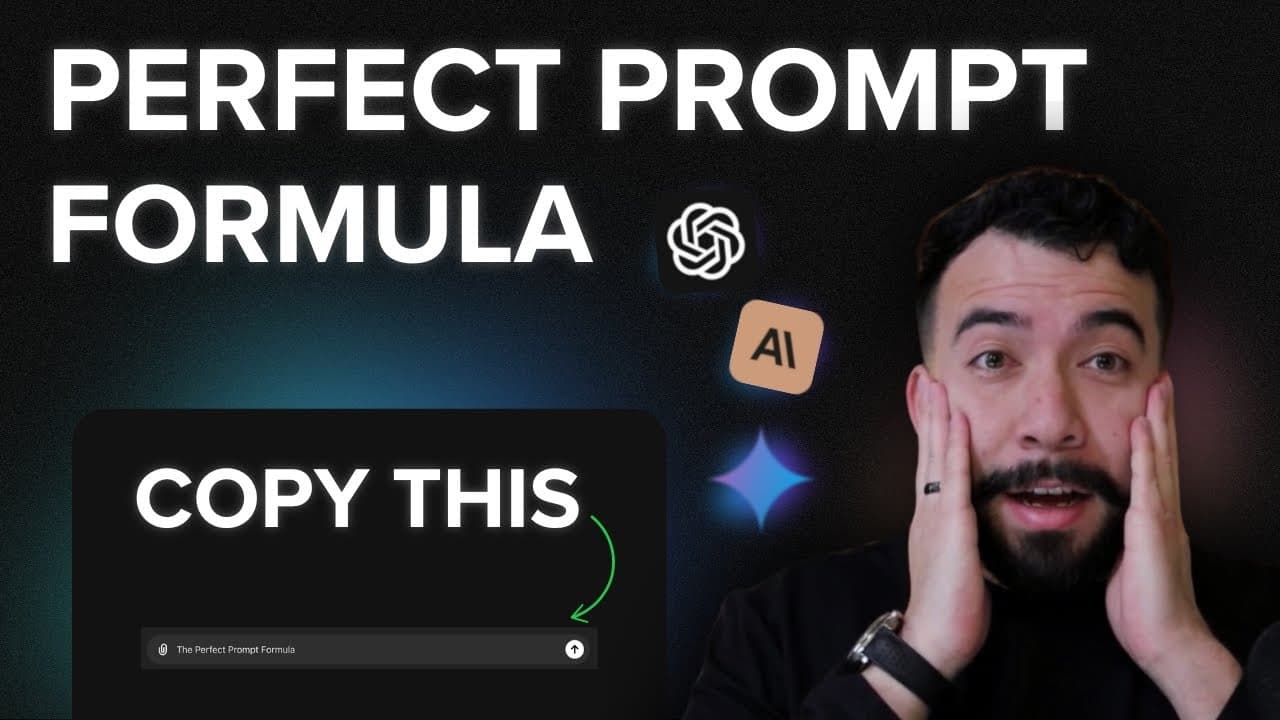
Create perfect AI prompts using a simple formula composed of role, task, and context. This method enables you to generate versatile templates for various content types across platforms like LinkedIn and YouTube, enhancing your content creation process. Build a personal library of AI prompts for efficient and high-quality output.
Transcript
in this video I'm going to be showing you how to create AI prompts using one individual prompt and this is going to allow you to create templates for any use case just imagine having templates and prompts for LinkedIn Twitter for YouTube blog post content and whatever material that you want to use and reuse so let's jump into this v... Read More
Key Insights
- The video introduces a 'prompt formula' that consists of role, task, and context to guide AI in generating consistent outputs.
- Using a single prompt structure, users can create templates for various platforms like LinkedIn, Twitter, and YouTube.
- The role defines what the AI should emulate, such as a comedian or content creator, to tailor its responses.
- The task provides clear instructions to the AI, ensuring the output aligns with the user's expectations.
- Context helps the AI understand the situation, reducing the chances of irrelevant or inaccurate results.
- The video demonstrates how to create LinkedIn post prompts by analyzing successful posts from other users.
- Building a collection of prompts can streamline content creation, research, editing, and brainstorming processes.
- The approach aims to empower users to harness AI effectively, improving productivity and creativity in content creation.
Install to Summarize YouTube Videos and Get Transcripts
Explore YouTube Video Summarizer or Get YouTube Transcript Extractor
Questions & Answers
Q: What is the main concept introduced in the video?
The video introduces a 'prompt formula' designed to create perfect AI prompts consistently. This formula consists of three components: role, task, and context. By defining these elements, users can guide AI to generate accurate and relevant outputs for various content types and platforms.
Q: How does the prompt formula improve AI outputs?
The prompt formula improves AI outputs by providing a structured approach to creating prompts. By defining a role, task, and context, the AI receives clear instructions and background information, which helps it generate more accurate and relevant content. This reduces the chances of irrelevant or inaccurate results.
Q: What are some examples of roles that can be assigned to AI?
Examples of roles that can be assigned to AI include a comedian, a sales copywriter, a LinkedIn content creator, or a YouTube scriptwriter. Assigning a role helps the AI understand the perspective it should adopt, tailoring its responses to fit the desired style or tone.
Q: How can users create LinkedIn post prompts using this method?
Users can create LinkedIn post prompts by analyzing successful posts from other users and using the prompt formula. By assigning a role (e.g., LinkedIn content creator), defining a task (e.g., create a compelling LinkedIn post), and providing context (e.g., a specific topic or audience), the AI can generate prompts that mimic successful LinkedIn content.
Q: What are the benefits of building a personal library of prompts?
Building a personal library of prompts allows users to streamline content creation, research, editing, and brainstorming processes. Having a collection of predefined prompts tailored to specific tasks or platforms improves efficiency, consistency, and the quality of AI-generated content, ultimately enhancing productivity and creativity.
Q: Can the prompt formula be used for platforms other than LinkedIn?
Yes, the prompt formula can be used for various platforms, not just LinkedIn. By adjusting the role, task, and context, users can create prompts suitable for Twitter, YouTube, blog posts, and other content types, allowing for versatile and adaptable AI-generated outputs across different mediums.
Q: What is the importance of context in the prompt formula?
Context is crucial in the prompt formula because it provides the AI with background information necessary for understanding the situation. This helps the AI generate more relevant and accurate outputs by aligning its responses with the specific circumstances or audience, reducing the likelihood of irrelevant or incorrect results.
Q: How does the video demonstrate the use of the prompt formula?
The video demonstrates the use of the prompt formula by showing how to create LinkedIn post prompts. It walks through the process of analyzing a successful LinkedIn post, applying the formula's components (role, task, context), and generating a new prompt that can be used to create similar content, illustrating the practical application of the method.
Summary & Key Takeaways
-
The video explains a method to create perfect AI prompts using a formula that includes role, task, and context. This formula allows users to generate consistent and relevant outputs across various platforms by clearly defining what the AI should do and understand.
-
By employing this method, users can create templates for different content types, such as blog posts, social media updates, and video scripts. The video provides practical examples, like creating LinkedIn post prompts, to illustrate how the formula works in real-world scenarios.
-
The presenter encourages viewers to build a personal library of prompts for diverse applications, including research and editing. This approach not only improves efficiency but also enhances the quality of the content created with AI assistance.
Read in Other Languages (beta)
Share This Summary 📚
Summarize YouTube Videos and Get Video Transcripts with 1-Click
Try YouTube Summary with ChatGPT & Claude or YouTube Transcript Generator
Explore More Summaries from Eddy Ballesteros 📚


Summarize YouTube Videos and Get Video Transcripts with 1-Click
Try YouTube Summary with ChatGPT & Claude or YouTube Transcript Generator