Best TikTok Tricks & Tips! TikTok Secrets
TL;DR
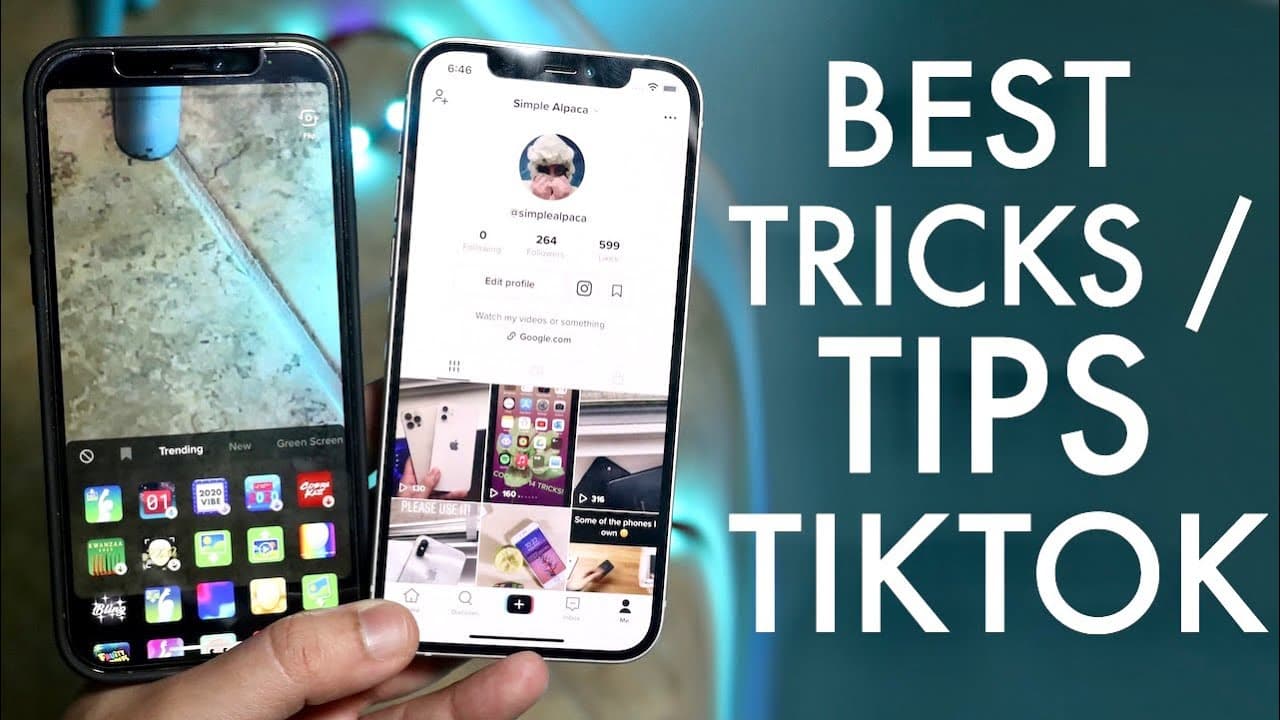
This content provides essential tips for using TikTok effectively, including how to earn badges and go live.
Transcript
welcome back everyone so i'm pretty sure everyone knows by now that tick tock is a crazy large social media platform and i just want to go ahead and break down as i've done before for the last couple of years my favorite tricks and tips for tick tock and yes i said years because i've been talking about tick tock since like 2018 and i literally love... Read More
Key Insights
- 👤 TikTok badges emphasize user engagement and achievements, with specific requirements to unlock them.
- ♿ Creators should be aware of TikTok's evolving policies around livestreaming and follower counts for broader accessibility.
- 🎮 The ability to mix different media in TikTok videos (such as photos and other videos) allows for creative content creation.
- 😀 Dark mode settings can improve visual comfort during prolonged app usage, especially in low-light environments.
- 🍻 TikTok's integration with other social media platforms can be streamlined by copying and pasting profile links effectively.
- 👤 User-created content, such as tutorials and guides, can significantly enhance the TikTok community's knowledge base.
- ❓ Familiarization with TikTok's interface is crucial for maximizing the platform’s features effectively.
Install to Summarize YouTube Videos and Get Transcripts
Explore YouTube Video Summarizer or Get YouTube Transcript Extractor
Questions & Answers
Q: What is the process to earn the 2021 badge on TikTok?
To earn the 2021 badge on TikTok, you first need to access the "Year in Review" feature from the app. You can find the option either on your main page or via the search function. After viewing and going through the customization prompts, you will have the option to post a year-in-review video, which will enable the badge on your profile once uploaded.
Q: How do I go live on TikTok if I don’t have a thousand followers?
To go live on TikTok without a thousand followers, navigate to your profile, click on the three dots to access settings, and select the "Report a Problem" option. Then report an issue with going live, explain your eligibility (age, account status), and TikTok support may assist in enabling live features on your account.
Q: What are the steps to add a photo to a TikTok video?
To add a photo to a TikTok video, click the plus icon to create a new post, then choose the effects button where you'll find a photo option. After selecting the desired photo, position it within the video and you can record your commentary to accompany the visual. This enhances engagement by combining different media types.
Q: How can I switch TikTok to dark mode?
To change TikTok to dark mode, you need to adjust the settings on your mobile device rather than the app itself. For iPhones, navigate to the Display settings and select Dark Mode. For Android devices, find the dark mode toggle option in your settings. Once activated, reopen TikTok to see the new dark theme applied.
Summary & Key Takeaways
-
The video breaks down various helpful TikTok tips, such as how to obtain the 2021 badge, which requires posting a specific year-review video.
-
Instruction is provided on how to go live on TikTok, highlighting the follower requirement and a workaround for creators with fewer followers.
-
Additional topics include adding images or videos into posts and tips on switching TikTok's appearance to dark mode.
Read in Other Languages (beta)
Share This Summary 📚
Summarize YouTube Videos and Get Video Transcripts with 1-Click
Try YouTube Summary with ChatGPT & Claude or YouTube Transcript Generator
Explore More Summaries from Simple Alpaca 📚






Summarize YouTube Videos and Get Video Transcripts with 1-Click
Try YouTube Summary with ChatGPT & Claude or YouTube Transcript Generator