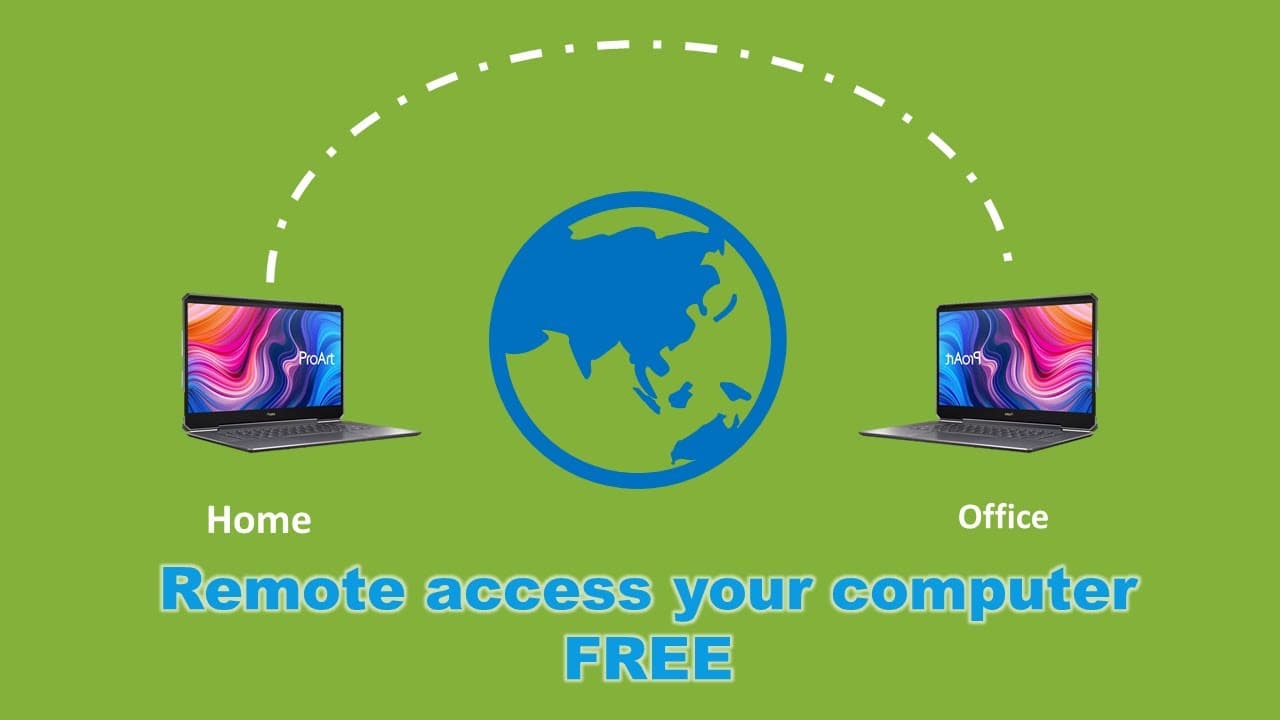
work at home free software to remote access your computer and transfer file between them
TL;DR
This content explains how to use Chrome Remote Desktop for accessing office computers from home.
Transcript
so last time we are talking about when we work at home they can do a group meeting share share files and group chat video video chat this time we'll talk about how to access your office computers room your home computer there is free tools to do that the name of the tools is chrome remote chrome remote chrome remote desktop it is made by Google so ... Read More
Key Insights
- 🥶 Chrome Remote Desktop is a free, user-friendly tool created by Google for remote computer access.
- 😀 The setup process involves downloading the app and linking devices through the same Google account.
- 😴 Users can provide names and PINs for their devices to ensure secure access.
- 👻 The tool supports file transfers, enhancing productivity by allowing seamless access to necessary documents.
- 💦 Remote desktop tools like this one are essential for modern remote work environments.
- 😒 It is crucial to ensure a stable internet connection for effective use of remote desktop services.
- 💦 Chrome Remote Desktop can work with various operating systems and hardware configurations, making it versatile.
Install to Summarize YouTube Videos and Get Transcripts
Explore YouTube Video Summarizer or Get YouTube Transcript Extractor
Questions & Answers
Q: What is Chrome Remote Desktop, and how does it help users?
Chrome Remote Desktop is a free service from Google that allows users to remotely access their computers from anywhere using a web browser. This tool is especially useful for remote workers needing to access files or applications from their office computer while working at home. It provides a secure and reliable connection, making it easy to manage work tasks remotely.
Q: How do you set up Chrome Remote Desktop for the first time?
To set up Chrome Remote Desktop, first ensure you have a Google account. After logging in, you need to click the "Set up remote access" button. This process begins the installation of the Chrome Remote Desktop application on your computer, allowing you to name the device and set a PIN for secure access.
Q: What steps do you follow to access your office computer from home?
To access your office computer from home, start by launching the Chrome Remote Desktop application on your home computer. You need to log in with the same Google account used on your office computer. Once you're in the application, select the office computer from the list and enter the required PIN to establish the remote connection.
Q: Can you transfer files between your home and office computers using Chrome Remote Desktop?
Yes, Chrome Remote Desktop allows you to transfer files easily between your home and office computers. After establishing a connection, you can use the drag-and-drop feature to upload files to your office computer or download files to your home computer, streamlining the workflow for remote tasks.
Summary & Key Takeaways
-
The video discusses the benefits of using Chrome Remote Desktop, a free Google tool, to access office computers from home securely and easily.
-
It details the setup process, including logging into your Google account and installing the necessary application on both home and office computers.
-
The demonstration shows how to transfer files between the home and office computer, ensuring seamless remote work capabilities.
Read in Other Languages (beta)
Share This Summary 📚
Summarize YouTube Videos and Get Video Transcripts with 1-Click
Try YouTube Summary with ChatGPT & Claude or YouTube Transcript Generator
Explore More Summaries from E Micro Tech 📚

Summarize YouTube Videos and Get Video Transcripts with 1-Click
Try YouTube Summary with ChatGPT & Claude or YouTube Transcript Generator