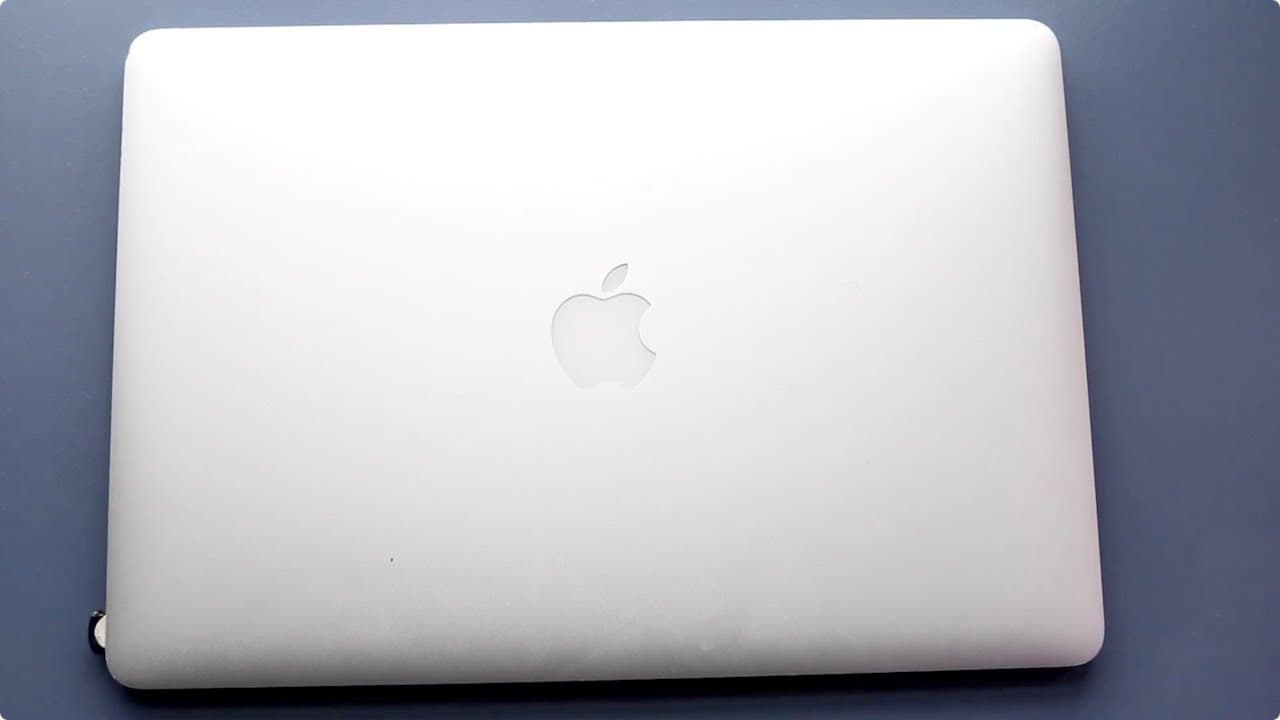
2015 Retina Macbook Pro In 2021! (Still Worth Buying?) (Review)
TL;DR
The 2015 Retina MacBook Pro remains relevant and reliable for everyday tasks.
Transcript
well everyone let's talk about another macbook that i'm pretty much i think if there's one macbook that i know the most about it is pretty much these specific macbooks the 2015 retina macbook pros now what i can tell you about these macbooks is that they are such solid macbooks in so many different ways and i think as a public consensus every time ... Read More
Key Insights
- 👋 The 2015 Retina MacBook Pro is often regarded as one of the best MacBooks produced by Apple, with a strong community endorsement on platforms like Reddit.
- 🎹 User experiences reveal that the keyboard design of the 2015 model is superior to that of recent MacBooks, avoiding the butterfly keyboard issues.
- 🥹 The displays on the 2015 models have high resolution and vibrant color, continuing to hold their own against more recent offerings.
- ☠️ Port selections in the 2015 Retina MacBook Pro, including HDMI, USB 3, and an SD card slot, make it versatile for various users and their needs.
- 😒 Many features of the 2015 models, such as software updates, make them still viable options for everyday use as of late 2021.
- 👤 Users have successfully adopted the 2015 MacBook for resource-intensive processes like video editing without significant complaints regarding overall performance.
- 👤 While the M1 MacBooks offer notable performance enhancements, the differences may not justify an upgrade for all users, especially those with moderate usage.
Install to Summarize YouTube Videos and Get Transcripts
Explore YouTube Video Summarizer or Get YouTube Transcript Extractor
Questions & Answers
Q: What makes the 2015 Retina MacBook Pro a favorite among users?
The 2015 Retina MacBook Pro is often considered a favorite due to its balance of performance, reliability, and design. Users have praised its solid build quality, beautiful display, and diverse port options. Even years after its release, it performs well for everyday tasks, making it a worthwhile investment for many.
Q: How do the performance and battery life of the 2015 model compare to the M1 MacBook?
When transitioning from a 2015 MacBook Pro to an M1 model, users typically notice better battery life and noticeably faster export times in applications like Final Cut Pro. However, for day-to-day tasks, many users experience minimal differences in performance, as the 2015 model still handles most activities effectively.
Q: Can you modify the 2015 MacBook Pro, and how does that compare to newer models?
Yes, users can modify the 2015 MacBook Pro by upgrading the storage, a capability lacking in newer models. With some online guidance, users can easily replace the original SSD, enhancing storage capacity. This feature appeals to those concerned with budget and long-term usability compared to newer, less flexible models.
Q: What disadvantages do users cite about the 2015 Retina MacBook Pro?
Users often mention the relatively dated look of the 15-inch model, particularly due to its larger bezels. While the performance remains satisfactory, there can be annoying fan noise during demanding tasks. Additionally, the absence of newer features like USB-C ports and improved connectivity can be a drawback for some users.
Summary & Key Takeaways
-
The 2015 Retina MacBook Pro models, particularly the 13-inch and 15-inch variants, are still favored for their solid performance and design, even in comparison with newer M1 models.
-
Users appreciate the excellent keyboard, bright displays, and a variety of ports, including the rare SD card slot, which are not present in newer MacBook models.
-
Upgrading storage is possible in 2015 models, providing a cost-effective alternative to newer devices while still supporting software updates and decent performance for various tasks.
Read in Other Languages (beta)
Share This Summary 📚
Summarize YouTube Videos and Get Video Transcripts with 1-Click
Try YouTube Summary with ChatGPT & Claude or YouTube Transcript Generator
Explore More Summaries from Simple Alpaca 📚






Summarize YouTube Videos and Get Video Transcripts with 1-Click
Try YouTube Summary with ChatGPT & Claude or YouTube Transcript Generator