How to Whiten Teeth Using Photoshop
TL;DR
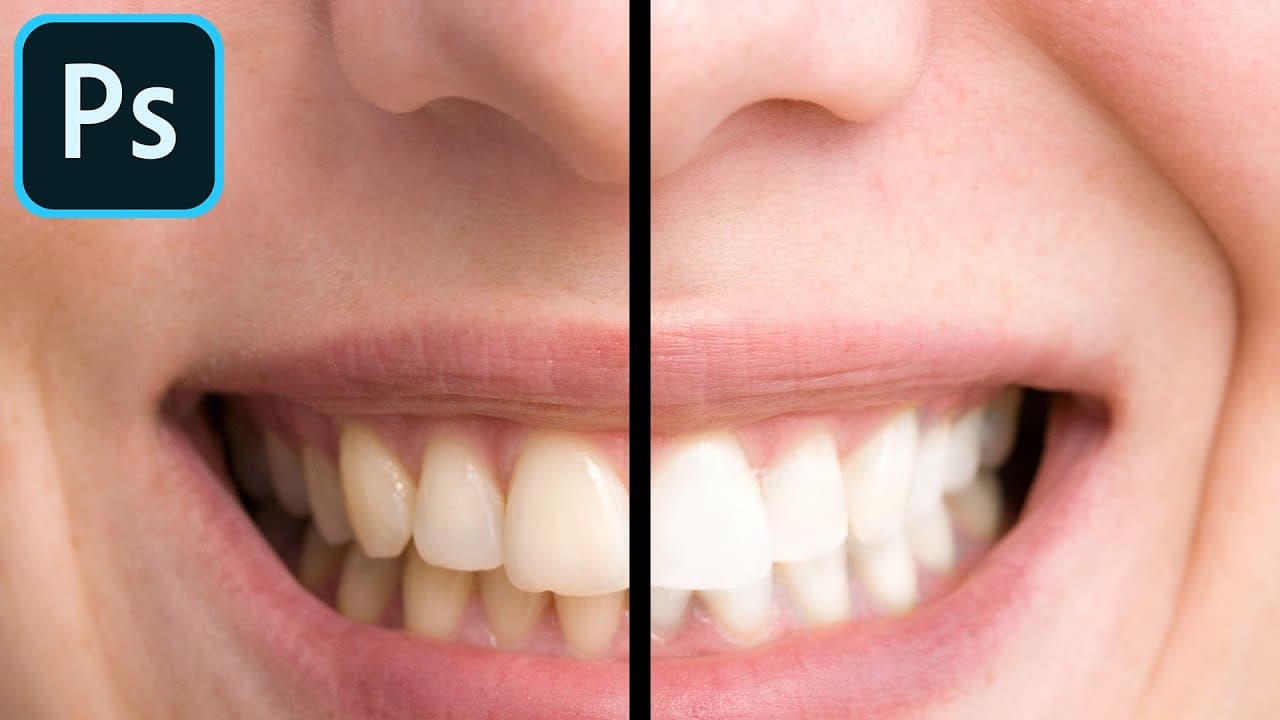
Learn how to whiten teeth in Photoshop using the Dodge and Sponge tools, enhancing your photos effortlessly.
Transcript
hey everyone in today's photoshop video i want to show you how to whiten teeth in photoshop so if you have slightly yellow teeth there's a simple way and a simple tool you could use inside of photoshop to make it nice and white and i bought this stock image from shutterstock.com so i could walk you through this video this is part of my photoshop fo... Read More
Key Insights
- 😒 Use the Dodge tool to lighten specific areas of the teeth for an effective whitening effect.
- 💛 The Sponge tool helps desaturate yellow tones, removing unwanted color from the teeth.
- 🥳 Isolating the teeth with the Lasso tool ensures precise whitening without affecting other parts of the image.
- 👻 Adjusting the opacity of the whitening layer allows for control over the intensity of the whitening effect.
- 🦷 The Burn tool can be used to add subtle darkness to the teeth for a more realistic look.
- 💨 Whitening teeth in Photoshop can be a simple yet impactful way to enhance your photos.
- 🎚️ Practice using different tools in Photoshop to achieve the desired level of whitening for a natural result.
Install to Summarize YouTube Videos and Get Transcripts
Explore YouTube Video Summarizer or Get YouTube Transcript Extractor
Questions & Answers
Q: What are the essential tools for whitening teeth in Photoshop?
The Dodge and Sponge tools are key for whitening teeth in Photoshop. The Dodge tool helps lighten specific areas, while the Sponge tool desaturates yellow tones for a natural look.
Q: Why is it essential to isolate the teeth before whitening?
Isolating the teeth with the Lasso tool prevents accidental edits to surrounding areas. It ensures that only the teeth are whitened, maintaining the integrity of the rest of the image.
Q: How can you fine-tune the whitening effect in Photoshop?
Adjust the opacity of the whitening layer to control the intensity of the effect. Lowering the opacity can make the whitening look more natural and subtle.
Q: What other tools can be used to enhance the teeth whitening effect in Photoshop?
The Burn tool can be used to subtly darken areas of the teeth if the whitening effect is too intense. It allows for fine-tuning the overall look of the teeth.
Summary & Key Takeaways
-
Easily whiten teeth in Photoshop with the Dodge and Sponge tools.
-
Use the Lasso tool to isolate the teeth for precise whitening.
-
Adjust opacity to control the level of whitening for a natural look.
Read in Other Languages (beta)
Share This Summary 📚
Summarize YouTube Videos and Get Video Transcripts with 1-Click
Try YouTube Summary with ChatGPT & Claude or YouTube Transcript Generator
Explore More Summaries from Howfinity 📚






Summarize YouTube Videos and Get Video Transcripts with 1-Click
Try YouTube Summary with ChatGPT & Claude or YouTube Transcript Generator