How to Set Up a Local p5.js Development Workflow
TL;DR
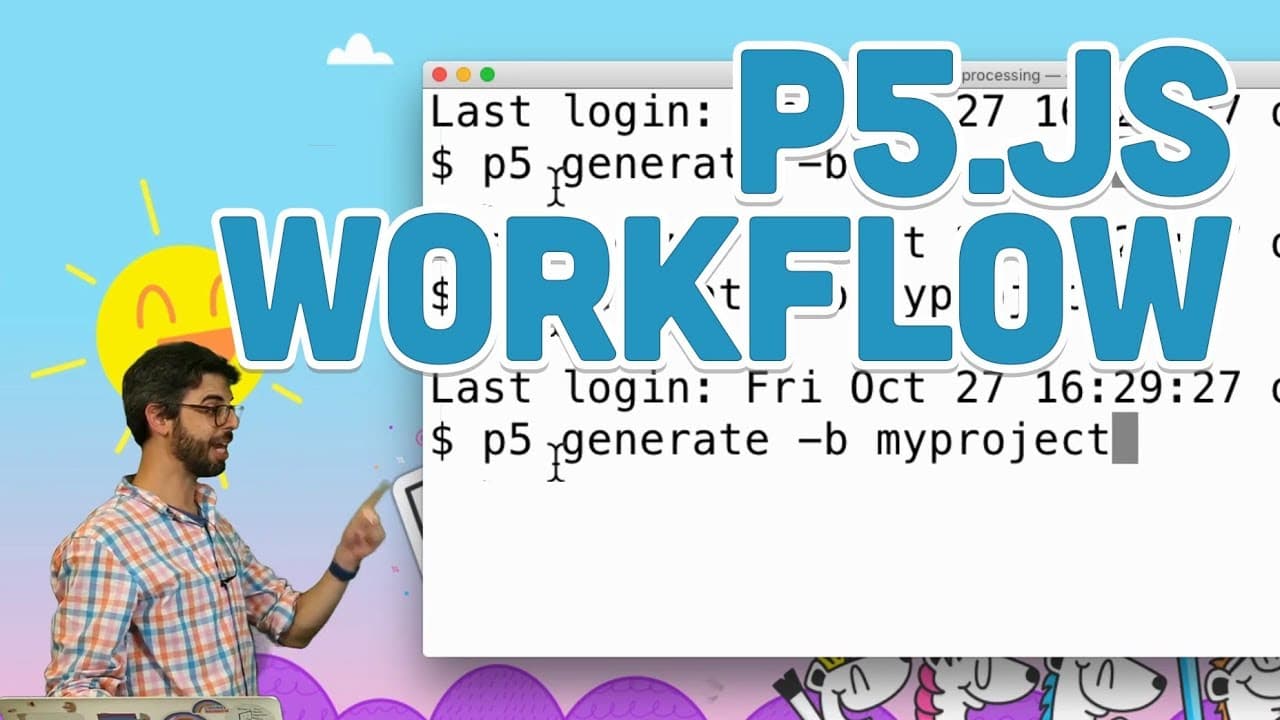
To set up a local p5.js development workflow, create a project folder that includes an HTML file and a sketch.js file. Use a text editor like Atom or Sublime Text for coding, and run a local server to view your project in a web browser. This ensures that your development environment mimics real-world conditions for proper testing and debugging.
Transcript
hello this is me again trying to make a workflow video i've made a bunch of them but i always get lots of questions that are always problems with them so i am now going to make a video that describes my entire workflow even though i have pieces of this in other videos i'm going to do it all in this video you could be watching this video as the as y... Read More
Key Insights
- 📽️ p5 manager simplifies the process of generating project files for programming in p5.js.
- 🧘 Text editors like Atom or Sublime Text provide essential features for editing project files efficiently.
- 🫵 Running a local server is crucial for testing and viewing web development projects locally before deployment.
- 👨💻 The JavaScript console is a valuable tool for debugging code and improving the quality of your projects.
- 🛟 Understanding different tools like p5 manager, text editors, and local servers enhances the programming workflow.
- 👨💻 Utilize features like live reload and console.log to debug and monitor your code effectively.
- 🔨 Stay updated on changing workflows, tools, and technologies to adapt and improve programming practices.
Install to Summarize YouTube Videos and Get Transcripts
Explore YouTube Video Summarizer or Get YouTube Transcript Extractor
Questions & Answers
Q: What is p5 manager, and how does it help in setting up a programming workflow?
p5 manager is a node module that generates project files for programming in p5.js. It simplifies the process by creating the necessary files like index.html and sketch.js for your project.
Q: Why is a text editor like Atom or Sublime Text essential in the programming workflow?
A text editor is crucial for editing project files efficiently. Tools like Atom or Sublime Text provide features like syntax highlighting, autocomplete, and easy file navigation, enhancing the coding experience.
Q: Why is running a local server important when working on web development projects?
Running a local server is crucial as it allows you to view and test your code in a web browser locally. It simulates how your project would behave when deployed online, ensuring that everything works as expected before deployment.
Q: How can the JavaScript console be beneficial in the programming workflow?
The JavaScript console is a valuable tool for debugging code. It helps identify errors, log values, and track the execution of your code, making it easier to troubleshoot issues and improve the quality of your project.
Summary & Key Takeaways
-
Learn how to use p5 manager to generate project files for programming in p5.js locally on your computer.
-
Explore different text editors like Atom or Sublime Text for editing project files efficiently.
-
Understand the importance of running a local server to view the results of your code in a web browser.
Read in Other Languages (beta)
Share This Summary 📚
Summarize YouTube Videos and Get Video Transcripts with 1-Click
Try YouTube Summary with ChatGPT & Claude or YouTube Transcript Generator
Explore More Summaries from The Coding Train 📚






Summarize YouTube Videos and Get Video Transcripts with 1-Click
Try YouTube Summary with ChatGPT & Claude or YouTube Transcript Generator