Online Multiplayer JavaScript Game Tutorial - Full Course
TL;DR
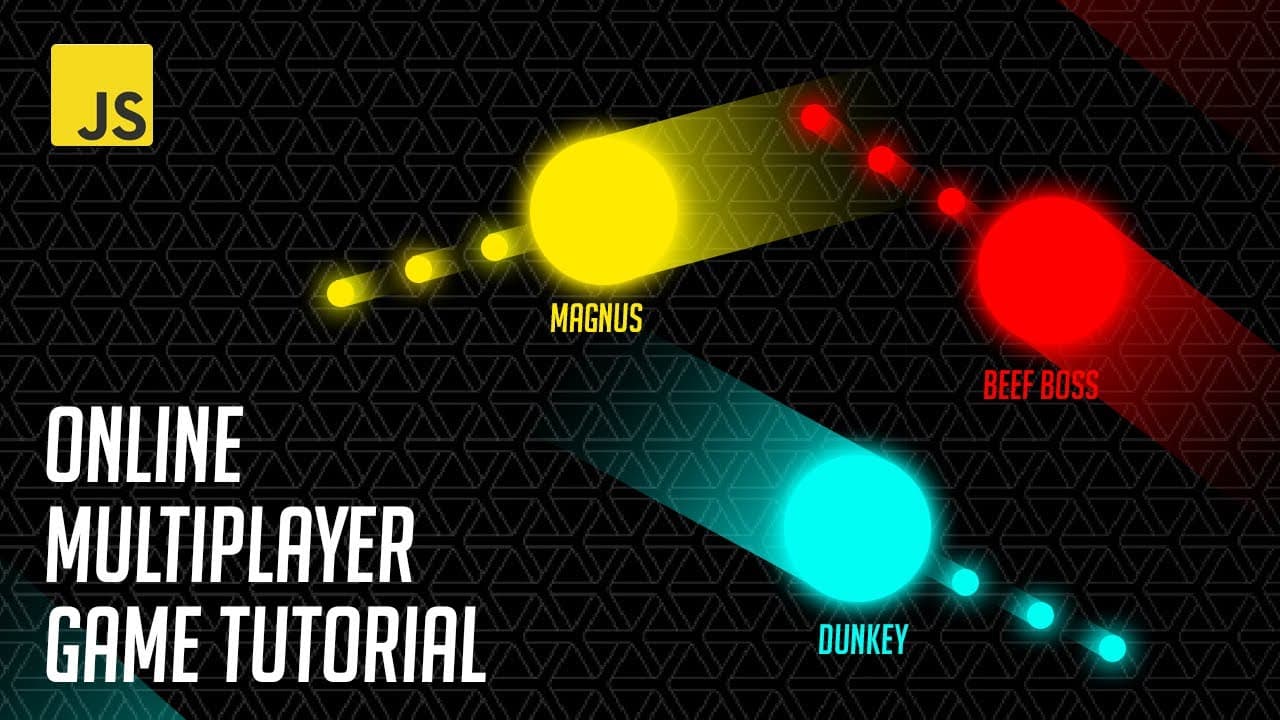
Learn to build a multiplayer game using JavaScript and Node.js.
Transcript
in this tutorial we'll create a multiplayer game by setting up a basic web server and implementing multiplayer functionality while building the game from scratch might seem ideal it's beyond the scope of this tutorial so instead we'll focus on getting your game up and running as quickly as possible using a geometric shooter ... Read More
Key Insights
- The tutorial focuses on setting up a basic web server using Express and implementing multiplayer functionality with Node.js.
- A geometric shooter game is used as a base, and the game files can be downloaded from a GitHub repository.
- Node.js is essential for running the backend server, and the tutorial includes steps for installing Node.js and Express.
- Nodemon is recommended for automatic server restarts during development, enhancing productivity.
- Socket.io is used to establish real-time communication between clients and the server, enabling multiplayer interactions.
- Players' data, including position and color, is managed on the backend to prevent cheating and ensure consistency across clients.
- The tutorial emphasizes the importance of an authoritative server to control game logic and prevent client-side manipulation.
- Enhancements such as random player colors and improved canvas resolution are implemented to improve game aesthetics.
Install to Summarize YouTube Videos and Get Transcripts
Explore YouTube Video Summarizer or Get YouTube Transcript Extractor
Questions & Answers
Q: How do you set up the initial game environment?
The initial game environment is set up by downloading the game files from a GitHub repository and running the index.html file in a browser. The tutorial guides you through setting up a basic web server using Express and Node.js, which involves installing Node.js, downloading the game files, and running them on a local server.
Q: What is the role of Socket.io in this tutorial?
Socket.io is used to establish real-time communication between the clients and the server. It allows the server to send and receive messages from all connected clients, enabling multiplayer functionality. The tutorial explains how to integrate Socket.io for managing player connections and broadcasting events to ensure synchronized gameplay.
Q: How is player data managed in the game?
Player data, including position and color, is managed on the backend using a players object. Each player is assigned a unique ID, and their data is stored on the server to ensure consistency across clients. The server broadcasts updates to all clients, allowing them to render the correct player positions and attributes.
Q: Why is an authoritative server important in multiplayer games?
An authoritative server is crucial in multiplayer games to prevent cheating and ensure fair gameplay. By managing game logic on the server, it prevents clients from manipulating their own game state, such as altering player speed or position. This approach ensures that all clients receive the same game data from a trusted source.
Q: How are unique player colors generated?
Unique player colors are generated on the backend using the HSL color model. A random hue value is assigned to each player, ensuring that each player has a distinct color. This randomness is handled on the server to prevent clients from manipulating their color to gain an advantage, such as blending into the background.
Q: What enhancements are made to the canvas resolution?
The canvas resolution is enhanced by adjusting its size based on the device's pixel ratio. This ensures that the game looks clear and sharp on high-resolution displays. The tutorial explains how to use the device pixel ratio to scale the canvas appropriately, providing a better visual experience for players.
Q: How does the tutorial address potential client-side hacking?
The tutorial addresses potential client-side hacking by implementing an authoritative server. By managing player movement and game logic on the server, it prevents clients from altering their game state, such as increasing speed or changing positions. This ensures fair gameplay and consistent data across all clients.
Q: What tools are recommended for development in this tutorial?
The tutorial recommends using Node.js for backend development and Express for setting up the web server. Nodemon is suggested for automatic server restarts during development, and Socket.io is used for real-time communication. These tools are essential for building a functional and efficient multiplayer game environment.
Summary & Key Takeaways
-
This tutorial teaches you how to create a multiplayer game using JavaScript, HTML canvas, and Node.js. It covers setting up a web server with Express and implementing real-time communication with Socket.io.
-
You'll learn to manage player data on the backend, ensuring consistent gameplay across clients. The tutorial also includes steps for installing necessary tools like Node.js and Express.
-
Enhancements such as random player colors and improved canvas resolution are discussed, along with the importance of an authoritative server to prevent cheating.
Read in Other Languages (beta)
Share This Summary 📚
Summarize YouTube Videos and Get Video Transcripts with 1-Click
Try YouTube Summary with ChatGPT & Claude or YouTube Transcript Generator
Explore More Summaries from Chris Courses 📚
Summarize YouTube Videos and Get Video Transcripts with 1-Click
Try YouTube Summary with ChatGPT & Claude or YouTube Transcript Generator