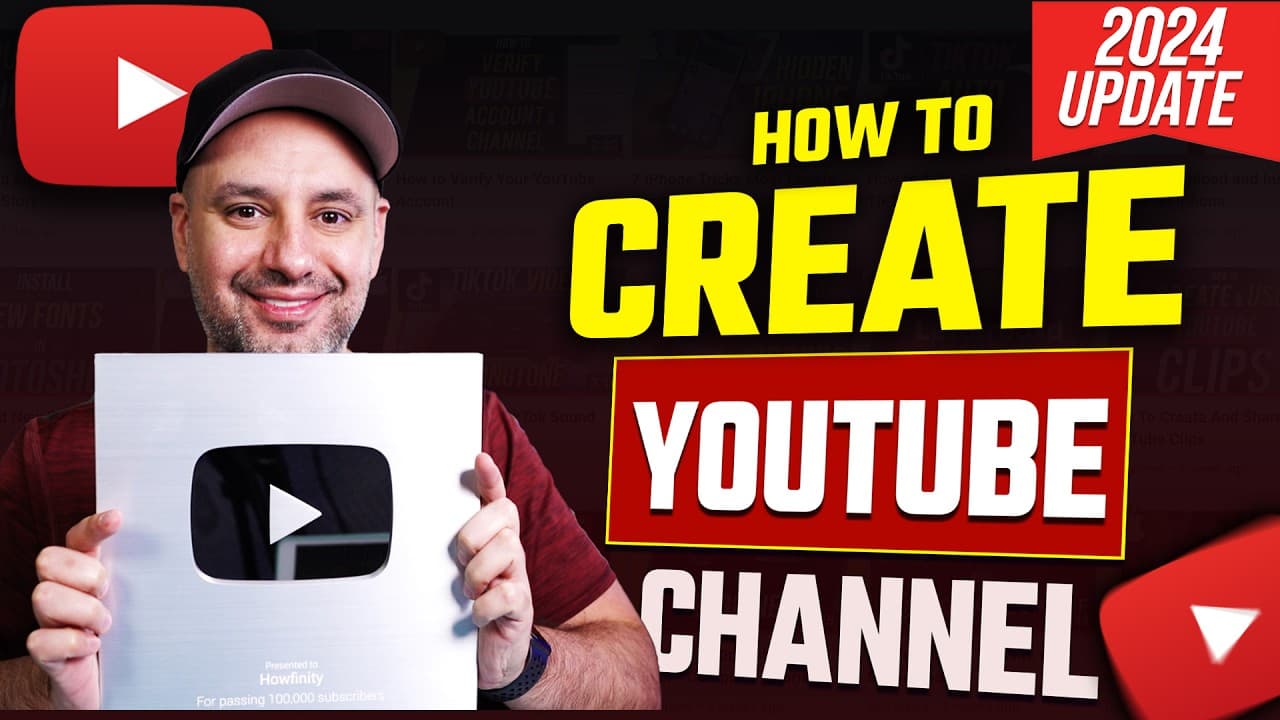
How To Create A YouTube Channel - 2024 Beginner’s Guide
TL;DR
Step-by-step guide on setting up a YouTube channel for success with hidden settings and free resources for growth.
Transcript
let me show you how to create a YouTube channel here from scratch and I want to show you how to do it the right way because there's some settings that are kind of hidden a lot of people miss it it's a little bit difficult to change them later and I want to make sure you set up your channel the right way right from the beginning to help you be more ... Read More
Key Insights
- 🆕 Signing out and creating a new Google account ensures a fresh start for setting up a YouTube channel.
- 📣 Verifying the channel with a phone number unlocks features like custom thumbnails for enhanced branding.
- 🔨 Utilizing tools like Canva and Playet can simplify the process of creating professional branding elements.
- 🫠 The earn tab offers insights into monetization options like memberships, stickers, and ad revenue.
- 🔨 Incorporating keywords through tools like Tu Buddy's Keyword Explorer can enhance searchability and content strategy.
- 💁 Customizing layout, branding, and basic info tabs is essential for channel visibility and engagement.
- 😫 Setting up external links and contact info enables collaborations, sponsorships, and outreach opportunities.
Install to Summarize YouTube Videos and Get Transcripts
Explore YouTube Video Summarizer or Get YouTube Transcript Extractor
Questions & Answers
Q: Why is it important to sign out of the account and create a new Google account for a YouTube channel?
Signing out and creating a new Google account ensures a clean slate for setting up the YouTube channel without any existing preferences or biases, enabling a fresh start for customization and branding.
Q: How can verifying a YouTube channel with a phone number enhance channel capabilities?
Verifying the channel with a phone number allows for uploading longer videos and adds the crucial feature of custom thumbnails, enhancing the channel's professional look and attracting more viewers.
Q: What are the key components of channel branding and how can they be optimized for better visibility?
Channel branding involves creating a distinct profile picture, banner image, and watermark for easy recognition. Utilizing tools like Canva for banners and Playet for logos can enhance branding effectiveness.
Q: How can the YouTube Channel earn tab be utilized for monetization purposes?
The earn tab provides insights into various monetization options like memberships, stickers, and ad revenue. Meeting the criteria of 1,000 subscribers and 4,000 watch hours enables creators to start earning from their channel.
Summary & Key Takeaways
-
Detailed tutorial on creating a YouTube channel from scratch with seven essential steps.
-
Emphasis on setting up the channel correctly from the beginning for long-term success.
-
In-depth instructions on key settings, customization, branding, and growth strategies.
Read in Other Languages (beta)
Share This Summary 📚
Summarize YouTube Videos and Get Video Transcripts with 1-Click
Try YouTube Summary with ChatGPT & Claude or YouTube Transcript Generator
Explore More Summaries from Howfinity 📚






Summarize YouTube Videos and Get Video Transcripts with 1-Click
Try YouTube Summary with ChatGPT & Claude or YouTube Transcript Generator