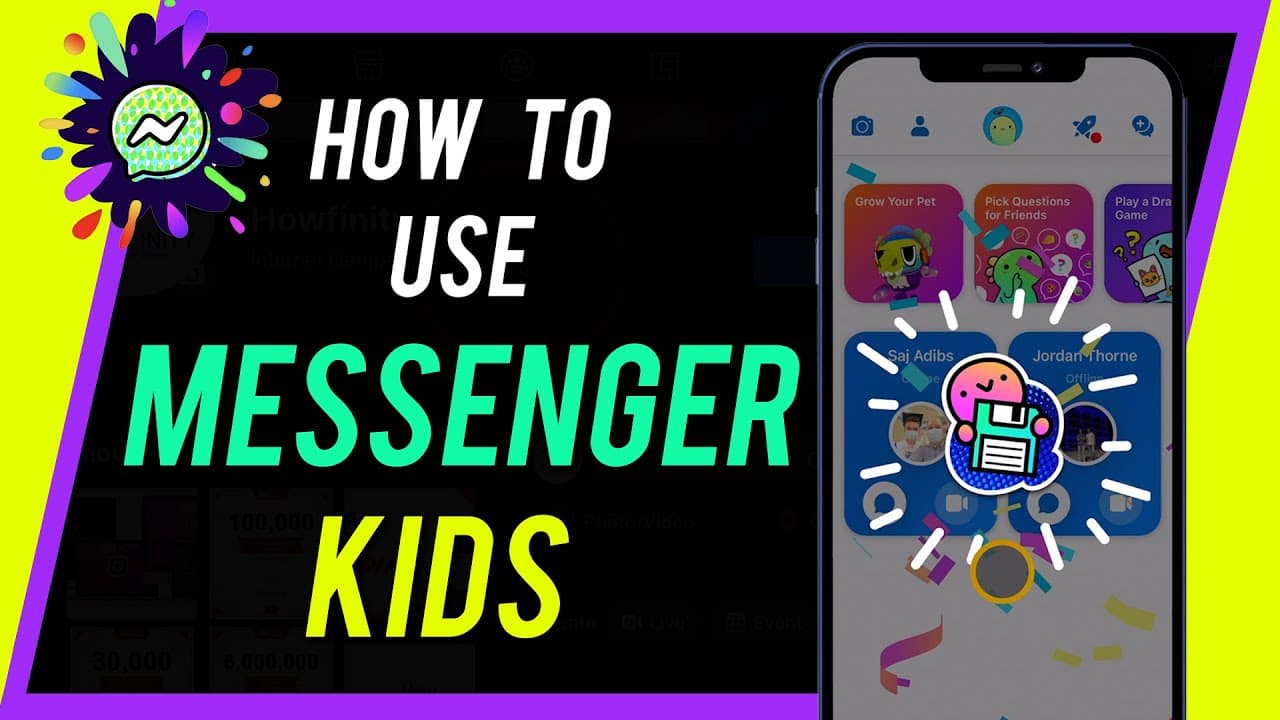
How to Use Messenger Kids
TL;DR
Messenger Kids is a safe messaging app for kids, requiring parent setup and supervision.
Transcript
hey everyone in today's video i want to show you how to use messenger kids it's a messaging app designed for kids with all the safety and privacy that a messaging app needs to be for kids now there's another messenger app called facebook messenger now this is just a regular messenger app i'm not going to show you this i'm going to show you this one... Read More
Key Insights
- 😀 Messenger Kids is a safe messaging app designed for children with strict privacy and parental controls.
- 😀 Parental setup is required, using a valid Facebook account to create and supervise a child's profile within the app.
- 🎮 Children can connect with friends, chat, play games, use filters, and have video calls in a monitored environment.
- 👪 Parents have control over their child's contacts, can allow access to features like video calls and games, and monitor activity through the parent dashboard.
- 🤕 Messenger Kids offers a secure and age-appropriate platform for children to communicate and interact online under parental guidance.
- 🦺 The app aims to provide a safe space for kids to learn digital communication skills while ensuring their online safety.
- 👶 Messenger Kids emphasizes privacy, user safety, and parental involvement in managing and monitoring children's online interactions.
Install to Summarize YouTube Videos and Get Transcripts
Explore YouTube Video Summarizer or Get YouTube Transcript Extractor
Questions & Answers
Q: How is Messenger Kids different from Facebook Messenger?
Messenger Kids is specifically designed for children with safety features, parent setup, and supervision, while Facebook Messenger is a general messaging app for adults with fewer restrictions.
Q: Can kids have a Facebook account to use Messenger Kids?
No, kids cannot have a Facebook account, as Messenger Kids requires parent setup using a valid Facebook account, creating a separate profile for the child within the app only.
Q: What features does Messenger Kids offer for children to communicate?
Messenger Kids allows children to text, video chat, send stickers, GIFs, emojis, and play two-player or single-player games within a secure and monitored environment.
Q: How can parents monitor and control their child's activity on Messenger Kids?
Parents can view and manage their child's contacts, messages, and activity through their parent dashboard within Facebook, setting up account preferences and permissions.
Summary & Key Takeaways
-
Messenger Kids is a safe messaging app designed for kids, requiring parent setup and supervision.
-
Parents need a Facebook account to set up the Messenger Kids app for their children.
-
The app allows kids to connect with friends, have text and video chats, play games, and use filters for photos and videos.
Read in Other Languages (beta)
Share This Summary 📚
Summarize YouTube Videos and Get Video Transcripts with 1-Click
Try YouTube Summary with ChatGPT & Claude or YouTube Transcript Generator
Explore More Summaries from Howfinity 📚






Summarize YouTube Videos and Get Video Transcripts with 1-Click
Try YouTube Summary with ChatGPT & Claude or YouTube Transcript Generator