Illustrating for Merchandise: How to Digitally Add Texture
TL;DR
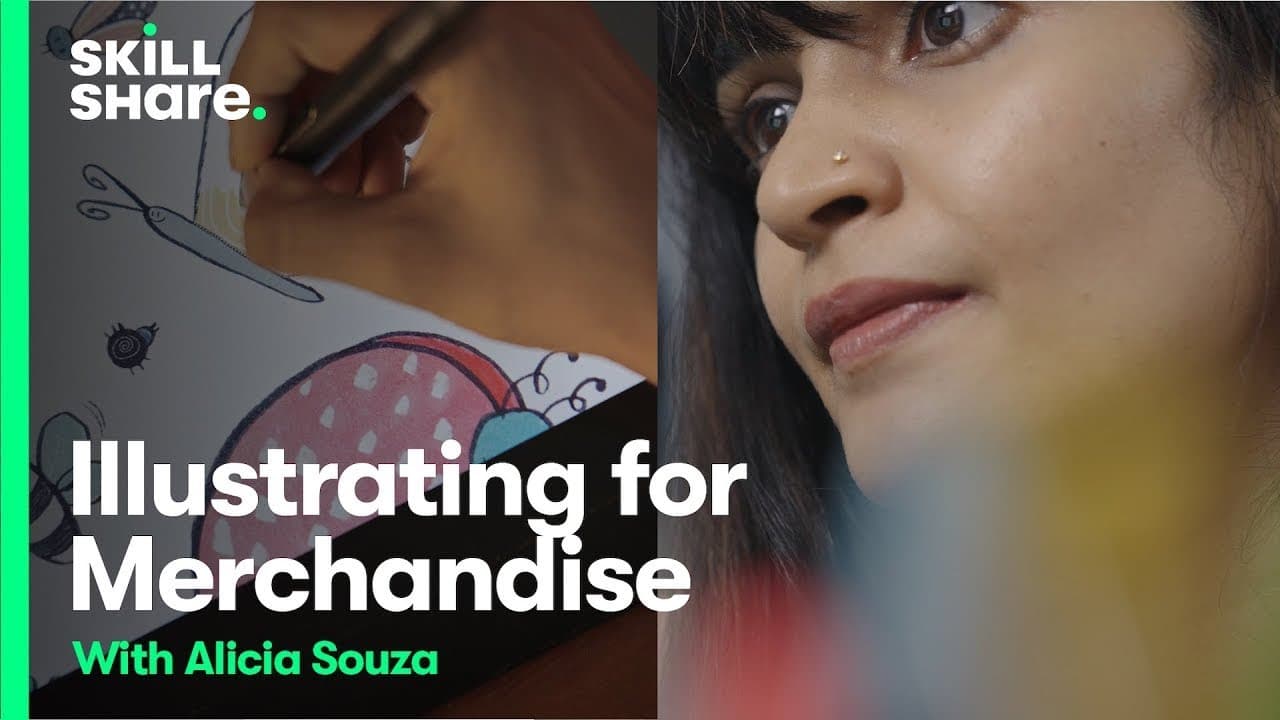
Alicia Souza provides a sneak peek into her Skillshare class on finding inspiration and illustrating for merchandise.
Transcript
hi youtube i'm alicia souza and i'm an illustrator my skillshare class just launched and it's about finding inspiration and illustrating for merchandise today i'm sharing an exclusive sneak peek with you stay tuned i just scanned my illustration i scan it usually at 400 dpi so that's a high enough resolution for me to print for something like a mug... Read More
Key Insights
- 👻 Maintaining a high-resolution scan of illustrations allows for greater flexibility in using the artwork for different purposes.
- ❓ Cleaning up scanned illustrations in Photoshop involves cropping, adjusting exposure, and removing unwanted elements.
- 🎨 A limited color palette can contribute to an illustrator's unique style and aesthetic.
- 🖐️ Experimentation and personal preference play a significant role in choosing colors and brushes for coloring illustrations.
- 📛 Organizing layers and naming them appropriately can help streamline the workflow and facilitate collaboration.
- 💦 Illustrators working on merchandise should consider the specific requirements of the printing process, such as color format and possible color restrictions.
- 👣 The appearance of colors may vary when printed on different materials, so it is important to anticipate any potential differences.
Install to Summarize YouTube Videos and Get Transcripts
Explore YouTube Video Summarizer or Get YouTube Transcript Extractor
Questions & Answers
Q: Why is it important to scan illustrations at a high resolution?
Scanning illustrations at a high resolution ensures a flexible use of the artwork for different merchandise and printing purposes. It prevents pixelation and ensures high-quality reproduction.
Q: How does Alicia Souza clean up her scanned illustrations?
Souza cleans up her scanned illustrations by cropping the edges, adjusting exposure, and removing unwanted marks or stamps using the editing features in Photoshop.
Q: What is the importance of using a limited color palette in illustration?
Using a limited color palette allows illustrators to develop a cohesive and distinctive aesthetic. It can also simplify the coloring process and create a more harmonious visual experience for viewers.
Q: What factors should illustrators consider when creating artwork for merchandise?
Illustrators should consider the resolution and color format requirements of the intended printing process. They should also anticipate how colors may appear when printed on different materials, as certain colors may appear duller or different on physical products compared to on-screen.
Summary & Key Takeaways
-
Alicia Souza scans her illustrations at a high resolution to ensure the flexibility of use for various merchandise.
-
She demonstrates the process of cleaning up scanned illustrations using Photoshop.
-
Souza shares her personal approach to coloring illustrations, emphasizing the use of a limited color palette and the freedom to experiment.
Read in Other Languages (beta)
Share This Summary 📚
Summarize YouTube Videos and Get Video Transcripts with 1-Click
Try YouTube Summary with ChatGPT & Claude or YouTube Transcript Generator
Explore More Summaries from Skillshare 📚






Summarize YouTube Videos and Get Video Transcripts with 1-Click
Try YouTube Summary with ChatGPT & Claude or YouTube Transcript Generator