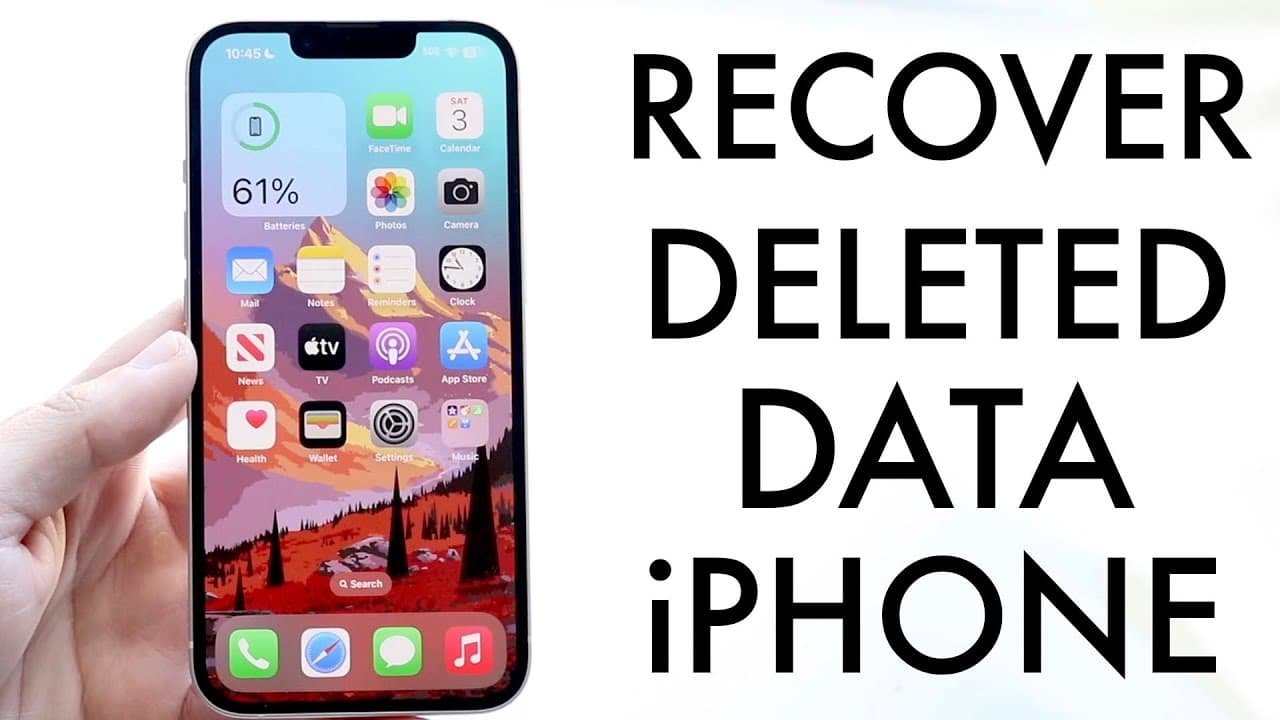
This Is How To Recover Deleted Photos, Texts, Files & Apps On ANY iPhone! (2022)
TL;DR
iOS 16 offers multiple methods to recover deleted messages, photos, and app data.
Transcript
so you might be in a situation where you're trying to recover deleted like two photos deleted applications deleted messages and luckily with iOS 16 there are tons of ways to go about and actually recovering a lot of this data so and luckily for you I wouldn't freak out about it too much there are tons and tons of ways to recover all your data and h... Read More
Key Insights
- 👤 iOS 16 offers a user-friendly method to recover messages with the "Show Recently Deleted" feature, significantly enhancing data management.
- 😚 Regularly checking and updating iCloud settings can safeguard essential data, providing options for recovering lost information without direct backups.
- 🌸 Recovered photos can often be found in social media platforms, highlighting the importance of exploring all available avenues before accepting a loss.
- 😀 Not all app data is stored locally, with many games syncing data to their servers, allowing seamless recovery across different devices.
- 🥡 The importance of taking advantage of iCloud backup sizes to ensure critical data is saved, permitting restoration as necessary.
- 🛟 Several applications, such as messaging platforms and social media, can serve as repositories for saved images, offering another layer of recovery.
- 😀 Utilizing common apps that automatically store data on the cloud reduces dependency on local storage and offers peace of mind during device changes.
Install to Summarize YouTube Videos and Get Transcripts
Explore YouTube Video Summarizer or Get YouTube Transcript Extractor
Questions & Answers
Q: How can you recover deleted messages in iOS 16?
To recover deleted messages in iOS 16, open the Messages app and tap the "Edit" button. From there, select "Show Recently Deleted" to view messages that can be restored. Tap the message you want to recover and click "Recover." This feature makes it easy to restore lost texts without needing a backup.
Q: What steps should be taken to check iCloud settings for data recovery?
To ensure your iCloud settings are optimized for data recovery, go to Settings and tap on your name at the top. Choose "iCloud" and ensure key services like iCloud Drive and Messages are toggled on. This ensures that your data is being backed up, facilitating recovery if necessary.
Q: Can I recover deleted photos from the Photos app on iOS?
Yes, you can recover deleted photos by going into the Photos app, scrolling to "Recently Deleted," and selecting the images you want to restore. This folder holds deleted photos for a specific period before permanent removal, allowing you to easily recover any mistakenly deleted items.
Q: How can social media apps assist in recovering lost photos?
Lost photos can often be retrieved through social media apps like Instagram and Snapchat, where users may have shared images previously. By logging into these apps, you can browse through DMs or saved stories to find and download any images that might have been lost from your device.
Q: What should you do if your iCloud backup is small or empty?
If your iCloud backup appears small or empty, it could indicate that your device did not back up crucial data. You should check which items are selected for backup by going into your iCloud settings and adjusting them to include messages, photos, and other essential apps for future backups.
Q: Are all game data from apps like Genshin Impact stored on iCloud?
Most modern apps, including Genshin Impact, store game data on their servers rather than your device, allowing you to recover your progress without extensive backups. Just reinstall the app and log in with your account to regain access to your saved game data from any device.
Summary & Key Takeaways
-
iOS 16 allows users to recover deleted messages through the "Show recently deleted" feature, enabling easy restoration of lost texts.
-
Utilizing iCloud Drive, users can verify backups and potentially restore lost data, particularly photos and messages, by checking available iCloud settings.
-
For deleted photos, users can explore the "Recently Deleted" album or recover images from messaging apps and social media platforms where photos might have been shared.
Read in Other Languages (beta)
Share This Summary 📚
Summarize YouTube Videos and Get Video Transcripts with 1-Click
Try YouTube Summary with ChatGPT & Claude or YouTube Transcript Generator
Explore More Summaries from Simple Alpaca 📚






Summarize YouTube Videos and Get Video Transcripts with 1-Click
Try YouTube Summary with ChatGPT & Claude or YouTube Transcript Generator