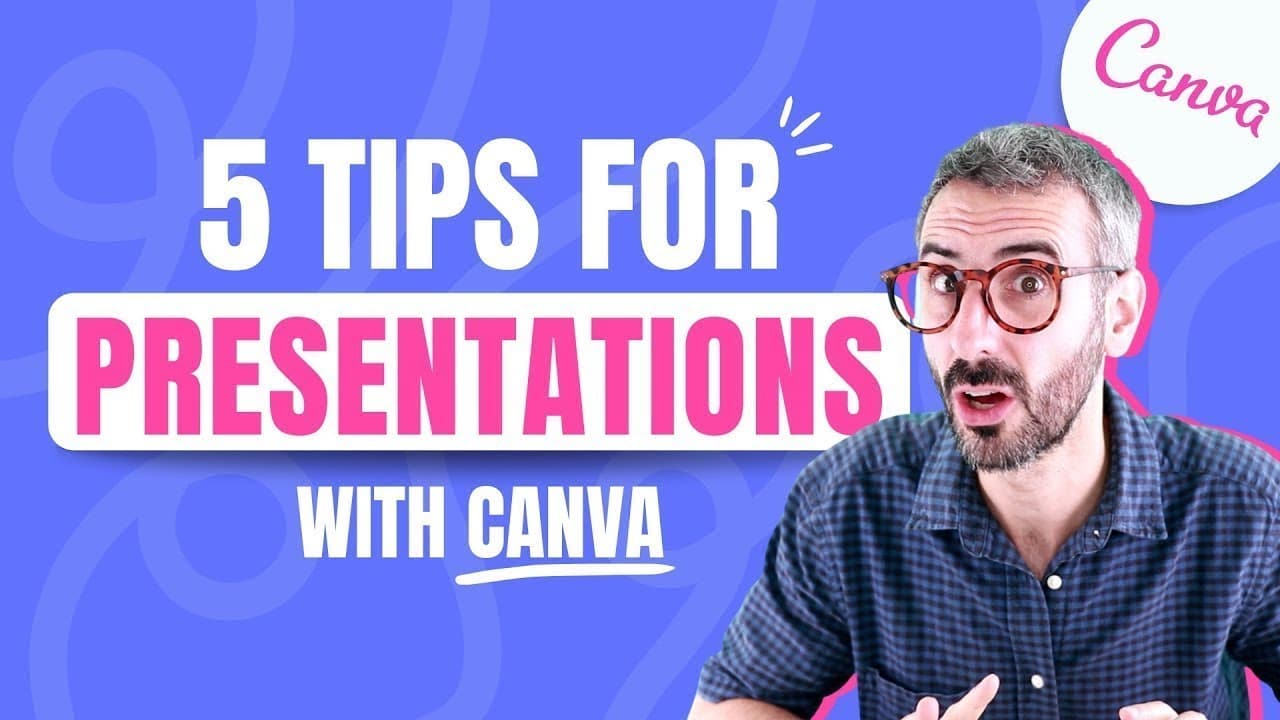
5 tips to create better PRESENTATIONS with Canva
TL;DR
Learn five tips to improve your presentations using Canva, including starting with a template, setting up your brand kit, creating consistency, adding movement, and making it interactive.
Transcript
hey guys quick question how much do you suck at creating slides and presentations on a scale of one to ten like are you a disaster like your slides make no sense just people get bored when they watch them or are you at the other end of the spectrum like the apple level where your presentation is so good people will wake up at two in the morning to ... Read More
Key Insights
- 🥳 Choosing the right aspect ratio and starting with a template saves time and ensures a professional look.
- 😫 Setting up a brand kit helps maintain consistency in color, font, and logo usage throughout the presentation.
- 💝 Adding movement through animation, videos, gifs, and stickers enhances engagement and makes the presentation more visually appealing.
- 🤑 Making presentations interactive using QR codes and embedded rich media encourages audience participation and provides additional resources for viewers.
Install to Summarize YouTube Videos and Get Transcripts
Explore YouTube Video Summarizer or Get YouTube Transcript Extractor
Questions & Answers
Q: Why is starting with a template important when creating presentations with Canva?
Starting with a template provides a pre-designed structure, saving time and ensuring visual coherence throughout the presentation. Templates can be customized to fit individual needs.
Q: How can a brand kit help improve the design of a presentation in Canva?
A brand kit allows users to set up color palettes, fonts, and logos that can be easily applied to slides. This ensures branding consistency and speeds up the design process.
Q: What are some techniques for adding movement to presentations created in Canva?
Canva offers various ways to add movement, including using the animate function, incorporating videos or gifs, and applying stickers. These techniques create engaging and dynamic presentations.
Q: How can presentations be made interactive using Canva?
Canva allows for interactivity by integrating QR codes, which can link to additional content or encourage audience participation, such as leaving reviews or accessing related resources. Embedding rich media like videos or presentations can also enhance interactivity.
Summary & Key Takeaways
-
The video provides five tips to enhance presentations using Canva: starting with a template, setting up a brand kit, creating consistency, adding movement, and making it interactive.
-
It emphasizes the importance of choosing the right aspect ratio for your presentation and using Canva's templates to save time.
-
Utilizing Canva's brand kit helps maintain consistency in your design, including color palettes, fonts, and logos.
Read in Other Languages (beta)
Share This Summary 📚
Summarize YouTube Videos and Get Video Transcripts with 1-Click
Try YouTube Summary with ChatGPT & Claude or YouTube Transcript Generator
Explore More Summaries from Design with Canva 📚






Summarize YouTube Videos and Get Video Transcripts with 1-Click
Try YouTube Summary with ChatGPT & Claude or YouTube Transcript Generator