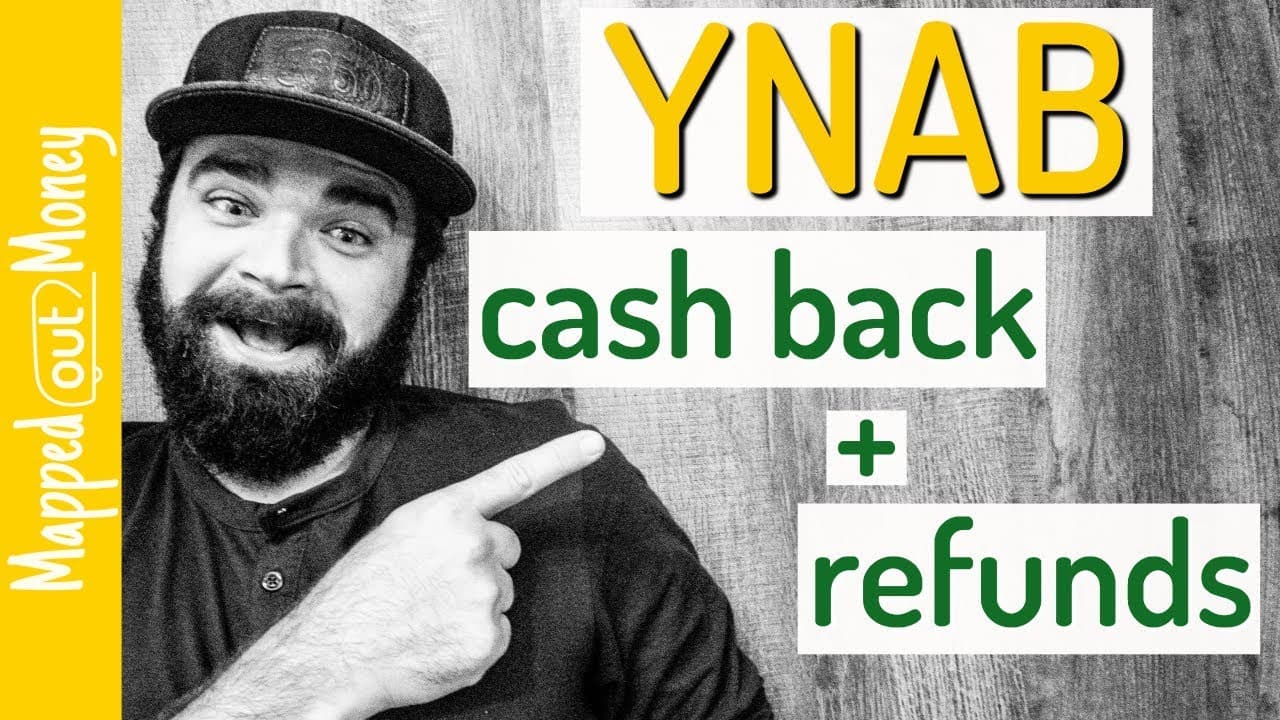
YNAB Tutorial - Dealing With Cash Back and Refunds
TL;DR
Learn how to properly handle credit card cash back and refunds in YNAB, including different types of cash back and how to accurately reflect refunds in your budget.
Transcript
what's up guys nature here and today we're going to cover two very specific situations with credit cards and YNAB first we're going to talk about credit card cash back and how to deal with rewards and then next I'm going to show you what to do with refunds when you buy something and then later return it we're gonna clear up any confusion that you h... Read More
Key Insights
- 💳 Different types of cash back require different handling in YNAB: literal cash back should be added as an inflow to your checking account, while statement credits or reimbursement should be added as an inflow to your credit card account.
- 🤑 Categorizing statement credits or reimbursement as "Inflow: To be budgeted" allows you to use the money for any purpose.
- 😒 When handling refunds, it is essential to use the same category as the original purchase to ensure accurate tracking of spending and refund amounts in your reports.
- 🪡 If a refund occurs in a different month from the original purchase, you may need to move the refunded amount to be budgeted in order to accurately reflect your available funds.
- 🈷️ YNAB's reporting may not show the correct spending amounts if refunds are not accurately reflected in the same category.
Install to Summarize YouTube Videos and Get Transcripts
Explore YouTube Video Summarizer or Get YouTube Transcript Extractor
Questions & Answers
Q: How do you handle literal cash back from credit cards in YNAB?
To handle literal cash back, create a new transaction in your checking account with the payee as your credit card name - cashback. Categorize it as "Inflow: To be budgeted" and enter the amount of cash back received.
Q: What should be the category for statement credits or reimbursement from credit cards?
For statement credits or reimbursement, create a new transaction in your credit card account. Categorize it as "Inflow: To be budgeted" and enter the amount received. If you have existing spending in the same category, you may need to move the excess money to be budgeted.
Q: How do you handle refunds in YNAB?
For refunds, you can either delete the transaction if you have not been charged yet, or add a new transaction with the same payee and category as the original purchase. This ensures accurate reflection of the refund in your budget.
Q: What should be the category for refunds in YNAB?
The category for refunds should match the original purchase category. This ensures accurate tracking of spending and refund amounts in your reports.
Summary & Key Takeaways
-
There are two types of cash back: literal cash back deposited into your checking account, and statement credits or reimbursement applied directly to your credit card.
-
For literal cash back, create a new transaction in your checking account with the payee as your credit card name - cashback, categorize it as "Inflow: To be budgeted," and enter the amount of cash back received. This money can be used for any purpose.
-
For statement credits or reimbursement, create a new transaction in your credit card account, categorize it as "Inflow: To be budgeted," and enter the amount received. If you have existing spending in the same category, you may need to move the excess money to be budgeted.
Read in Other Languages (beta)
Share This Summary 📚
Summarize YouTube Videos and Get Video Transcripts with 1-Click
Try YouTube Summary with ChatGPT & Claude or YouTube Transcript Generator
Explore More Summaries from Nick True - MappedOutMoney 📚



![YNAB Goals: How To Choose [June 2020 Update] thumbnail](/_next/image?url=https%3A%2F%2Fi.ytimg.com%2Fvi%2F10dpheXAJ4Y%2Fhqdefault.jpg&w=750&q=75)
Summarize YouTube Videos and Get Video Transcripts with 1-Click
Try YouTube Summary with ChatGPT & Claude or YouTube Transcript Generator