How to Automatically Create YouTube Chapters with AI
TL;DR
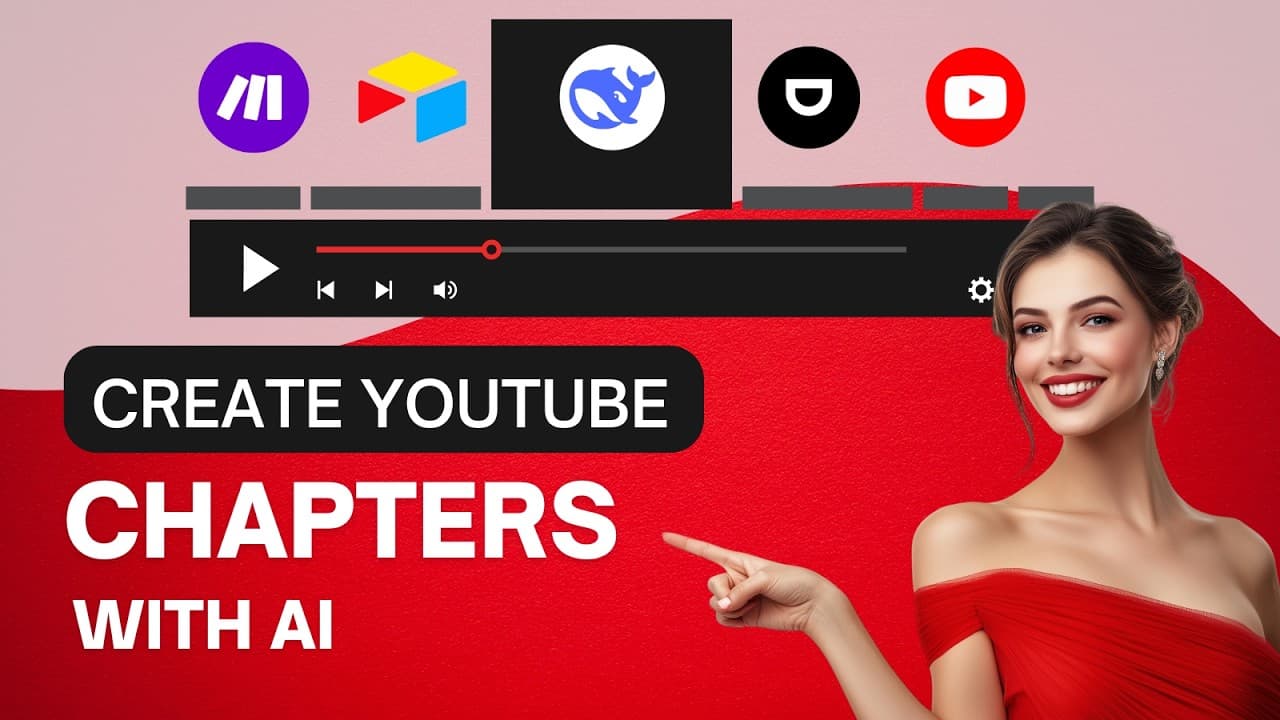
Automatically create YouTube chapters in under 30 seconds using AI tools like DeepSeek V3 and Airtable. This streamlined process enhances efficiency for content creators and agencies, letting them add value to their services and boost SEO effortlessly. Follow a simple setup to generate timestamped chapters from any YouTube video URL.
Transcript
have you ever wished you could generate YouTube chapters automatically in just seconds whether you're managing your own channel or running an AI agency this automation is a GameChanger for saving time and impressing your clients with just a YouTube url you can create perfectly timestamped chapters for any video in under 30 seconds and here&... Read More
Key Insights
- The automation process allows users to generate YouTube chapters automatically in seconds, enhancing efficiency for content creators and agencies.
- This tool is particularly beneficial for content creators, marketers, and agencies looking to add value to their services and improve SEO.
- With a simple YouTube URL, the automation can create timestamped chapters, saving significant time and effort.
- The automation involves using tools like Make.com, Airtable, and Dumpling AI for transcript extraction, and DeepSeek V3 for chapter generation.
- The process includes setting up an Airtable base with specific columns to manage video data, such as URL, ID, transcripts, and chapters.
- Users need to configure a YouTube API Key through Google Cloud Console to enable interaction with YouTube's data API.
- The automation is highly customizable, allowing users to decide whether to update YouTube directly or manage chapters manually.
- Joining the Automation Tribe community provides access to this automation and other workflows, enhancing business automation capabilities.
Install to Summarize YouTube Videos and Get Transcripts
Explore YouTube Video Summarizer or Get YouTube Transcript Extractor
Questions & Answers
Q: How does the YouTube chapter automation work?
The automation works by using a YouTube URL to automatically generate timestamped chapters for videos. It involves extracting the video's transcript using Dumpling AI, processing the data with DeepSeek V3 to create structured chapters, and then updating the video description on YouTube with these chapters, all managed within Airtable.
Q: What tools are required for this automation?
The primary tools required for this automation include Make.com for building the workflow, Dumpling AI for extracting YouTube transcripts, OpenRouter with the DeepSeek V3 model for generating chapters, and Airtable for organizing and storing the video data. Additionally, a YouTube API Key from Google Cloud Console is needed for API interactions.
Q: What is the role of Airtable in this automation?
Airtable is used to organize and store all the video-related data, including the YouTube URL, video ID, transcript, title, description, and generated chapters. It acts as a central database where all the information is neatly categorized and managed, facilitating easy access and retrieval for further processing or manual updates.
Q: How can this automation benefit content creators and agencies?
This automation significantly benefits content creators and agencies by saving time and effort in manually creating YouTube chapters. It enhances video discoverability and viewer engagement through improved SEO. For agencies, it offers an additional service to clients, adding value and potentially increasing revenue.
Q: What are the steps to configure the YouTube API Key?
To configure the YouTube API Key, users must log into Google Cloud Console, create a new project, enable the YouTube Data API V3, and generate an API Key. This key is then used in the automation setup within Airtable to allow interaction with YouTube's API, enabling the automation to update video details directly.
Q: What customization options are available in the automation?
Users can customize the automation by deciding whether to update YouTube directly or manage chapters manually. This is controlled by a setting in Airtable that determines if the automation should automatically update the video description or leave the chapters in Airtable for manual handling, providing flexibility based on user needs.
Q: How does DeepSeek V3 contribute to the automation?
DeepSeek V3 is used within the automation to generate structured chapters with timestamps from the extracted video transcript. It is a cost-effective and efficient AI model that processes the transcript data to create chapters, which are then added to the video's description, enhancing content organization and SEO.
Q: What is the Automation Tribe community?
The Automation Tribe community is a platform where members can access various automation workflows, including the YouTube chapter automation. It offers resources, tutorials, and tools for automating different business processes, providing members with the knowledge and capabilities to streamline their operations and enhance productivity.
Summary & Key Takeaways
-
This video tutorial demonstrates how to automate the creation of YouTube chapters using AI tools like DeepSeek V3, Make.com, and Airtable. It is designed for content creators and agencies aiming to save time and boost SEO by automating the chapter creation process.
-
The automation process involves extracting video data using Dumpling AI, generating chapters with DeepSeek V3, and organizing data in Airtable. Users can update YouTube video descriptions with these chapters automatically, offering a streamlined workflow for managing video content.
-
To set up the automation, users need to configure an Airtable base, obtain a YouTube API Key, and follow a step-by-step guide to build the workflow. This process is ideal for those looking to enhance their YouTube video management and offer additional services to clients.
Read in Other Languages (beta)
Share This Summary 📚
Summarize YouTube Videos and Get Video Transcripts with 1-Click
Try YouTube Summary with ChatGPT & Claude or YouTube Transcript Generator
Explore More Summaries from SumoBundle 📚
Summarize YouTube Videos and Get Video Transcripts with 1-Click
Try YouTube Summary with ChatGPT & Claude or YouTube Transcript Generator