How to read and take notes like a PhD - easy, fast, and efficient
TL;DR
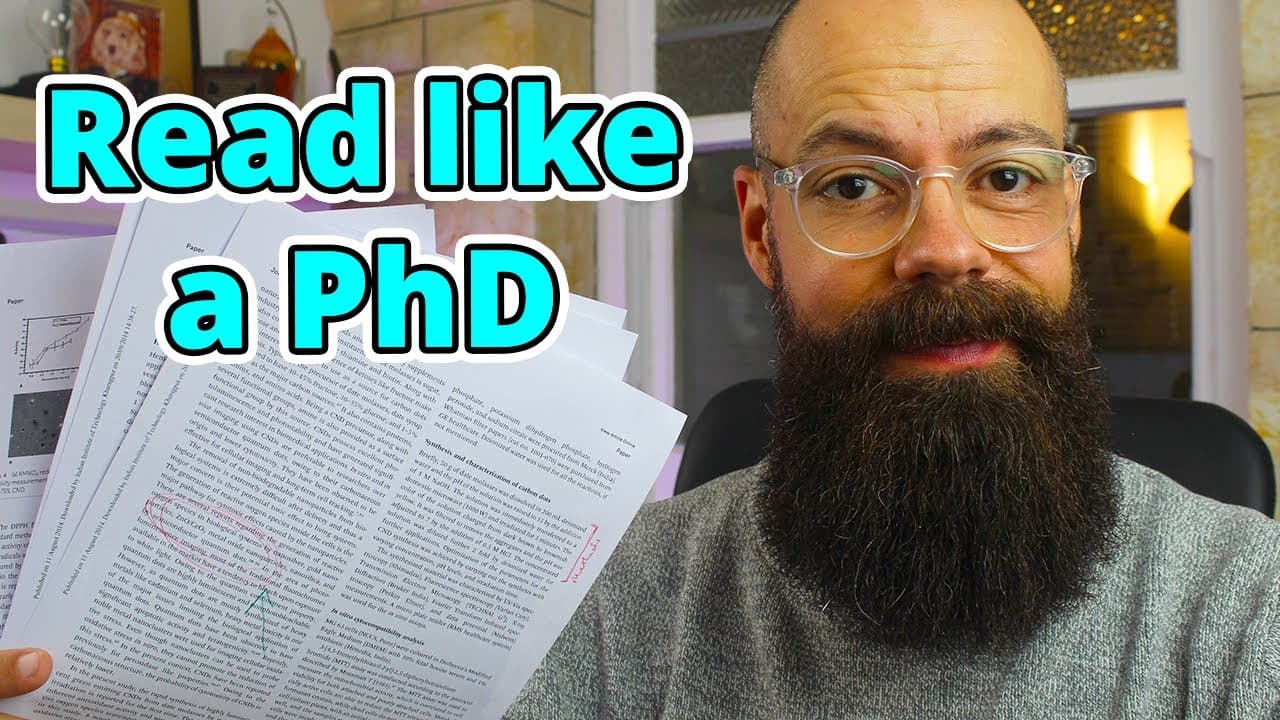
This video presents a simple and effective method for reading academic papers, taking notes, and organizing literature in a presentation format, allowing for easy referencing and retrieval.
Transcript
create yourself a presentation that is probably the simplest and most effective way that I've been able to keep up with the literature read it take notes and here's the thing you don't have to read every single Paper in your field to become a PhD uh qualified expert the thing is is that you have to make sure that you are able to quickly go through ... Read More
Key Insights
- 🔍 Simplify literature review: You don't have to read every paper in your field to become an expert, but you need a method to quickly go through literature and identify what's valuable.
- 💡 Effective note-taking: Traditional note-taking methods may not work for everyone. Creating a presentation deck with paper title, link, take-home messages, and interesting figures can be more user-friendly.
- 📑 Tagging system: Using simple tags helps organize papers based on different purposes, such as literature review, new discovery, must-read, methods, and ideas.
- 🔎 Using Google Scholar: Google Scholar is a useful tool for finding relevant papers on a specific topic, along with additional resources like e-lis.
- 📜 First pass: Skim the abstract and conclusion to determine if the paper can address your questions, provide new methods, or be useful for a literature review.
- 🖨️ Printing papers: Printing out papers can help in focused reading and taking notes on paper. Underlining important points and making additional notes can aid comprehension.
- ⚗️ Methods and ideas: If the paper contains interesting methods or ideas, highlight them and keep those specific pages for reference.
- 🔍 Efficient retrieval: By using a tagging system and creating a presentation with notes, it becomes easier to quickly find and retrieve specific information when needed.
Install to Summarize YouTube Videos and Get Transcripts
Explore YouTube Video Summarizer or Get YouTube Transcript Extractor
Questions & Answers
Q: How does the presenter suggest using tags in the presentation format for organizing academic papers?
The presenter suggests using tags, such as literature review, new discoveries, must-reads, methods, or ideas, to categorize papers in the presentation format. These tags help in quickly identifying the purpose and relevance of each paper.
Q: Why does the presenter recommend using a presentation format, like Google Slides, for organizing academic papers and notes?
The presenter finds that using a presentation format allows for easy referencing and retrieval of information. It also provides a visual representation of the papers, making it easier to remember and locate specific papers or information within them.
Q: What is the benefit of using tags to categorize academic papers?
Tags help in quickly filtering and identifying papers based on their purpose or relevance. This saves time and allows for efficient retrieval of information when needed. Additionally, categorizing papers using tags helps in organizing and structuring the overall literature and research material.
Q: How does the presenter recommend finding and selecting academic papers to read?
The presenter suggests using Google Scholar or other academic databases to search for papers on specific topics of interest. Once a potential paper is found, the presenter recommends conducting a quick scan of the abstract and conclusions to determine its relevance and potential value for literature review, new discoveries, must-reads, methods, or ideas.
Q: What is the presenter's approach to reading academic papers in detail?
The presenter recommends printing out the selected papers and taking notes directly on the paper while reading it in detail. Underlining important sections, writing notes in blank spaces, and circling key findings or methods are suggested. This approach ensures careful reading and comprehension of the paper's content.
Q: How does the presenter suggest organizing the printed papers and notes?
The presenter advises organizing the printed papers based on their usefulness. Only pages with relevant and important information should be kept, while the rest can be discarded. The presenter also recommends keeping separate sections or files for different research projects or topics to ensure efficient organization and retrieval of information.
Q: What are the advantages of using a presentation format for organizing and referencing academic papers compared to other methods?
According to the presenter, using a presentation format, such as Google Slides, allows for quick and intuitive navigation through the literature. It provides a visual representation of the papers, making it easier to remember and locate specific information. Additionally, it facilitates easy referencing and retrieval of information compared to other methods like Excel documents or reference managers.
Summary & Key Takeaways
-
The presenter recommends using a presentation format, such as Google Slides, to organize and take notes on academic papers.
-
The method involves creating a template with sections for paper title, link, take-home messages, interesting figures, and tags.
-
The presenter emphasizes the importance of using tags to categorize papers based on their purpose, such as literature review, new discoveries, must-reads, methods, or ideas.
Read in Other Languages (beta)
Share This Summary 📚
Summarize YouTube Videos and Get Video Transcripts with 1-Click
Try YouTube Summary with ChatGPT & Claude or YouTube Transcript Generator
Explore More Summaries from Andy Stapleton 📚


Summarize YouTube Videos and Get Video Transcripts with 1-Click
Try YouTube Summary with ChatGPT & Claude or YouTube Transcript Generator