Products
Features
YouTube Video Summarizer
Summarize YouTube videos
Web & PDF Highlighter
Highlight web pages & PDFs
Chat with PDF
Ask any PDF questions with AI
Ask AI Clone
Chat with your highlights & memories
Audio Transcriber
Transcribe audio files to text
Glasp Reader
Read and highlight articles
Kindle Highlight Export
Export your Kindle highlights
Idea Hatch
Hatch ideas from your highlights
Integrations
Obsidian Plugin
Notion Integration
Pocket Integration
Instapaper Integration
Medium Integration
Readwise Integration
Snipd Integration
Hypothesis Integration
Apps & Extensions
Chrome Extension
Safari Extension
Edge Add-ons
Firefox Add-ons
iOS App
Android App
Discover
Discover
Ideas
Discover new ideas and insights
Articles
Curated articles and insights
Books
Book recommendations by great minds
Posts
Essays and notes from readers
Quotes
Inspiring quotes collection
Videos
Curated videos and summaries
Explore Glasp
Glasp Newsletter
Weekly insights and updates
Glasp Talk
Interview series with great minds
Glasp Blog
Latest news and articles
Glasp Use Cases
Learn how others use Glasp
Build & Support
Glasp API
Access Glasp's API for developers
MCP Connector
Connect Glasp to Claude & ChatGPT
Community
Glasp Reddit Community
Students
Student discount and benefits
FAQs
Frequently Asked Questions
AboutPricing
DashboardLog inSign up

How to Create a Social Media Avatar in Adobe Illustrator
5.5K views
•
November 27, 2021
by
Skillshare
YouTube video player
How to Create a Social Media Avatar in Adobe Illustrator

TL;DR

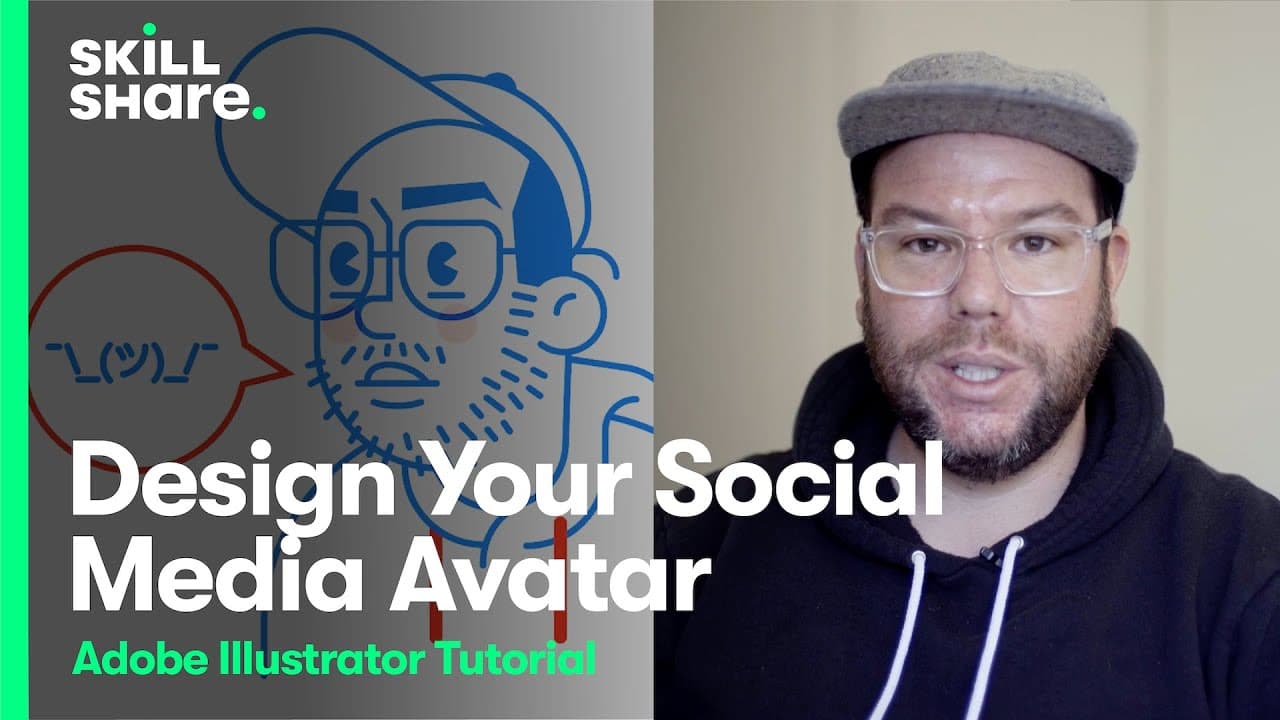
Learn how to create a personalized avatar using basic shapes and simple tools.

Transcript

let's get right into uh making our avatar so a good place to start is just like with like really basic shapes i'm going to use like a rectangle here let me adjust kind of my strip i like the stroke and kind of this gray color to start off with but again kind of like a really simple uh rectangle i'm going to change some of these rounded corners so i... Read More

Key Insights

  • 💠 Creating an avatar using simple shapes provides flexibility and customization options.
  • 👣 Multiple instances of the avatar help track progress and make changes easily.
  • 🎨 Consistency and symmetry in the design contribute to a cohesive and successful avatar.
  • 🤑 Adding details like eyebrows, nose, and mouth contribute to the uniqueness and approachability of the avatar.
  • 🎨 Refining and tweaking the avatar design is an ongoing process.
  • 🎨 Color can be added to the avatar design to enhance its visual appeal and personalization.

Install to Summarize YouTube Videos and Get Transcripts

Explore YouTube Video Summarizer or Get YouTube Transcript Extractor

Questions & Answers

Q: What are the advantages of using simple shapes to create an avatar?

Using simple shapes allows for easy manipulation and customization. It also helps maintain consistency and symmetry throughout the avatar design.

Q: How can multiple copies of the avatar be helpful?

Creating multiple copies allows for better tracking of progress and makes it easier to go back and make changes if needed. It helps in refining the avatar design.

Q: Can you explain the process of adding details like the beard and eyebrows?

Details like the beard can be added using the line tool and adjusting anchor points. Eyebrows can be created using rectangles and the pen tool to connect shapes and achieve desired characteristics.

Q: How can color be added to the avatar design?

Color can be added by grouping the avatar elements together and then selecting and changing the fill and stroke colors. It allows for customization and personalization of the avatar.

Summary & Key Takeaways

  • The video demonstrates the step-by-step process of creating a personalized avatar using basic shapes like rectangles and ellipses.

  • The speaker emphasizes the importance of refining and making multiple copies of the avatar to track progress and make changes.

  • Various features like eyes, eyebrows, nose, and mouth are added to create a unique and approachable avatar.


Read in Other Languages (beta)

English

Share This Summary 📚

Summarize YouTube Videos and Get Video Transcripts with 1-Click

Download browser extensions on:

Try YouTube Summary with ChatGPT & Claude or YouTube Transcript Generator

Explore More Summaries from Skillshare 📚

What Is Web 3.0? Learn with pplpleasr thumbnail
What Is Web 3.0? Learn with pplpleasr
Skillshare
How To Use Lomography Cameras thumbnail
How To Use Lomography Cameras
Skillshare
Shooting Complementary Colors and Light Sources with Steve Sweatpants thumbnail
Shooting Complementary Colors and Light Sources with Steve Sweatpants
Skillshare
trashhand Demonstrates How He Finds Lighting When Photographing Cityscapes thumbnail
trashhand Demonstrates How He Finds Lighting When Photographing Cityscapes
Skillshare
What to Look For When Buying Fish for Sushi and Ceviche thumbnail
What to Look For When Buying Fish for Sushi and Ceviche
Skillshare
Basic Knife Skills for Home Chefs thumbnail
Basic Knife Skills for Home Chefs
Skillshare

Summarize YouTube Videos and Get Video Transcripts with 1-Click

Download browser extensions on:

Try YouTube Summary with ChatGPT & Claude or YouTube Transcript Generator

Apps & Extensions

  • Chrome Extension
  • Safari Extension
  • Edge Add-ons
  • Firefox Add-ons
  • iOS App
  • Android App

Key Features

  • YouTube Video Summarizer
  • Web & PDF Summarizer
  • Web & PDF Highlighter
  • Chat with PDF
  • Ask AI Clone
  • Audio Transcriber
  • Glasp Reader
  • Kindle Highlight Export
  • Idea Hatch

Integrations

  • Obsidian Plugin
  • Notion Integration
  • Pocket Integration
  • Instapaper Integration
  • Medium Integration
  • Readwise Integration
  • Snipd Integration
  • Hypothesis Integration

More Features

  • APIs
  • MCP Connector
  • Blog & Post
  • Embed Links
  • Image Highlight
  • Personality Test
  • Quote Shots

Company

  • About us
  • Blog
  • Community
  • FAQs
  • Job Board
  • Newsletter
  • Pricing
Terms

•

Privacy

•

Guidelines

© 2026 Glasp Inc. All rights reserved.