How to Factory Reset Your Mac Quickly and Easily
TL;DR
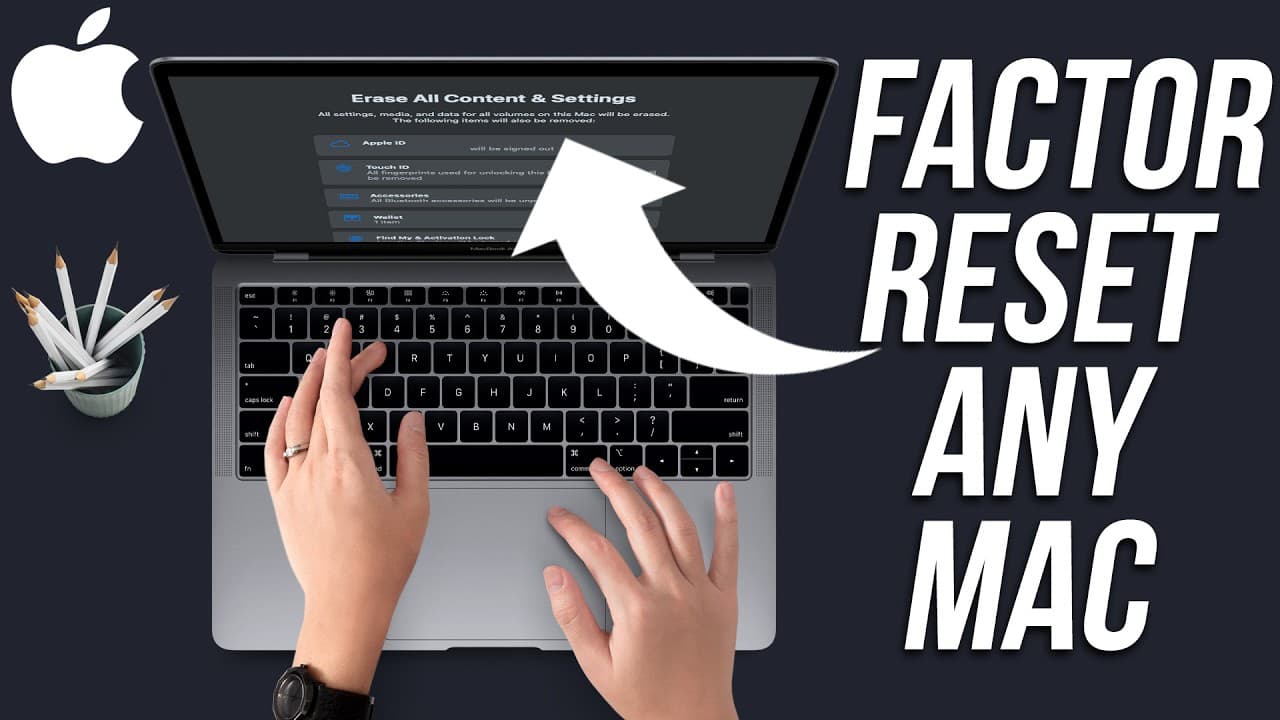
To factory reset your Mac, back up your data using Time Machine, then sign out of iCloud and update your system. Finally, navigate to General settings and select 'Erase All Content' to complete the process. This ensures all personal data is removed, making the Mac ready for a new owner.
Transcript
if you're selling your Mac or if you're giving your Mac to someone else it's best to erase all your content and reset your Mac to factory settings now in the recent years Apple has made this process a whole lot easier it used to be pretty timeconsuming you had multiple steps five six years ago but it's much much easier now so I'm going to show you ... Read More
Key Insights
- 👶 Using Time Machine simplifies the backup process and ensures a smooth transition to a new Mac.
- ❓ Updating the system before resetting can resolve potential issues and enhance performance.
- 👶 The migration assistant tool facilitates transferring data to a new Mac or Windows PC effortlessly.
- 👶 Erasing all content and settings permanently removes personal information and prepares the Mac for a new user.
- 🤘 Following the correct steps, like signing out of iCloud, is essential to complete a successful factory reset.
- 🥹 Backing up data manually is an alternative to using Time Machine for those who prefer more control.
- 💨 Selling or giving away a Mac without resetting it may pose data security risks and privacy concerns.
Install to Summarize YouTube Videos and Get Transcripts
Explore YouTube Video Summarizer or Get YouTube Transcript Extractor
Questions & Answers
Q: Why is it important to reset a Mac before selling or giving it away?
Resetting a Mac erases personal data, improves security, and ensures a clean start for the new user, protecting your privacy.
Q: How can Time Machine help in backing up data before resetting a Mac?
Time Machine creates a full backup of your Mac onto an external drive, making it easy to transfer all your files and settings to a new device seamlessly.
Q: What steps are involved in resetting a Mac to its factory settings?
The process includes signing out of iCloud, updating the system, and using the Reset feature to erase all content, settings, and user information permanently.
Q: What precautions should be taken before initiating a Mac reset?
Ensure all important data is backed up, understand that the reset is irreversible, and follow the instructions carefully to avoid losing any crucial information.
Summary & Key Takeaways
-
Erasing all content on your Mac and resetting it to factory settings is crucial before selling or giving it away.
-
Back up your data using Time Machine or a manual method to ensure you can transfer it to a new Mac.
-
Follow step-by-step instructions to sign out of iCloud, update your system, and perform a complete reset effortlessly.
Read in Other Languages (beta)
Share This Summary 📚
Summarize YouTube Videos and Get Video Transcripts with 1-Click
Try YouTube Summary with ChatGPT & Claude or YouTube Transcript Generator
Explore More Summaries from Howfinity 📚






Summarize YouTube Videos and Get Video Transcripts with 1-Click
Try YouTube Summary with ChatGPT & Claude or YouTube Transcript Generator