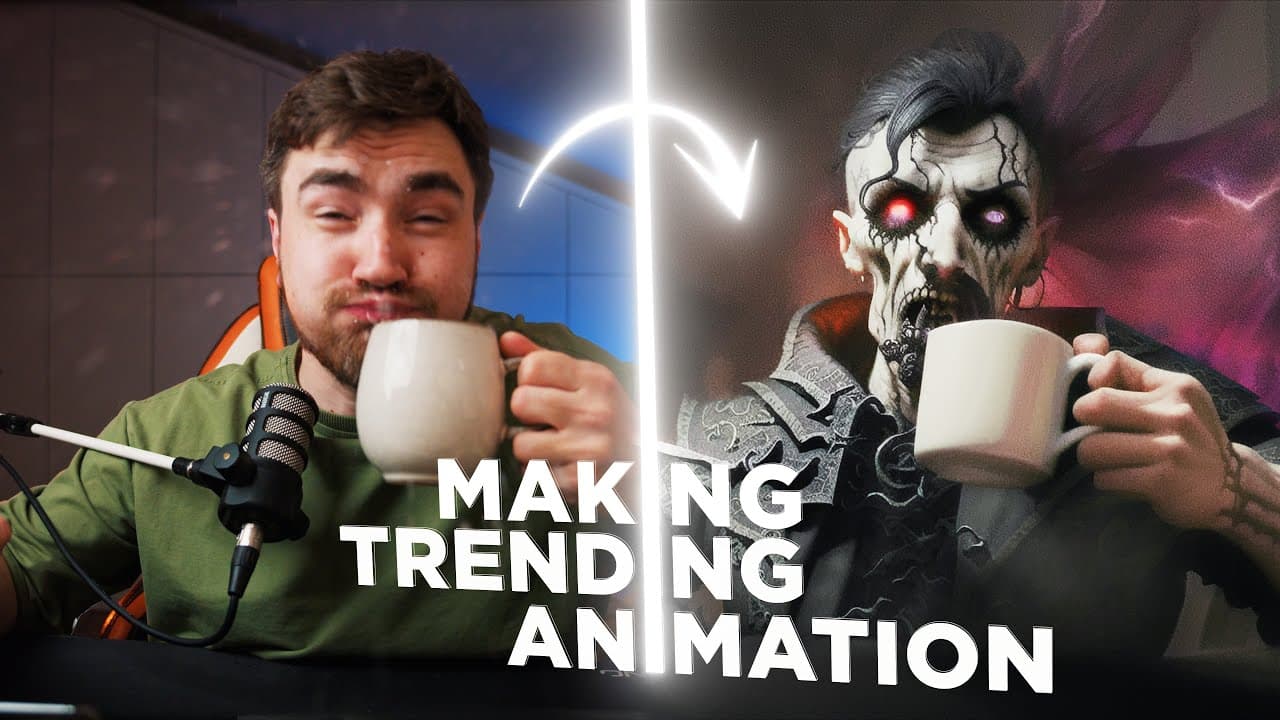
Deforum AI Animation from Photo Tutorial (TikTok trend)
TL;DR
Learn how to use Stable Diffusion and custom models to create AI animation transitions from your own photos, with a step-by-step tutorial and helpful tips.
Transcript
welcome to Moody motion my name is olaj ibrahimo and today I will teach you how to start animation from your own photo using stable diffusion but we will go even further and using this knowledge we'll learn how to make this dope AI transition video that you probably saw trending additionally I will show you how to use custom model to get photoreali... Read More
Key Insights
- 🎥 Starting animation from a photo using stable diffusion can create impressive AI transition videos with photorealistic results.
- 🎥 Custom models and prompts can be used to personalize the animation and create unique effects.
- 🌟 Choosing the right frame and idea for the animation is crucial to create a standout video.
- 🌟 Google Collab and stable diffusion are important tools for creating animations, especially for those new to the process.
- 💡 Various parameters, such as camera movements and noise reduction, can be adjusted to enhance the quality of the animation.
- 💡 Additional software, such as DaVinci Resolve, can be used for video editing to further improve the final result.
- 🔗 Access to stable diffusion in Google Collab may require a subscription, but there are free resources available to download custom models.
- 🔗 Experimenting with different prompts, models, and settings can lead to unique and creative animations.
Install to Summarize YouTube Videos and Get Transcripts
Explore YouTube Video Summarizer or Get YouTube Transcript Extractor
Questions & Answers
Q: What software is recommended for creating AI animation transitions from photos?
The video tutorial recommends using Stable Diffusion in Google Colab or Automation 1111, depending on your preference and access.
Summary & Key Takeaways
-
The video tutorial provides a step-by-step guide on using Stable Diffusion and custom models to create AI animation transitions from photos.
-
It covers topics such as finding the right frame, choosing prompt ideas, uploading custom models, adjusting parameters, and rendering the animation.
-
The tutorial also includes additional tips on using software like DaVinci Resolve for post-processing and creating transitions with a "dungeon" style.
Read in Other Languages (beta)
Share This Summary 📚
Summarize YouTube Videos and Get Video Transcripts with 1-Click
Try YouTube Summary with ChatGPT & Claude or YouTube Transcript Generator