How to Fix Missing Constraints in Android Studio Layout
TL;DR
To fix missing constraints in an Android Studio layout, use the 'Infer Constraints' feature to automatically apply the necessary layout settings. Ensure that all UI elements are properly constrained to avoid layout issues, and check that resource names are correctly defined for smooth rendering.
Transcript
hello in this video I will show you how to fix the missing constraints in constraint layout problem let's start a Android Studio now we knew our program a new project we choose the basic activity and the Western access languages server okay let's go to the layout Resort I had a picture of about counting me that's how the battle here our okay so we ... Read More
Key Insights
- 😀 Constraint layout is essential for managing UI elements in Android apps, influencing their placement on different screen sizes.
- ❓ The 'Infer Constraints' feature streamlines the development process by automatically applying necessary layout settings.
- ⌛ Organizing and naming resources properly can reduce development time and minimize errors.
- 😀 Understanding the basic layout principles of Android can significantly improve app functionality.
- 👻 Manual adjustments in layout attributes allow for more precise control over UI elements.
- 😀 Proper error handling and troubleshooting strategies are vital skills for effective app development.
- 😀 Regularly updating your knowledge of Android Studio features can enhance productivity and app quality.
Install to Summarize YouTube Videos and Get Transcripts
Explore YouTube Video Summarizer or Get YouTube Transcript Extractor
Questions & Answers
Q: What is the issue with missing constraints in constraint layout?
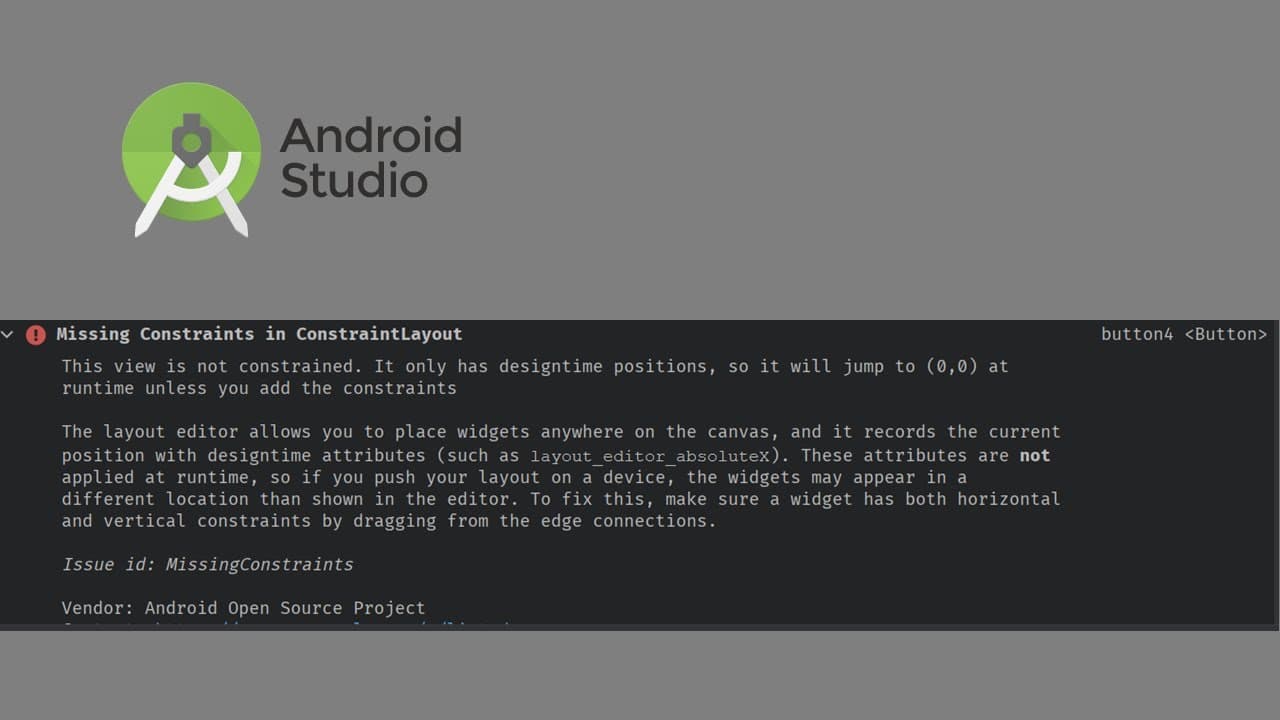
Missing constraints in a constraint layout can cause UI elements, like buttons, to appear incorrectly positioned when the app is run. Without defined constraints, these elements default to coordinates (0,0) on the screen, leading to a confusing user experience.
Q: How can I fix missing constraints in Android Studio?
To fix missing constraints, you can use the 'Infer Constraints' feature available in Android Studio. This tool automatically applies constraints to your layout elements based on their positions in the design preview, ensuring they render correctly when the app runs.
Q: What should I do if 'Infer Constraints' doesn't work?
If the 'Infer Constraints' option does not resolve the issue, you can manually set constraints by selecting the UI element, navigating to its attributes, and dragging to the edges of the layout or entering constraint values directly. This method ensures everything is properly aligned.
Q: Why is resource naming important in Android development?
Proper resource naming is critical in Android development for avoiding confusion and ensuring that elements are easily identifiable and manageable within your project. If a resource name is incorrect or missing, it can lead to runtime errors and make the app difficult to maintain.
Summary & Key Takeaways
-
The content addresses how to fix missing constraint errors in Android Studio's constraint layout, starting from creating a new project using a basic activity template.
-
It explains the issue of layout constraints causing UI elements to appear incorrectly when run, highlighting that elements can jump to the incorrect position without proper constraints.
-
The solution consists of using the 'Infer Constraints' feature, adjusting attributes, and correctly naming resources to eliminate errors and ensure proper layout rendering.
Read in Other Languages (beta)
Share This Summary 📚
Summarize YouTube Videos and Get Video Transcripts with 1-Click
Try YouTube Summary with ChatGPT & Claude or YouTube Transcript Generator
Explore More Summaries from E Micro Tech 📚

Summarize YouTube Videos and Get Video Transcripts with 1-Click
Try YouTube Summary with ChatGPT & Claude or YouTube Transcript Generator