Top 10 Periscope Tips (for Better Scopes and More Engagement!)
TL;DR
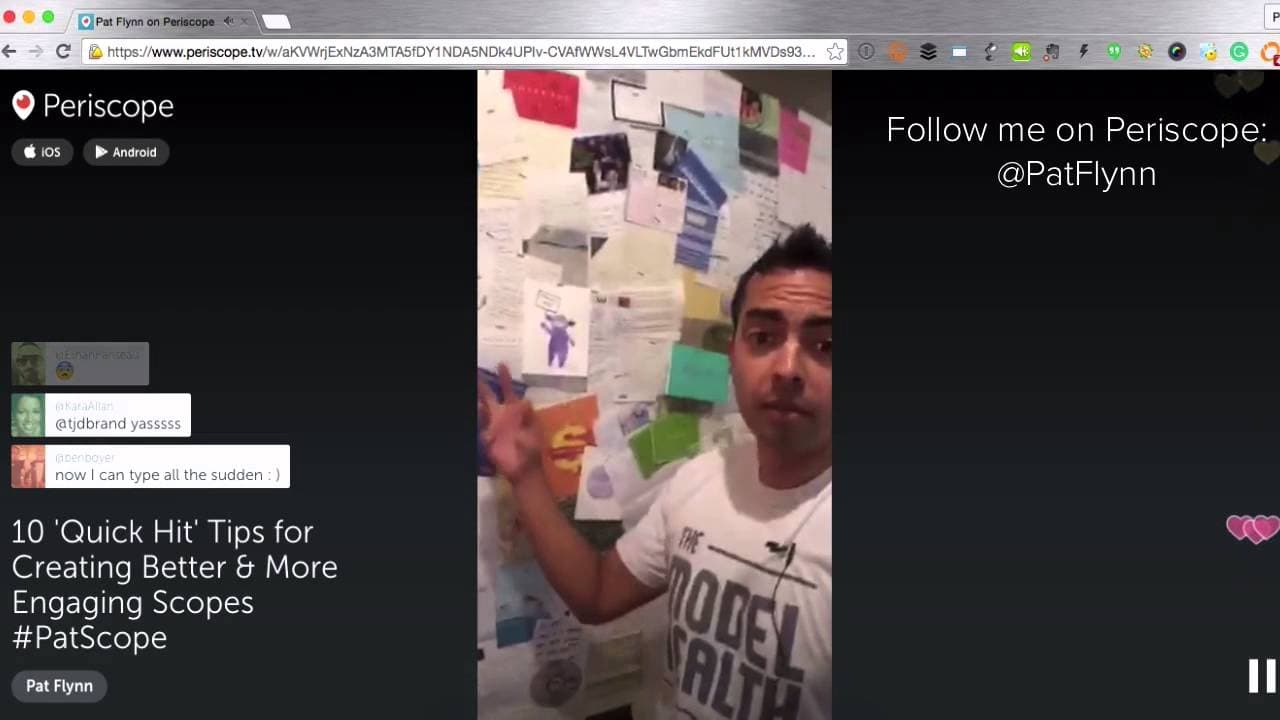
Learn how to improve your Periscope skills with these 10 quick tips for better engagement and results.
Transcript
what's up replay viewers thanks for joining me as a reminder you can double tap the screen to leave some hearts km is in the house cam I feel like you're always first in for some reason thank you for coming inside hustler Vinny Luca lately I saw a local ale a username that's awesome elevation eating I want to know what that's about thanks for the h... Read More
Key Insights
- ⁉️ Interacting with your audience through questions and prompts is essential for engagement and participation.
- 🫵 Bringing energy and enthusiasm to your Periscopes helps keep viewers engaged and interested.
- 🫵 Optimize your headline and thumbnail image to increase visibility and attract more viewers.
- 🛀 Specialized shows, like unboxing videos and Q&A sessions, provide unique and valuable content for your audience.
- 👀 Regular practice and watching other scopes can help improve your Periscope skills.
- 🫵 Having a clear call to action directs your viewers to take the desired next steps.
- 🤪 Don't let mistakes or technical difficulties discourage you, just keep going.
Install to Summarize YouTube Videos and Get Transcripts
Explore YouTube Video Summarizer or Get YouTube Transcript Extractor
Questions & Answers
Q: How can I interact with my Periscope audience?
Interacting with your audience is crucial for engagement. Ask questions, use fill-in-the-blank prompts, and ask for ratings to encourage participation.
Q: How can I bring more energy to my Periscopes?
Be enthusiastic and passionate about your content. Engage with your viewers and make sure your energy level matches the message you're sharing.
Q: How important is it to have a compelling headline and thumbnail image?
A catchy headline and an interesting thumbnail image will attract more viewers to your Periscope and increase your visibility on the platform.
Q: What are some specialized shows I can do on Periscope?
Consider doing unboxing videos, behind-the-scenes looks, or Q&A sessions to provide unique and valuable content to your audience.
Q: How can I improve my Periscope skills?
Practice regularly and watch other scopes to learn from different broadcasters' techniques and styles. Keep experimenting and adapting to find what works best for you.
Q: Why is it important to have a call to action in my Periscopes?
A call to action prompts your viewers to take action, whether it's following you on Periscope or visiting a specific webpage. It helps direct their next steps and builds engagement and connection.
Q: What should I do if something goes wrong during a live broadcast?
Keep going and don't let mistakes or technical difficulties derail your broadcast. Stay calm and adapt as necessary, your viewers will appreciate your authenticity.
Q: When is the best time to hit the broadcast button on Periscope?
Just hit the broadcast button and go. Don't overthink it or worry about being perfect. The more you broadcast, the more comfortable you'll become.
Summary & Key Takeaways
-
Interact with your audience by asking questions, using fill-in-the-blank prompts, and asking for ratings.
-
Bring energy to your Periscopes to keep viewers engaged and interested.
-
Optimize your headline and thumbnail image to increase visibility on Periscope.
-
Use specialized shows, like unboxing videos or Q&A sessions, to provide valuable content to your audience.
-
Practice regularly to improve your Periscope skills and watch other scopes to learn from different broadcasters.
-
Always have a clear call to action for your viewers.
-
Just hit the broadcast button and go, don't worry about being perfect.
Read in Other Languages (beta)
Share This Summary 📚
Summarize YouTube Videos and Get Video Transcripts with 1-Click
Try YouTube Summary with ChatGPT & Claude or YouTube Transcript Generator
Explore More Summaries from Pat Flynn 📚



Summarize YouTube Videos and Get Video Transcripts with 1-Click
Try YouTube Summary with ChatGPT & Claude or YouTube Transcript Generator