Character animation for impatient people - Blender Tutorial
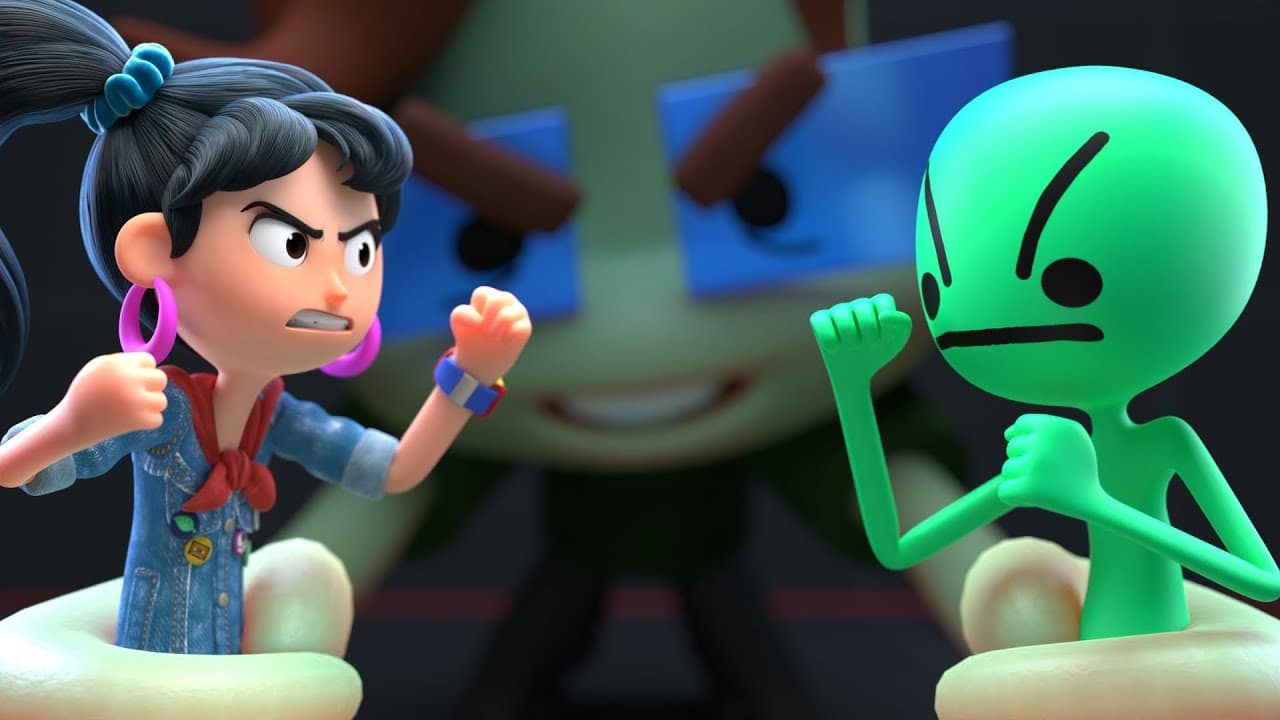
TL;DR
Learn fast character animation with free tools and tips.
Transcript
there are people who have spent literal decades trying to get better at character animation so you can spend that much time if you want to I don't want that but a lot of the hard work has been done already and now there are tools workflows and resources that will help you achieve your goals much faster in order to start animating characters... Read More
Key Insights
- Mixamo offers free, rigged characters and animations, simplifying the animation process for beginners by automating rigging and providing a library of animations.
- Manual animation in Blender involves posing and keyframing, with tools like Auto IK and pose mirroring enhancing the process by simplifying bone movement and symmetry.
- The Rococo Video tool allows for free motion capture by recording performances and retargeting them to different rigs, providing a cost-effective animation solution.
- The Dope Sheet and Graph Editor in Blender offer detailed control over keyframes and animation curves, crucial for refining animations and achieving desired motion effects.
- Auto keying in Blender allows for real-time recording of movements, making animation feel more intuitive and playful, though it requires careful management of existing keyframes.
- Wiggle Bones 2 is a Blender add-on that adds secondary motion to animations using physics, enhancing realism and saving time compared to manual keyframing.
- Using video references and animation principles like squash and stretch or anticipation can significantly improve the natural look of animations.
- Pose libraries in Blender allow animators to save and reuse poses, streamlining the animation process and enabling efficient workflow management.
Install to Summarize YouTube Videos and Get Transcripts
Explore YouTube Video Summarizer or Get YouTube Transcript Extractor
Questions & Answers
Q: What is Mixamo and how does it help in animation?
Mixamo is a platform that provides free, rigged characters and a library of animations, making it easier for beginners to start animating without the need to manually rig models. It automates the rigging process and offers animations that can be directly applied, significantly speeding up the animation workflow.
Q: How does Rococo Video aid in motion capture?
Rococo Video allows users to perform motion capture by recording themselves and uploading the footage to retarget animations onto different rigs. This cost-effective solution avoids the need for expensive motion capture suits, though it requires clear visibility of limbs for accurate results.
Q: What are the benefits of using Blender's Dope Sheet and Graph Editor?
The Dope Sheet and Graph Editor in Blender provide animators with detailed control over keyframes and animation curves, allowing for precise adjustments to timing and motion. These tools are essential for refining animations and achieving specific motion effects, offering a comprehensive view of all animation data.
Q: How does Auto Keying in Blender enhance the animation process?
Auto Keying in Blender records movements in real-time as the animator manipulates the model, making the process feel more intuitive and playful. It simplifies keyframing by automatically placing keyframes, though it requires careful management to avoid conflicts with existing keyframes.
Q: What is Wiggle Bones 2 and how does it improve animations?
Wiggle Bones 2 is a Blender add-on that adds secondary motion to animations using physics, enhancing realism by simulating natural movements like jiggles or sways. It saves time compared to manual keyframing and provides options for adjusting stiffness and collision, offering a flexible solution for adding dynamic motion.
Q: Why are video references important in animation?
Video references are crucial in animation as they provide a real-world basis for animators to replicate natural movements. By observing and mimicking actual motion, animators can enhance the authenticity and fluidity of their animations, ensuring that character movements appear believable and lifelike.
Q: What role do animation principles play in creating realistic animations?
Animation principles like squash and stretch, anticipation, and secondary action are foundational concepts that help create realistic and appealing animations. They guide animators in understanding how to exaggerate motion for effect, maintain fluidity, and ensure that animations adhere to natural physics, enhancing overall quality.
Q: How do pose libraries streamline the animation workflow in Blender?
Pose libraries in Blender allow animators to save and reuse poses, significantly speeding up the animation process. By storing frequently used poses, animators can quickly apply them to different models or animations, ensuring consistency and efficiency across projects, and simplifying complex animations.
Summary & Key Takeaways
-
The tutorial focuses on speeding up character animation using various tools and techniques like Mixamo for rigged characters, Rococo Video for motion capture, and Blender's posing features.
-
Blender's Dope Sheet and Graph Editor provide detailed control over animations, while Auto Keying and Wiggle Bones add-ons enhance the animation process by simplifying keyframing and adding secondary motion.
-
The tutorial emphasizes the importance of animation principles, video reference, and efficient workflow strategies like pose libraries and action editors to improve animation quality and efficiency.
Read in Other Languages (beta)
Share This Summary 📚
Summarize YouTube Videos and Get Video Transcripts with 1-Click
Try YouTube Summary with ChatGPT & Claude or YouTube Transcript Generator
Explore More Summaries from Joey Carlino 📚
Summarize YouTube Videos and Get Video Transcripts with 1-Click
Try YouTube Summary with ChatGPT & Claude or YouTube Transcript Generator