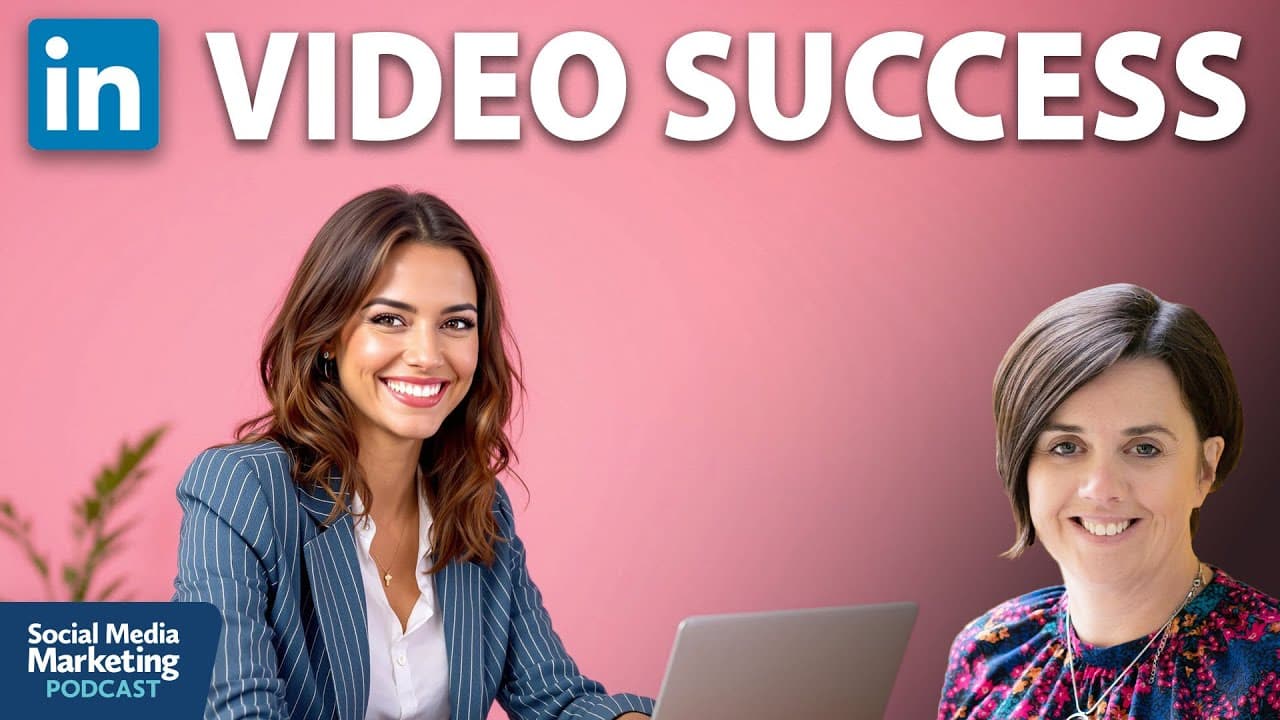
LinkedIn Video Strategy: Becoming a Respected Industry Leader
TL;DR
Leverage LinkedIn video to enhance industry authority and visibility.
Transcript
I said, can you create clips? And it says, how many do you want? And I says, oh, I'll have six. And then it said, what, what format do you want them? Do you want them landscape? Do you want them portrait? So I was able to take the landscape video that we had created and create six clips in, um, in portrait or vertical video. And you can tell it wha... Read More
Key Insights
- LinkedIn encourages video content, offering a unique opportunity to stand out as fewer users currently utilize video on the platform.
- Video content fosters genuine human connections, making it easier for audiences to relate and engage compared to text-based content.
- LinkedIn's emphasis on video aims to attract younger generations, like Gen Z, who prefer short-form video content.
- Planning is crucial: identify who will appear on camera, what stories to share, and what messages to convey to align with business goals.
- Recording can be done remotely using tools like StreamYard, emphasizing the importance of good lighting and audio quality.
- Editing tools like Descript make it easy to refine video content by removing filler words and creating engaging clips for various platforms.
- Publishing involves not just uploading videos but also repurposing content into blog posts, newsletters, and carousel posts to maximize reach.
- A strategic video plan can lead to increased visibility, thought leadership, and business opportunities, as demonstrated by client success stories.
Install to Summarize YouTube Videos and Get Transcripts
Explore YouTube Video Summarizer or Get YouTube Transcript Extractor
Questions & Answers
Q: Why should marketers focus on LinkedIn video?
LinkedIn video is encouraged by the platform itself, offering an opportunity to stand out as there is less competition compared to other platforms. Video content enhances human connection, making it easier for audiences to relate and engage. It also differentiates marketers from those who primarily use text, especially as AI-generated text becomes more prevalent.
Q: What is the PREP framework for LinkedIn video?
The PREP framework stands for Plan, Record, Edit, and Publish. It provides a structured approach to creating LinkedIn video content. Planning involves identifying the message, stories, and who will appear on camera. Recording focuses on technical aspects like lighting and audio. Editing refines the content, and publishing involves strategic distribution and repurposing for maximum reach.
Q: How can video content be repurposed on LinkedIn?
Video content can be repurposed by extracting transcripts to create blog posts, LinkedIn newsletters, and carousel posts. The transcript captures the authentic voice of the speaker, allowing for consistent messaging across different formats. This approach maximizes the initial investment in video content by extending its reach and impact.
Q: What tools are recommended for recording and editing LinkedIn videos?
StreamYard is recommended for recording, especially for remote collaborations. It allows interviews and discussions to be recorded with ease. Descript is suggested for editing, offering features like text-based editing, filler word removal, and AI-generated clips. These tools make video production accessible even for those without extensive technical expertise.
Q: Why is video content particularly effective on LinkedIn?
Video content is effective on LinkedIn because it fosters genuine human connections, making it easier for audiences to relate to and engage with the content. It also allows marketers to differentiate themselves from those who rely on text, particularly as AI-generated text becomes more common. LinkedIn's algorithm favors video, providing creators with more visibility.
Q: How can marketers ensure their LinkedIn videos are engaging?
To ensure LinkedIn videos are engaging, marketers should start with a compelling hook to capture attention, provide valuable insights or stories, and conclude with a clear call to action. Videos should be concise, ideally under two minutes, and include captions to enhance accessibility. Authenticity and relevance to the audience's interests are key to engagement.
Q: What are some examples of successful LinkedIn video strategies?
Successful LinkedIn video strategies include a learning and development company promoting apprenticeship programs through interviews and a PowerPoint consultant gaining speaking opportunities by sharing expertise through video. These examples demonstrate how video can establish thought leadership and drive business opportunities by showcasing expertise and aligning with organizational goals.
Q: What should marketers consider before publishing their first LinkedIn video?
Before publishing their first LinkedIn video, marketers should consider their objectives, target audience, and key messages. They should plan the content structure, including hooks, stories, and calls to action. Technical aspects like lighting, audio, and editing tools should be prepared. Finally, marketers should have a strategy for repurposing content to maximize its reach and impact.
Summary & Key Takeaways
-
LinkedIn video is a powerful tool for marketers to enhance visibility and establish authority. By leveraging the platform's preference for video, marketers can create engaging content that fosters human connection, differentiates them from competitors, and appeals to younger audiences.
-
The PREP framework—Plan, Record, Edit, Publish—guides marketers in developing effective LinkedIn video strategies. This involves careful planning of content, utilizing tools like StreamYard for recording, editing with Descript, and repurposing content for wider reach.
-
Success stories highlight the impact of a well-executed LinkedIn video strategy, with clients achieving increased visibility, thought leadership, and significant business opportunities. The approach underscores the importance of authentic storytelling and strategic content repurposing.
Read in Other Languages (beta)
Share This Summary 📚
Summarize YouTube Videos and Get Video Transcripts with 1-Click
Try YouTube Summary with ChatGPT & Claude or YouTube Transcript Generator
Explore More Summaries from Social Media Examiner 📚



Summarize YouTube Videos and Get Video Transcripts with 1-Click
Try YouTube Summary with ChatGPT & Claude or YouTube Transcript Generator