Why I Still Use My 2015 iMac
TL;DR
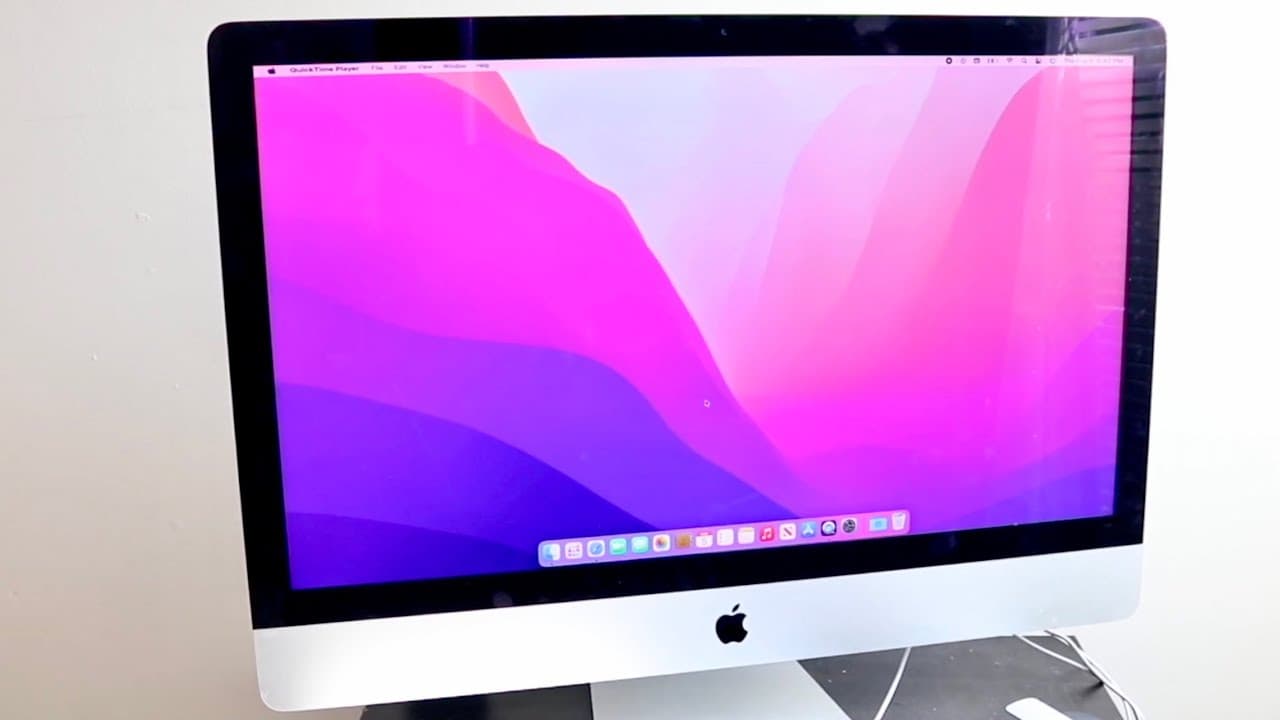
The author shares their experience using a 2015 iMac alongside a newer M1 Pro MacBook, enabled by Universal Control.
Transcript
so a few years ago I ended up buying a 2015 iMac and I must have bought this thing probably around 2019 and I will tell you for the duration that I actually had this specific device with it was a beautiful time I enjoyed this iMac a lot and having the ability of using my iMac right there with a beautiful display and everything like that right there... Read More
Key Insights
- 😫 Universal Control allows users to control multiple Macs with a single set of peripherals, enhancing productivity.
- 😬 Users can repurpose older Macs by leveraging new features introduced in the latest macOS updates.
- 🥶 Maintaining older devices like the 2015 iMac can be practical in a multi-device setup, providing additional capabilities without significant costs.
- 🥶 The seamless integration between older and newer devices is a significant advantage for users who value productivity.
- 💻 The experience of using a dual-screen-like setup with two Macs can improve workflow efficiency.
- 🥶 Apple’s updates have become a valuable way to keep older devices relevant and functional in a modern setting.
- ❓ The author highlights that minor inconveniences in using Universal Control do not diminish the overall experience.
Install to Summarize YouTube Videos and Get Transcripts
Explore YouTube Video Summarizer or Get YouTube Transcript Extractor
Questions & Answers
Q: What advantages did the author find in using the 2015 iMac alongside the M1 MacBook Pro?
The author appreciated the flexibility and productivity boost from using two Macs side by side. The iMac provided additional screen space for running less demanding tasks, enabling the author to manage activities like video exports on the MacBook while utilizing the iMac for browsing and other light applications.
Q: How did Universal Control change the way the author utilized their older iMac?
Universal Control allowed the author to operate both their 2015 iMac and M1 MacBook Pro seamlessly with one mouse and keyboard. This feature transformed the older iMac into a functional companion to the new laptop, allowing efficient multitasking and easier window management, which made the experience much more enjoyable.
Q: Were there any challenges the author faced while using both Macs together?
The author noted that while the Universal Control feature significantly improved usability, there were occasional glitches. However, these minor issues were outweighed by the overall beneficial experience of operating two devices simultaneously, showcasing the advantages of having a secondary machine, even if it is older.
Q: What does the author think about Apple’s decision to support older Macs with newer features?
The author feels that Apple’s decision to enable features like Universal Control for older models is commendable. It repurposes these devices and enhances user satisfaction, allowing consumers to maximize the lifespan and utility of their older Macs rather than discarding them for new ones.
Summary & Key Takeaways
-
The author purchased a 2015 iMac in 2019 and enjoyed using it, finding the device quite beautiful and efficient for daily tasks.
-
After upgrading to an M1 MacBook Pro in 2021, the author uses the iMac nearly every day, thanks in part to Apple’s Universal Control feature.
-
This feature allows seamless control between Macs using a single mouse and keyboard, enhancing productivity and the user experience with both devices.
Read in Other Languages (beta)
Share This Summary 📚
Summarize YouTube Videos and Get Video Transcripts with 1-Click
Try YouTube Summary with ChatGPT & Claude or YouTube Transcript Generator
Explore More Summaries from Simple Alpaca 📚






Summarize YouTube Videos and Get Video Transcripts with 1-Click
Try YouTube Summary with ChatGPT & Claude or YouTube Transcript Generator