ComfyUI Tutorial Series Ep 65: VibeVoice Free Text to Speech Workflow
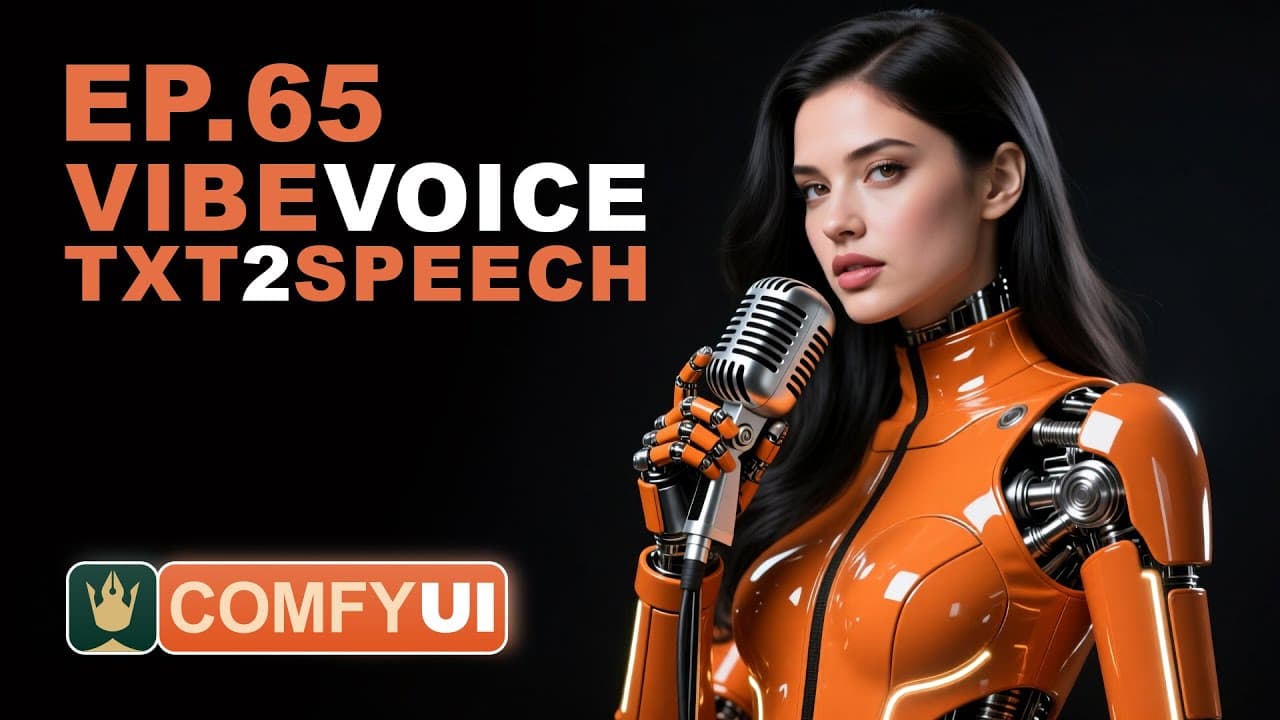
ComfyUI Tutorial Series Ep 65: VibeVoice Free Text to Speech Workflow
Transcript
Welcome to episode 65 of our Comfy UI tutorial series. Today I am testing this node called Vibe Voice that lets us clone a voice. So we can just type what we want and the AI will speak for us with a similar voice. Let's go to Comfy UI and I will open one of the workflows for it. Not because the workflow is complex, but because it's easier to downlo... Read More
Install to Summarize YouTube Videos and Get Transcripts
Explore YouTube Video Summarizer or Get YouTube Transcript Extractor
Read in Other Languages (beta)
Share This Summary 📚
Summarize YouTube Videos and Get Video Transcripts with 1-Click
Download browser extensions on:
Try YouTube Summary with ChatGPT & Claude or YouTube Transcript Generator
Explore More Summaries from pixaroma 📚

ComfyUI Tutorial Series Ep 41: How to Generate Photorealistic Images - Fluxmania
pixaroma

ComfyUI Tutorial Series Ep 50: Generate Stunning AI Images for Social Media (50+ Free Workflows)
pixaroma
ComfyUI Tutorial Series: Ep21 - How to Use OmniGen in ComfyUI
pixaroma
ComfyUI Tutorial Series: Ep03 - TXT2IMG Basics
pixaroma
ComfyUI Tutorial Series: Ep20 - Sketch to Image Workflow with SDXL or Flux!
pixaroma

ComfyUI Tutorial Series Ep 67: Fluxmania Nunchaku + Wan 2.2 and Rapid AIO Workflows
pixaroma
Summarize YouTube Videos and Get Video Transcripts with 1-Click
Download browser extensions on:
Try YouTube Summary with ChatGPT & Claude or YouTube Transcript Generator