How to Create YouTube Videos Using ChatGPT and VEED.io
TL;DR
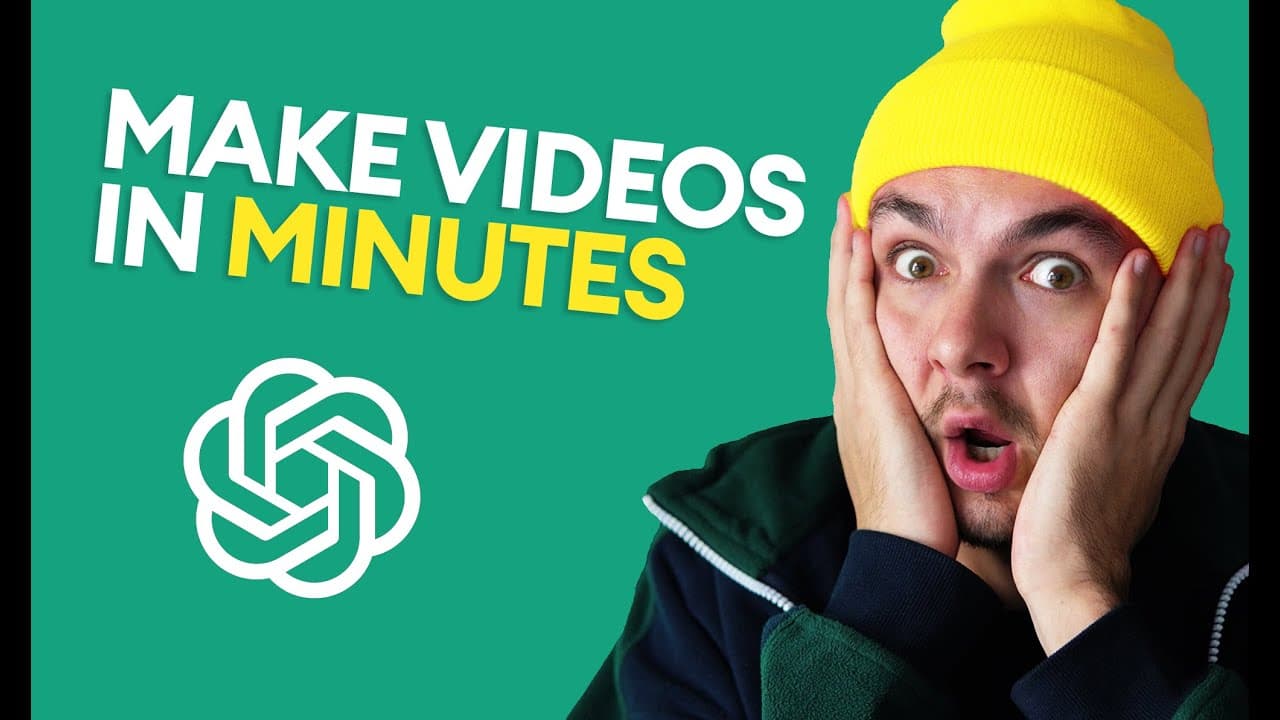
You can create YouTube videos by using ChatGPT to generate a script and VEED.io to convert that script into a video without recording. With ChatGPT, you can conduct research and generate text-to-speech audio in VEED.io, then enhance your video by adding stock footage, subtitles, and music for a polished final product.
Transcript
Today, you're going to learn how to use chat GPT to make YouTube videos. But there's one small problem, that GPT can't edit videos for us. But don't worry, I'm going to be using a second tool which is called VEED.io: an online video editor (by the way I work there) which allows us to create videos without having to record our voice or any f... Read More
Key Insights
- 🔍 Using chat GPT and VEED.io, you can create YouTube videos without recording your voice or footage, making content creation easier.
- 💻 Chat GPT can generate video scripts, help with research, and provide insights on various topics, such as the financial crash of 2008.
- 🤔 Don't just copy and paste what Chat GPT generates, but use it as a starting point to build outlines and conduct further research.
- 🔍 Chat GPT allows you to ask multiple questions and dig deeper into a topic, helping you uncover lesser-known facts and incorporate them into your script.
- 📝 With VEED.io, you can convert the generated script into text-to-speech, allowing you to have a spoken video script without recording anything.
- 🎥 VEED.io offers built-in stock videos that you can search and incorporate into your video, matching them with the script's content and enhancing storytelling.
- ️ Once you've added the necessary video elements, rendering the video with audio alone can help you generate automatic subtitles based on the text-to-speech.
- 🎵 VEED.io also provides a library of stock audio that you can use to enhance your video's quality, creating a more engaging viewer experience.
Install to Summarize YouTube Videos and Get Transcripts
Explore YouTube Video Summarizer or Get YouTube Transcript Extractor
Questions & Answers
Q: How does the tutorial combine ChatGPT and VEED.io to create YouTube videos?
The tutorial combines ChatGPT and VEED.io to create YouTube videos by using ChatGPT to generate a script and VEED.io to convert the script into a video with text-to-speech conversion, editing, stock footage integration, and subtitle customizations.
Q: What are some advantages of using ChatGPT in video creation?
ChatGPT offers the advantage of generating video scripts and providing research assistance by answering questions. This helps creators build outlines, gather information, and incorporate unique insights into their videos, enhancing the overall content quality.
Q: How does VEED.io simplify the video editing process?
VEED.io simplifies the video editing process by allowing creators to convert the generated script into text-to-speech, edit videos without the need for voiceover or recording footage, add stock footage to match the content, customize subtitles with animations and styles, and incorporate background music seamlessly.
Q: Can VEED.io automatically generate subtitles for the video?
Yes, VEED.io can automatically generate subtitles based on the audio in the video. Creators can choose the language and style of the subtitles, and VEED.io will generate them with correct timestamps, enhancing accessibility and user experience.
Summary & Key Takeaways
-
The video tutorial showcases the process of using ChatGPT to generate a YouTube script on the financial crash of 2008 and how to utilize VEED.io to convert the script into a video without the need for voiceover or recording footage.
-
ChatGPT helps in generating a script and conducting research by asking questions, while VEED.io provides the tools for text-to-speech conversion, editing, adding stock footage, subtitles, and music to create a complete video.
-
The tutorial demonstrates the step-by-step process of using these tools and offers tips on customizing the video, such as matching stock footage with the script and enhancing subtitles.
Read in Other Languages (beta)
Share This Summary 📚
Summarize YouTube Videos and Get Video Transcripts with 1-Click
Try YouTube Summary with ChatGPT & Claude or YouTube Transcript Generator
Explore More Summaries from Alec Wilcock 📚

Summarize YouTube Videos and Get Video Transcripts with 1-Click
Try YouTube Summary with ChatGPT & Claude or YouTube Transcript Generator