How to install and use PrivateGPT - Privately Chat with your own documents
TL;DR
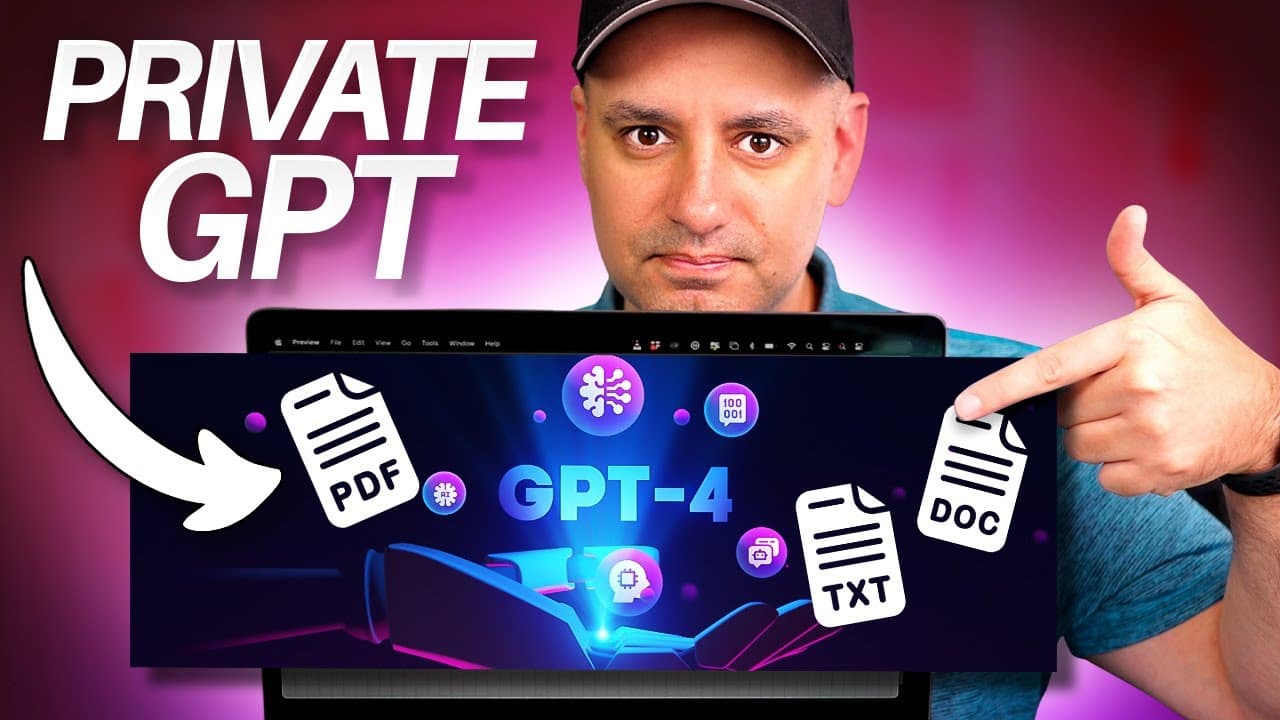
Learn how to use Private GPT to interact with private documents locally without internet access.
Transcript
private GPT is a really useful project I've been waiting for for a long time it basically lets you load in your private data like text files PDFs Powerpoints and then you could use the power of AI a power of large language models to interact with these documents basically ask them questions and you could load them up locally on your computer privat... Read More
Key Insights
- 🔒 Private GPT enables users to analyze private documents locally with AI capabilities.
- 😫 Setting up Private GPT involves downloading Visual Studio, the code from GitHub, and installing Python.
- 😷 Users can interact with their documents by asking questions and obtaining insights using Private GPT.
- 🔒 Privacy and security are maintained when using Private GPT as it operates locally without internet access.
- 👻 The tool allows users to extract information, summarize content, and interact with their private data.
- 💨 Private GPT offers a secure way to utilize AI for analyzing sensitive documents.
- 👤 Users can customize language models and configurations based on their requirements.
Install to Summarize YouTube Videos and Get Transcripts
Explore YouTube Video Summarizer or Get YouTube Transcript Extractor
Questions & Answers
Q: What is Private GPT and how does it differ from using public language models?
Private GPT is a tool that allows users to analyze private documents locally without internet access, providing privacy and security. Unlike public language models, Private GPT lets users interact with their own data confidentially and securely.
Q: What are the steps involved in setting up Private GPT on a computer?
Setting up Private GPT involves downloading Visual Studio, obtaining the code from GitHub, installing Python, and configuring the environment to enable interaction with private documents.
Q: How can users ask questions and gather insights from their private documents using Private GPT?
Users can ask specific questions regarding their documents, such as extracting information about a particular topic or summarizing key points. By interacting with Private GPT, users can gain valuable insights from their private data.
Q: What are the benefits of using Private GPT over public language models for analyzing private documents?
Private GPT offers the advantage of maintaining data privacy and security since it operates locally without requiring an internet connection. Users can confidently interact with their sensitive documents using Private GPT without exposing them to external servers.
Summary & Key Takeaways
-
Private GPT allows users to analyze private data like PDFs and Powerpoints using AI locally.
-
Setting up Private GPT involves using Visual Studio, downloading the code from GitHub, and installing Python.
-
Users can interact with their documents by asking questions and gaining insights using Private GPT.
Read in Other Languages (beta)
Share This Summary 📚
Summarize YouTube Videos and Get Video Transcripts with 1-Click
Try YouTube Summary with ChatGPT & Claude or YouTube Transcript Generator
Explore More Summaries from Howfinity 📚






Summarize YouTube Videos and Get Video Transcripts with 1-Click
Try YouTube Summary with ChatGPT & Claude or YouTube Transcript Generator