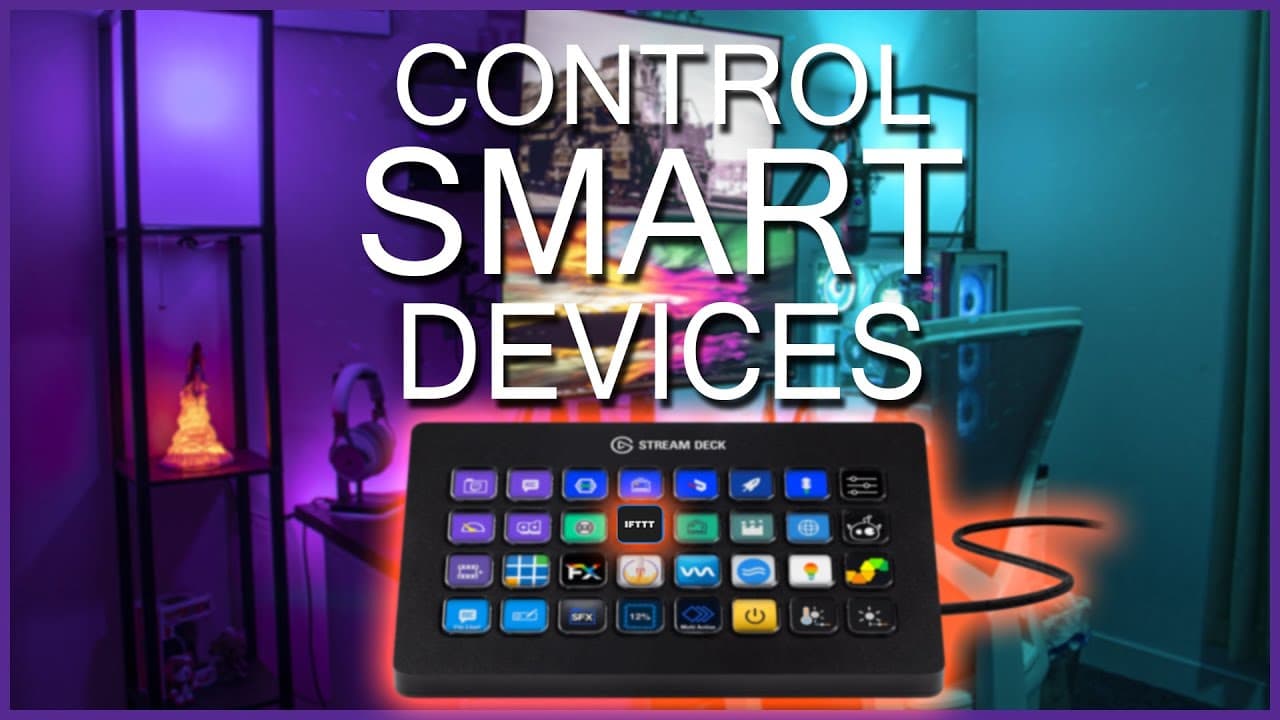
Control Your House Smart Devices with Your Elgato Streamdeck
TL;DR
Learn how to set up and use Stream Deck to control smart home devices, with a slight delay and some limitations.
Transcript
so stream decks have become super sophisticated they're no longer just a streaming type device you can do all sorts of stuff including smart home devices and if you look on either side of me here these two lamps have rgb bulbs in them and they're set up to where they have different scenes which will give me different colors depending on what i set ... Read More
Key Insights
- 😮 Stream decks have evolved beyond streaming to include control over smart home devices and applications, such as RGB lamps with different scenes and colors. (Topic: Stream deck and smart home devices)
- 😄 The process of setting up scenes and controlling them with a stream deck is relatively simple, with the first step being to add the IFTTT plugin to the stream deck software. (Topic: Stream deck setup)
- 🔍 To add the IFTTT plugin, users can search for it in the stream deck store and install it, ensuring compatibility with most stream deck models. (Topic: IFTTT plugin installation)
- 📲 Setting up the applet on the IFTTT website involves creating a new applet and connecting it to the desired smart device or application, such as the Wiz app for controlling RGB bulbs. (Topic: Applet creation and device connection)
- 👤 Integration between the stream deck software and the IFTTT service requires copying the event name from the website and pasting it into the stream deck software. (Topic: Integration between stream deck and IFTTT)
- 📱 The process of connecting the Wiz app with the IFTTT service involves enabling access for IFTTT in the Wiz app settings and confirming the pairing with a code. (Topic: Connecting Wiz app and IFTTT)
- ✅ Once the stream deck and smart device are integrated, users can create actions on the IFTTT website, such as activating a specific scene or turning lights on/off, to control their smart devices through the stream deck. (Topic: Action creation on IFTTT)
- ⚡️ There may be a slight delay when using the stream deck to control smart devices, but this can be improved by subscribing to the IFTTT service for more applets and faster performance. (Topic: Performance and subscription options)
Install to Summarize YouTube Videos and Get Transcripts
Explore YouTube Video Summarizer or Get YouTube Transcript Extractor
Questions & Answers
Q: How can I set up Stream Deck to control my smart home devices?
To set up Stream Deck for smart home control, you need to install the IFTTT plugin, create applets on the IFTTT website, connect the desired smart device application, and link it to Stream Deck using the maker key.
Q: What are the limitations of using Stream Deck to control smart home devices?
There may be a slight delay in the execution of commands, and not all smart device applications are currently supported by the IFTTT plugin.
Q: Can I use Stream Deck to control scenes or specific actions of smart devices?
Yes, by creating applets on the IFTTT website, you can control scenes or specific actions of smart devices connected to the supported applications.
Q: How can I customize the buttons on Stream Deck for smart home control?
In the Stream Deck software, you can drag and drop the IFTTT plugin onto a button and configure it with the relevant information such as event name and maker key.
Q: Is there a free version of IFTTT for controlling smart devices with Stream Deck?
Yes, there is a free version of IFTTT available, but it is limited to five applets. To access more applets and potentially faster performance, there is a subscription option with up to 20 applets.
Summary & Key Takeaways
-
Stream Deck can be used to control more than just streaming devices, including smart home devices.
-
By using the IFTTT plugin and connecting it with the required applications, users can create applets to control their smart devices.
-
There may be a slight delay in the execution of commands, and not all smart device applications are currently supported.
Read in Other Languages (beta)
Share This Summary 📚
Summarize YouTube Videos and Get Video Transcripts with 1-Click
Try YouTube Summary with ChatGPT & Claude or YouTube Transcript Generator