How to Track Time - BEST Time Management App
TL;DR
ATracker is a versatile time tracking app with customizable categories and detailed reporting.
Transcript
hey everyone in today's video I wanted to show you my favorite time tracking app this works for Android and iOS I'm gonna show you the Android version here and it's called a tracker I'll put a link in the description for it and go ahead and install it I've already been using this app and I really enjoy it from all the time tracking apps I use this ... Read More
Key Insights
- 👤 ATracker offers customizable categories and tasks for users to organize their time effectively.
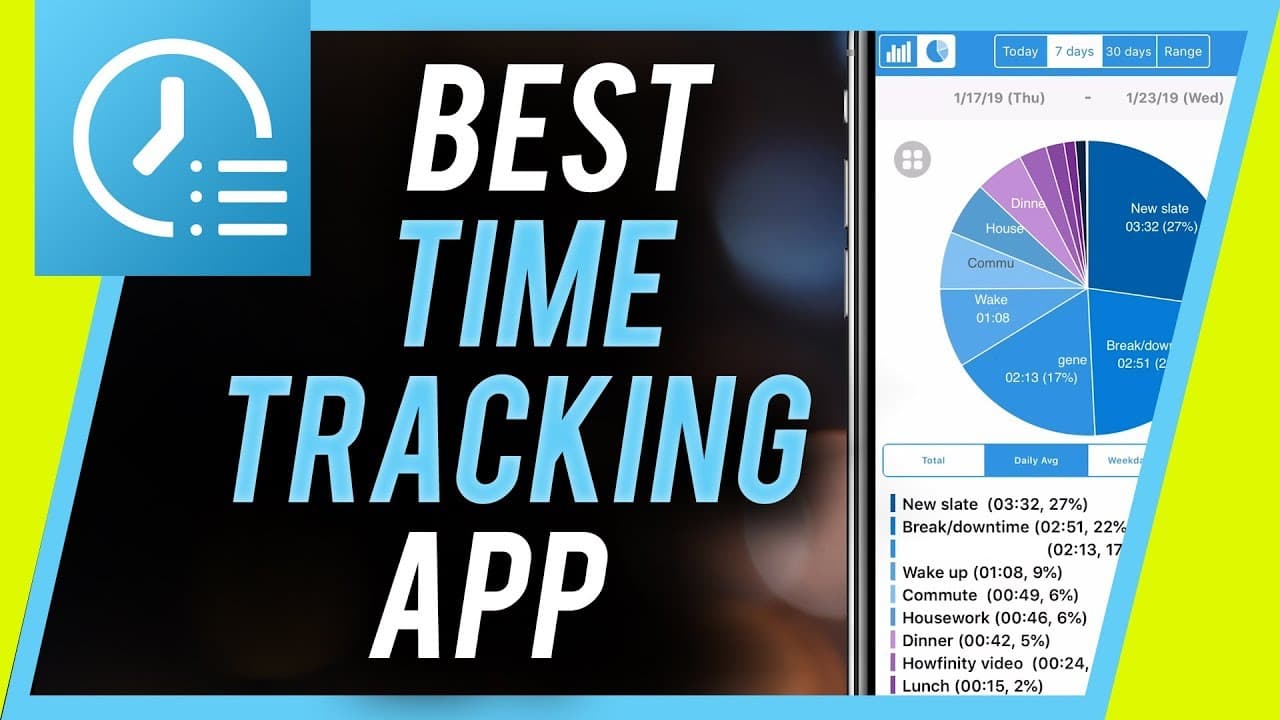
- 😀 The app's reporting feature provides detailed insights into time usage through visual representations like pie charts.
- 😊 Upgrading to the pro version unlocks additional features and flexibility for a better user experience.
- 👤 ATracker helps users analyze their time usage to identify areas for improvement in productivity.
- 🥺 Tracking activities through ATracker can lead to better organization and increased productivity.
- 😀 The app is available for both Android and iOS platforms, catering to a wide range of users.
- 👤 ATracker's simplicity and user-friendly interface make it easy for users to get started with time tracking.
Install to Summarize YouTube Videos and Get Transcripts
Explore YouTube Video Summarizer or Get YouTube Transcript Extractor
Questions & Answers
Q: How does ATracker help users categorize their tasks?
ATracker allows users to create custom categories and tasks, offering a structured way to organize their time effectively. By assigning tasks to specific categories, users can easily track and manage their activities throughout the day.
Q: What are the key features of ATracker's reporting functionality?
ATracker's reporting feature provides users with detailed insights into their time usage, offering breakdowns by day, week, and more. Users can analyze their activities through pie charts and daily averages to improve time management and productivity.
Q: How does ATracker encourage users to upgrade to the pro version?
The free version of ATracker has limitations on tasks and categories, prompting users to consider upgrading to the pro version. The pro version offers additional features and flexibility for a minimal cost, enhancing the overall user experience.
Q: How can ATracker benefit users in improving their productivity?
By tracking and analyzing their time usage, ATracker helps users identify areas for improvement in productivity. Understanding where time is spent allows users to make informed decisions and optimize their daily routines for better efficiency.
Summary & Key Takeaways
-
ATracker is a time tracking app available for Android and iOS, offering customizable categories and reporting features.
-
Users can create tasks and assign them to specific categories for better organization of their day.
-
The app provides detailed insights into time usage, allowing users to analyze and improve their productivity.
Read in Other Languages (beta)
Share This Summary 📚
Summarize YouTube Videos and Get Video Transcripts with 1-Click
Try YouTube Summary with ChatGPT & Claude or YouTube Transcript Generator
Explore More Summaries from Howfinity 📚






Summarize YouTube Videos and Get Video Transcripts with 1-Click
Try YouTube Summary with ChatGPT & Claude or YouTube Transcript Generator