What Are the Best Video Editing Software for Mac and PC?
TL;DR
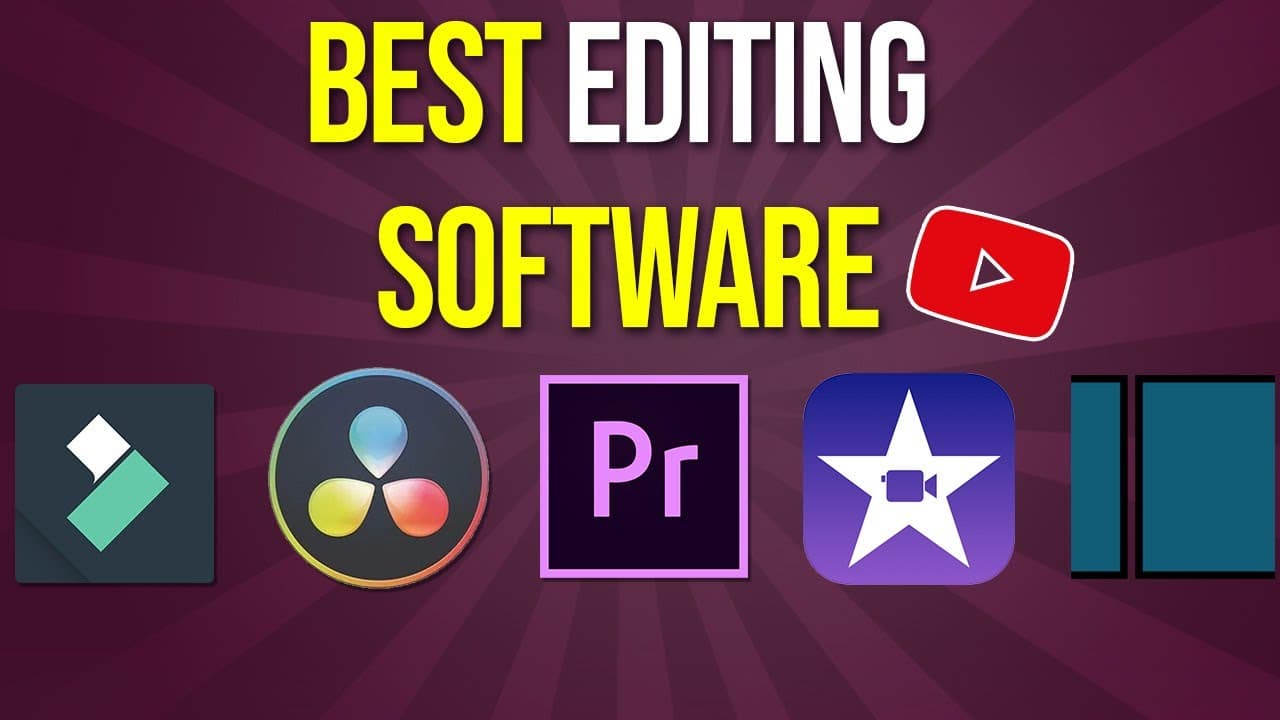
The best video editing software for Mac and PC includes iMovie for beginners, Filmora for accessible features, DaVinci Resolve for professional color correction, InVideo for simple online editing, and Adobe Premiere Pro for advanced capabilities. Each software caters to different user needs, making them suitable for various editing tasks.
Transcript
hey everyone in today's video i want to show you the top five video editing softwares and platforms available right now and at the end of the video i'll show you eight or nine other ones just by name so you could research those two but i'll show you the best ones and we'll start with the simplest one to use and then we'll get more advanced as we go... Read More
Key Insights
- 👤 iMovie is a user-friendly option for Mac and iOS users, providing basic editing tools with trailer creation features.
- 🧡 Filmora caters to Windows and Mac users, presenting a wide range of editing tools like transitions, color effects, and split-screen capabilities.
- 🧍 DaVinci Resolve stands out as a powerful video editor with advanced color correction, text addition, and export flexibility.
- 🎮 InVideo, an online platform, offers simplicity and efficiency in video creation without the need for downloads.
- 🧘 Adobe Premiere Pro emerges as a professional editing software option with extensive features across multiple tracks and editing tabs.
- 👤 Final Cut, exclusive to Apple users, remains a recommended choice alongside Adobe Premiere Pro for Mac users.
- 👂 Additional software like Shotcut and other options are listed for further exploration, providing a comprehensive list of the best video editing software available.
Install to Summarize YouTube Videos and Get Transcripts
Explore YouTube Video Summarizer or Get YouTube Transcript Extractor
Questions & Answers
Q: What makes iMovie a recommended video editing software?
iMovie is ideal for Mac, iPad, and iPhone users, offering a free, user-friendly interface with features like timeline editing, music addition, and easy export options.
Q: How does Filmora stand out among video editing software?
Filmora is accessible for both Windows and Mac users, providing a plethora of editing tools like titles, transitions, effects, and a simple split-screen feature.
Q: Why is DaVinci Resolve considered a powerful video editor?
DaVinci Resolve, available for free with professional features, boasts advanced color correction tools, timeline layout ease, and options for music and effects addition.
Q: What are the advantages of using Adobe Premiere Pro for editing?
Adobe Premiere Pro, available for Mac and PC, offers extensive editing capabilities across multiple tracks, various editing tabs, and seamless integration within the Adobe Creative Cloud.
Summary & Key Takeaways
-
Introduces top 5 video editing software options with detailed features and compatibility.
-
Each software's unique capabilities and user-friendly interfaces are highlighted.
-
Recommendations and insights based on 14 years of professional editing experience are provided.
Read in Other Languages (beta)
Share This Summary 📚
Summarize YouTube Videos and Get Video Transcripts with 1-Click
Try YouTube Summary with ChatGPT & Claude or YouTube Transcript Generator
Explore More Summaries from Howfinity 📚






Summarize YouTube Videos and Get Video Transcripts with 1-Click
Try YouTube Summary with ChatGPT & Claude or YouTube Transcript Generator