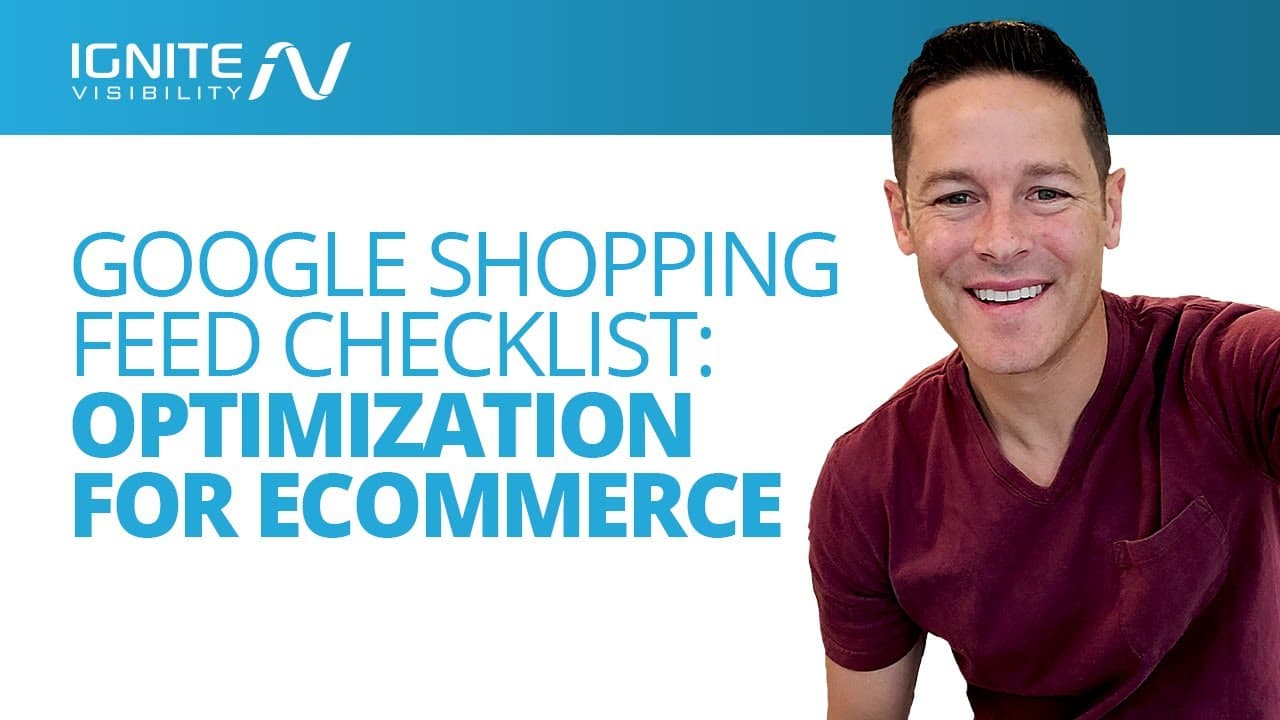
Google Shopping Feed Checklist: Optimization For Ecommerce
TL;DR
Optimize Google Shopping Feed to boost ecommerce sales.
Transcript
in this video i'm going to be giving you a google shopping feed checklist using this optimization for your google shopping feed this is going to allow you to boost your ecommerce sales let's go ahead and dive into it before you get started make sure to click the notification bell and make sure to subscribe so that you can get more videos like this ... Read More
Key Insights
- Google Shopping Feed is crucial for online retailers to organize and display product information effectively on Google.
- Setting up a Google Shopping Feed involves using Google Merchant Center and entering critical product data.
- The feed is divided into primary and supplemental feeds, each serving different purposes in data management.
- Primary feeds include essential product details like name and price, while supplemental feeds offer additional data.
- Feed rules can be created in Google Merchant Center to manage and edit product attributes efficiently.
- Best practices include organizing content, obtaining GTINs, using unique images, and integrating keywords.
- GTINs help prevent counterfeit items and improve product visibility across platforms like Amazon and eBay.
- Ignite Visibility offers services to enhance Google Shopping campaigns and overall ecommerce ad strategies.
Install to Summarize YouTube Videos and Get Transcripts
Explore YouTube Video Summarizer or Get YouTube Transcript Extractor
Questions & Answers
Q: What is a Google Shopping Feed?
A Google Shopping Feed is a structured data file that organizes and describes a retailer's product catalog. It allows Google to easily crawl and display product information in search results, enhancing visibility and relevance. The feed is crucial for managing product data in Google Shopping campaigns.
Q: How do you set up a Google Shopping Feed?
To set up a Google Shopping Feed, access the feed section under the product section in Google Merchant Center. Enter details like country of sale, language, and destination. Choose input methods such as Google Sheets or scheduled fetch, and manage your new primary feed in your Merchant Center account.
Q: What is the purpose of a supplemental feed?
A supplemental feed provides additional product data that complements the primary feed. It updates product information only if the IDs match those in the primary feed. Common uses include adding custom labels, overriding promotion IDs, and providing local inventory details for specific campaigns.
Q: How can you create feed rules in Google Merchant Center?
To create feed rules, sign into your Google Merchant account, click on products, then feeds. Select the desired feed and click the rules tab. Choose the attribute you want to edit and create a rule from the drop-down menu. Feed rules help manage and edit product attributes efficiently.
Q: Why are GTINs important for Google Shopping?
GTINs, or Global Trade Item Numbers, are unique identifiers for products. They help prevent counterfeit items and improve product visibility on platforms like Google Shopping, Amazon, and eBay. Google prioritizes products with valid GTINs, enhancing their relevance and display in search results.
Q: What are some best practices for optimizing Google Shopping Feed?
Best practices include organizing product data, obtaining GTINs, using unique images, and integrating relevant keywords into titles and descriptions. These strategies enhance product visibility, prevent counterfeit items, and improve click-through rates and return on advertising spend in Google Shopping campaigns.
Q: How does Google Shopping Feed boost ecommerce sales?
Google Shopping Feed boosts ecommerce sales by organizing and displaying product information effectively, enhancing visibility and relevance in search results. Optimized feeds improve click-through rates and return on advertising spend, attracting more potential customers and increasing conversion rates for online retailers.
Q: What services does Ignite Visibility offer for Google Shopping?
Ignite Visibility offers services to enhance Google Shopping campaigns and overall ecommerce advertising strategies. They assist with optimizing Google Shopping Feeds, managing product data, and implementing best practices to boost online visibility and sales. Their expertise helps retailers maximize the effectiveness of their advertising efforts.
Summary & Key Takeaways
-
The video explains the importance of Google Shopping Feed for online retailers, allowing them to organize and display product information effectively. It outlines the setup process using Google Merchant Center and highlights best practices for optimizing feeds, such as obtaining GTINs and integrating keywords.
-
Google Shopping Feed comprises primary and supplemental feeds, each serving distinct purposes. The primary feed contains essential product details, while the supplemental feed offers additional data. Creating feed rules in Google Merchant Center helps manage and edit product attributes efficiently.
-
Best practices for optimizing Google Shopping Feed include organizing content, obtaining GTINs, using unique images, and integrating keywords into titles and descriptions. These strategies enhance product visibility and prevent counterfeit items, ultimately boosting ecommerce sales.
Read in Other Languages (beta)
Share This Summary 📚
Summarize YouTube Videos and Get Video Transcripts with 1-Click
Try YouTube Summary with ChatGPT & Claude or YouTube Transcript Generator
Explore More Summaries from IgniteVisibility 📚


Summarize YouTube Videos and Get Video Transcripts with 1-Click
Try YouTube Summary with ChatGPT & Claude or YouTube Transcript Generator