How to Unbox and Set Up Your iPhone 14 Pro
TL;DR
To unbox and set up your iPhone 14 Pro, remove it from the box and press the side button to turn it on. Follow the on-screen instructions to transfer data from your old iPhone using proximity, and activate the device using an eSIM instead of a physical SIM card, which simplifies the setup process.
Transcript
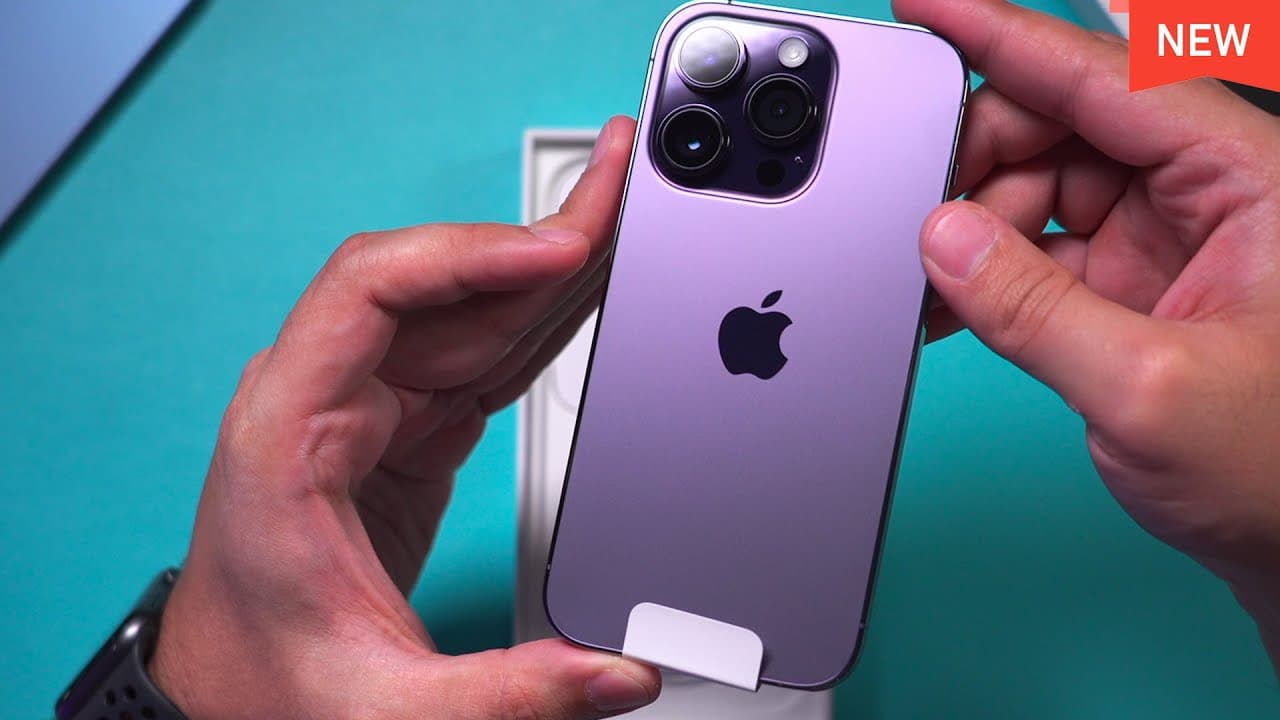
this is the base model of the iPhone 14 pro in deep purple and it's 128 gigs let's go ahead and open it up this is the Deep Purple this is what it looks like on camera and this comes in four colors and here is the closer look at the redesign cameras inside the Box you have just the instructions here there is no sim card with this phone so I will me... Read More
Key Insights
- 💜 The iPhone 14 Pro comes in deep purple and three other colors.
- 😒 The absence of a physical SIM card in the iPhone 14 Pro is compensated by the use of an eSIM.
- 🥶 The setup process involves connecting the new iPhone to an old iPhone for data transfer.
- ⌛ Transferring data to the iPhone 14 Pro can take some time, but it offers a simpler alternative to using iCloud for backup and restore.
- 🥶 The setup process provides options for setting up as a new phone or transferring data from an old iPhone.
- 🪡 Applications and widgets may still need to be downloaded and installed after the data transfer is complete.
- 🥶 The old iPhone needs to be manually reset and erased after the data transfer to ensure no data is duplicated.
Install to Summarize YouTube Videos and Get Transcripts
Explore YouTube Video Summarizer or Get YouTube Transcript Extractor
Questions & Answers
Q: What are the available colors for the iPhone 14 Pro?
The iPhone 14 Pro comes in four colors, including deep purple as shown in the video. The other available colors were not mentioned.
Q: How does the iPhone 14 Pro activate without a physical SIM card?
The iPhone 14 Pro utilizes an eSIM, which is an electronic version of a SIM card. The setup process involves activating the eSIM through the cell phone provider.
Q: Can you manually set up the iPhone 14 Pro without transferring data from an old iPhone?
Yes, you have the option to set up the iPhone 14 Pro as a new phone manually. This bypasses the data transfer process and allows for a fresh setup.
Q: How long does the data transfer process from an old iPhone to the iPhone 14 Pro take?
The duration of the data transfer process depends on the amount of data to be transferred. In the video, the transfer took approximately 38 minutes for over 100 gigabytes of data.
Summary & Key Takeaways
-
The content provides an unboxing experience of the iPhone 14 Pro in deep purple, showcasing its design and available colors.
-
The video explains the absence of a physical SIM card and the use of an eSIM for activating the phone.
-
The setup process involves connecting the new iPhone to an old iPhone to transfer data, followed by customizing settings and options.
Read in Other Languages (beta)
Share This Summary 📚
Summarize YouTube Videos and Get Video Transcripts with 1-Click
Try YouTube Summary with ChatGPT & Claude or YouTube Transcript Generator
Explore More Summaries from Howfinity 📚






Summarize YouTube Videos and Get Video Transcripts with 1-Click
Try YouTube Summary with ChatGPT & Claude or YouTube Transcript Generator