Coding Challenge #122: Quick, Draw! Continued
TL;DR
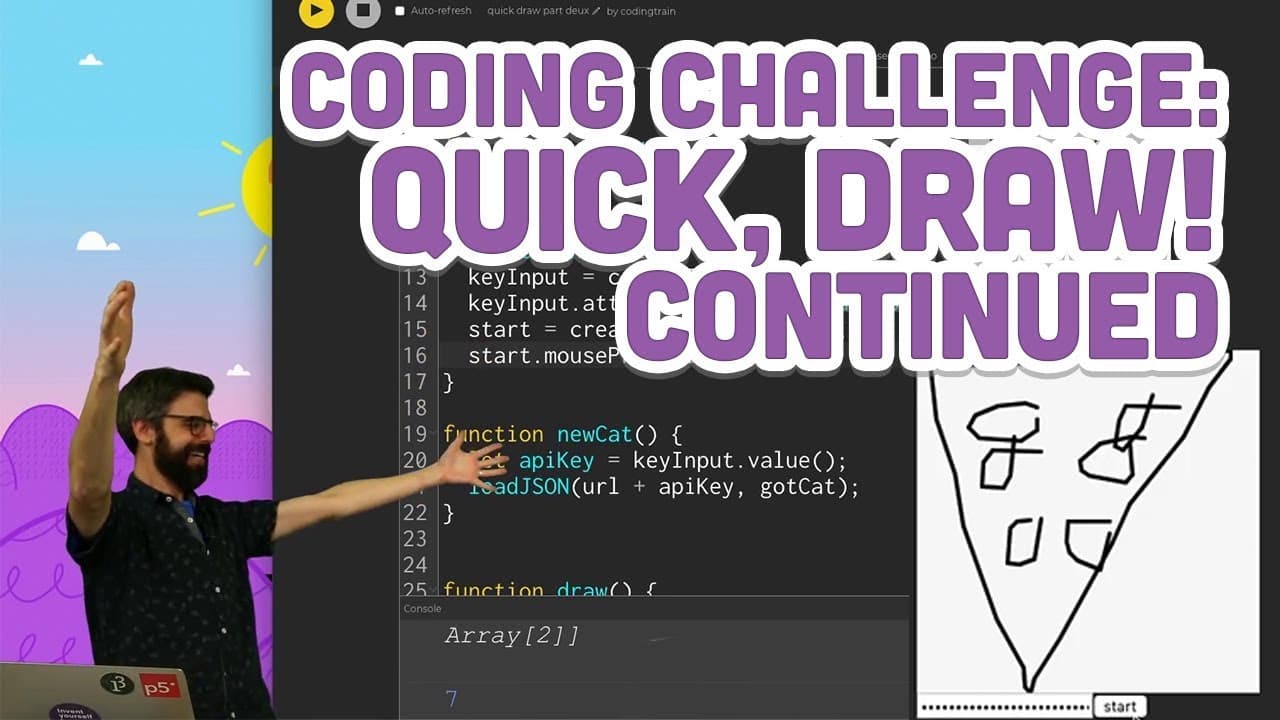
This video tutorial shows how to use the Quick Draw API to pull drawing data and replay it in a canvas.
Transcript
(ding)
- Hello, welcome to a followup Coding Challenge: Quick Draw Again, thingamabob, Quick Draw API Web Component edition. So, previously in a Coding Challenge, I downloaded a large data file from the Google Quick Draw data set. I talked about what the Google Quick Draw data set is. It's just a collection of millions and millions of these doodles... Read More
Key Insights
- 👤 The Quick Draw API allows users to retrieve and use drawing data from the Google Quick Draw game.
- 🤩 Users need to obtain an API key from the Google API dashboard in order to access the Quick Draw API.
- 🔠 The API can be used to retrieve specific drawings or random drawings.
- 🕸️ The p5 web editor provides an easy platform to implement the Quick Draw API and draw the retrieved images in a canvas.
- 🔠 It is important to take note of API limitations and consider self-hosting the API for larger projects.
- ⛔ The tutorial provides guidance on how to overcome common issues, such as CORS errors and reaching API limits.
- 🏑 The presenter emphasizes the need for caution when sharing API keys and suggests using input fields and buttons to securely pass the key into the code.
Install to Summarize YouTube Videos and Get Transcripts
Explore YouTube Video Summarizer or Get YouTube Transcript Extractor
Questions & Answers
Q: What is the Quick Draw API?
The Quick Draw API is a collection of doodles created by users playing the Google Quick Draw game.
Q: How can I use the Quick Draw API to retrieve drawing data?
To use the Quick Draw API, you need to obtain an API key from the Google API dashboard and make requests to the API using the key.
Q: Can I embed Quick Draw doodles in a web page?
Yes, by using the Quick Draw web component, you can embed Quick Draw doodles in a web page by importing a JavaScript file and using markup.
Q: Is it possible to retrieve a random drawing using the Quick Draw API?
Yes, by setting the "id" query parameter to "random" in the API request, you can retrieve a random drawing.
Summary & Key Takeaways
-
The video introduces the Quick Draw API and explains its function as a collection of doodles made by users playing the Google Quick Draw game.
-
The presenter demonstrates how to use the API to retrieve drawing data by obtaining an API key and making requests.
-
The presenter shows how to implement the API in a p5 web editor, allowing users to draw the retrieved images in a canvas.
Read in Other Languages (beta)
Share This Summary 📚
Summarize YouTube Videos and Get Video Transcripts with 1-Click
Try YouTube Summary with ChatGPT & Claude or YouTube Transcript Generator
Explore More Summaries from The Coding Train 📚






Summarize YouTube Videos and Get Video Transcripts with 1-Click
Try YouTube Summary with ChatGPT & Claude or YouTube Transcript Generator