What Changes Does Sony LinkBuds S Firmware 4.0.0 Bring?
TL;DR
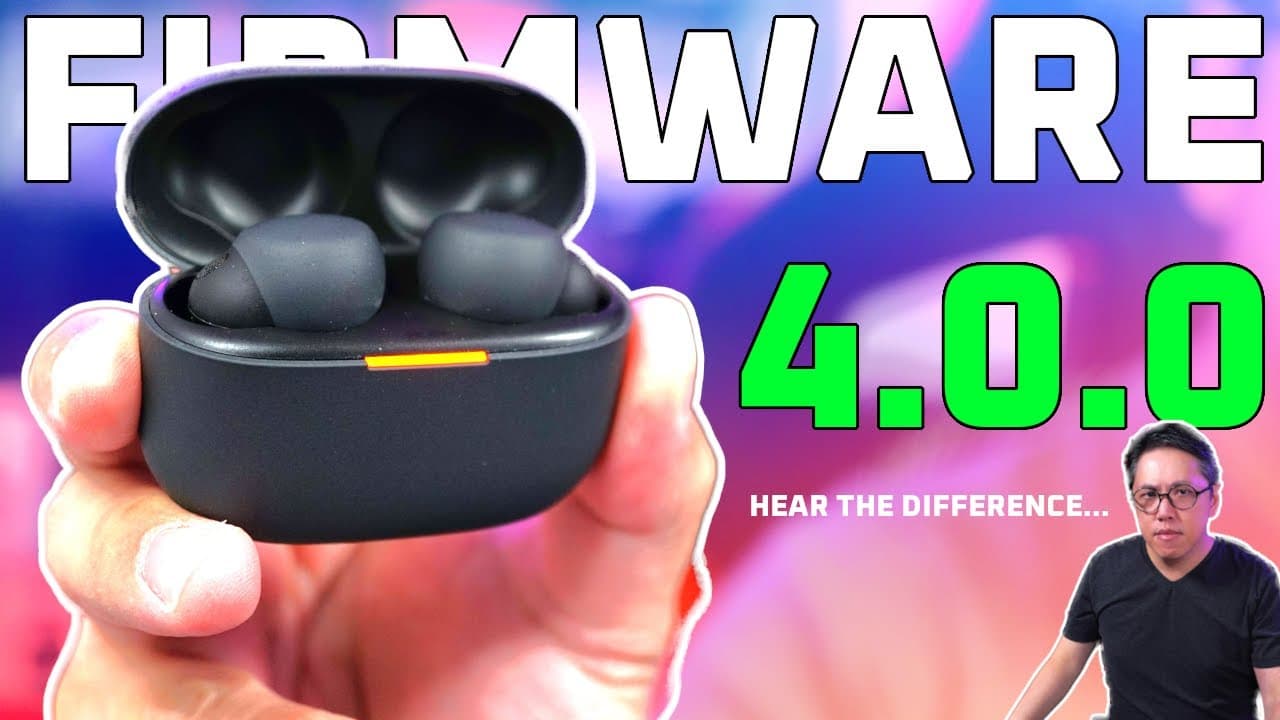
The Sony LinkBuds S firmware 4.0.0 introduces user-friendly features like volume control through repeated taps, Amazon Music mapping, and head tracking for compatible Android devices. There are minor sound quality adjustments in the lower mids and bass, while active noise cancelling and call quality remain consistent with previous versions. Overall, the update enhances usability more than sound performance.
Transcript
Okay so we've got a new firmware for the link buts s called 4.0.0 which replaces 3.0.5 now this update brings three key changes volume controls with repeat tab so by tapping repeatedly more than three times on either side you can raise or lower the volume the ability to map Amazon music to quick access and head tracking which works on certain phone... Read More
Key Insights
- 👻 The new volume control feature allows users to adjust levels quickly by tapping, improving accessibility.
- 👂 Small sound quality tweaks may enhance listening experiences, particularly for bass-focused music genres.
- 👔 Noise cancelling capabilities are tied to hardware performance, with no detrimental impact from the firmware update.
- 👂 The update reaffirms the importance of user-friendly controls over purely technical sound performance.
- 🤕 Users running Android 13 or newer can benefit from additional features like head tracking, expanding the earbuds' functionality.
- 🏪 The comparison tool offers convenience for those unable to test earbuds physically, accommodating remote evaluations.
- 👤 The ongoing updates and enhancements reflect Sony's commitment to improving user experience continuously.
Install to Summarize YouTube Videos and Get Transcripts
Explore YouTube Video Summarizer or Get YouTube Transcript Extractor
Questions & Answers
Q: What are the key features of the new firmware 4.0.0?
Firmware 4.0.0 for Sony LinkBuds S adds volume controls, quick access for Amazon Music, and head tracking capabilities on select Android devices. Volume can now be adjusted by tapping the earbuds multiple times, which enhances the control options for users without interfering with other functions.
Q: How does the firmware update affect sound quality?
The sound quality after the update shows subtle enhancements, particularly an increase in lower mids and bass below 800 Hz, and some tweaking in frequencies above 12 kHz. While most users might not perceive these high-frequency changes, the overall sound is described as having more depth and richness.
Q: Has the noise cancelling performance changed with the firmware update?
No significant changes in active noise cancelling performance have been noted with the new firmware. The noise cancelling remains effective, and differences observed may arise from variations in setup rather than the firmware itself, maintaining the quality experienced prior to the update.
Q: Are there any changes in call quality with the new update?
The call quality has not seen any drastic changes with firmware 4.0.0. Testing in both quiet and noisy conditions indicates that microphone pickup remains consistent with previous firmware versions, assuring users of the quality they can expect during conversations.
Summary & Key Takeaways
-
The firmware update 4.0.0 introduces volume controls via repeated taps, Amazon Music mapping, and head tracking for certain Android devices, improving usability.
-
Sound quality shows slight adjustments, especially in lower mids and bass, while active noise cancelling and call quality remain consistent with previous versions.
-
The user experience has improved overall, although sound performance changes are minimal, highlighting the importance of usability in firmware updates.
Read in Other Languages (beta)
Share This Summary 📚
Summarize YouTube Videos and Get Video Transcripts with 1-Click
Try YouTube Summary with ChatGPT & Claude or YouTube Transcript Generator
Explore More Summaries from Aaron X Loud and Wireless Reviews 📚






Summarize YouTube Videos and Get Video Transcripts with 1-Click
Try YouTube Summary with ChatGPT & Claude or YouTube Transcript Generator