How to Start a Clubhouse Room and Moderate Like a Pro
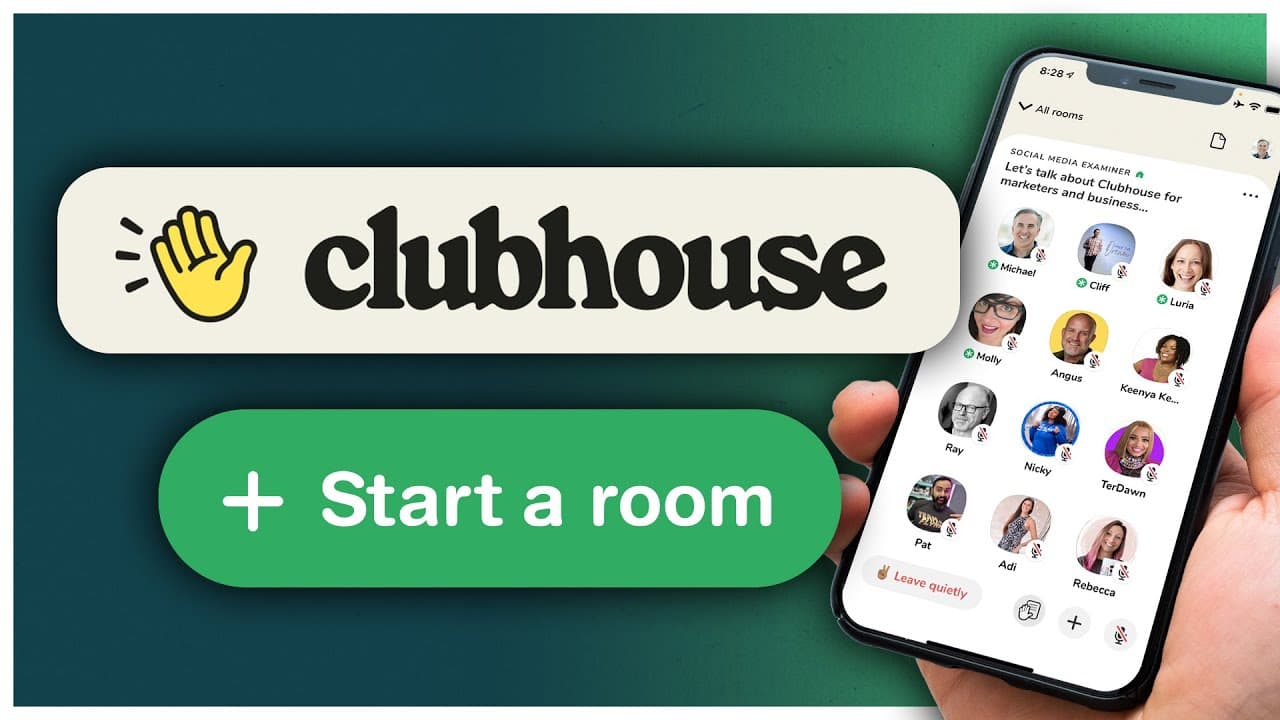
TL;DR
Learn to start and moderate Clubhouse rooms effectively.
Transcript
- Are you using Clubhouse and wondering how do I start and moderate a room? In this video, I'll share with you everything you need to know to start and create an amazing room on Clubhouse (gentle upbeat music) Starting a room on Clubhouse, that's the easy part. Creating an amazing experience for everyone who's there, well, that's a little trickier.... Read More
Key Insights
- Starting a Clubhouse room involves scheduling or spontaneously creating one, with each method offering distinct advantages.
- Scheduling a room allows for a detailed description and a shareable link, which can increase visibility and attendance.
- Moderators play a crucial role in maintaining the flow and order of the room, including managing who speaks and when.
- Room resets are essential every 10-15 minutes to reintroduce the topic and engage new participants.
- Assigning multiple moderators ensures the room continues smoothly, even if the primary moderator must leave.
- Effective moderation includes muting participants when necessary and inviting influential users to speak.
- Growing a room's audience can be achieved by encouraging attendees to ping others and by inviting high-profile users.
- Ending a room requires either manually closing it or leaving as the last moderator, and rooms can last for hours if managed well.
Install to Summarize YouTube Videos and Get Transcripts
Explore YouTube Video Summarizer or Get YouTube Transcript Extractor
Questions & Answers
Q: How do you schedule a Clubhouse room?
To schedule a Clubhouse room, open the app and click on the calendar icon, then select the plus sign to add a new event. You can name the event, add a co-host, and set the date and time. A scheduled room provides a shareable link and notifies your followers.
Q: What are the different types of rooms you can create on Clubhouse?
On Clubhouse, you can create three types of rooms: open, social, and closed. An open room is accessible to anyone on the platform, a social room is limited to people you follow, and a closed room is invite-only, allowing for private discussions.
Q: Why is a room reset important during a Clubhouse session?
A room reset is important because it helps new participants understand the room's purpose and rules. By reintroducing the topic every 10-15 minutes, moderators ensure everyone is on the same page and maintain engagement, especially as people join and leave frequently.
Q: How do you add a moderator in a Clubhouse room?
To add a moderator in a Clubhouse room, click on the profile of someone on stage and select 'make a moderator.' This gives them control over the room, allowing them to manage speakers and hand raises, ensuring the room continues smoothly if the main moderator leaves.
Q: What strategies can help grow a Clubhouse room's audience?
To grow a Clubhouse room's audience, encourage participants to ping others using the plus sign, invite influential users to speak, and provide consistent value. These tactics increase visibility and attract more attendees, helping the room gain momentum and engagement.
Q: How can you manage disruptions during a Clubhouse session?
To manage disruptions, moderators should mute participants in noisy environments and intervene when someone monopolizes the conversation. It's important to maintain control by redirecting the discussion and, if necessary, moving disruptive users back to the audience.
Q: What is the significance of muting and unmuting quickly during a session?
Muting and unmuting quickly is a way for participants to show appreciation or agreement with what's being said. It's a non-verbal cue that indicates engagement and can be used by moderators to gauge the room's response to certain topics or speakers.
Q: How do you end a Clubhouse room effectively?
To end a Clubhouse room, the moderator can either click the three dots and select 'end room' or leave as the last moderator, prompting an option to end it. If other moderators are present, they can continue the session, allowing discussions to extend for hours.
Summary & Key Takeaways
-
Michael Stelzner provides a comprehensive guide on starting and moderating Clubhouse rooms, emphasizing the importance of effective moderation and audience engagement. He explains the differences between scheduled and spontaneous rooms, and how to manage them effectively.
-
The video covers essential moderation techniques, such as room resets, managing hand raises, and adding co-moderators to ensure smooth operation. Stelzner highlights the importance of maintaining control to prevent disruptions and ensure a productive discussion.
-
Stelzner shares strategies to grow a room's audience, like inviting influential users and encouraging attendees to ping others. He concludes with tips on ending a room and encourages viewers to learn from experienced moderators and practice by starting their own rooms.
Read in Other Languages (beta)
Share This Summary 📚
Summarize YouTube Videos and Get Video Transcripts with 1-Click
Try YouTube Summary with ChatGPT & Claude or YouTube Transcript Generator
Explore More Summaries from Social Media Examiner 📚



Summarize YouTube Videos and Get Video Transcripts with 1-Click
Try YouTube Summary with ChatGPT & Claude or YouTube Transcript Generator