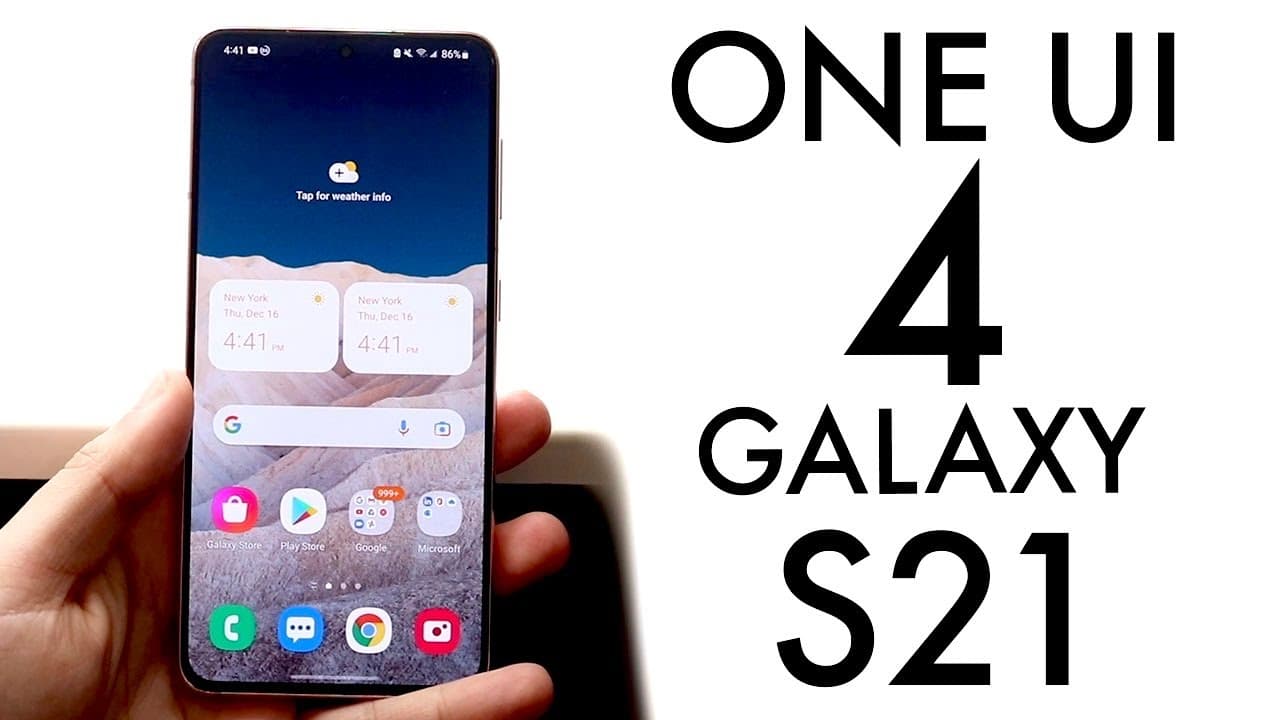
Samsung Galaxy S21 On One UI 4! (Review)
TL;DR
One UI 4 is a minor update with improvements in privacy and stability.
Transcript
welcome back everyone one ui4 has been out for a couple of days now actually actually for a couple of weeks but i've installed it on my samsung galaxy s21 for a couple of days and i kind of wanted to break down how it's been now it hasn't really been too bad it really hasn't been that much different than one ui three if i'm being completely honest ... Read More
Key Insights
- 👤 One UI 4 primarily focuses on strengthening privacy features in response to evolving user security concerns.
- 🔄 The update experience has been surprisingly stable, countering typical expectations of many software upgrades being glitchy or buggy initially.
- 🏣 Battery life post-implementation remains consistent with previous versions, indicating that Samsung has managed resource handling effectively.
- 🏃 Although the update is substantial in size (around two gigabytes), most users have reported it running smoothly without significant issues.
- 👀 New widgets and styling offer a fresher look, but the functionality appears to be an extension of existing features rather than a full redesign.
- 👾 Users should ensure sufficient storage space before installing One UI 4, highlighting the importance of device preparation for software updates.
- ❓ The reviewer indicates that neither drastic enhancements nor revolutionary features justify an immediate upgrade from the earlier One UI versions.
Install to Summarize YouTube Videos and Get Transcripts
Explore YouTube Video Summarizer or Get YouTube Transcript Extractor
Questions & Answers
Q: What are the main differences between One UI 4 and One UI 3?
The notable differences include updated user interface elements and enhanced privacy features. While One UI 4 has newer widgets and improved styling, the core user experience feels quite similar to One UI 3, lacking any standout features. Thus, anyone on One UI 3 might find little incentive to upgrade immediately.
Q: How has the update affected battery life on the Samsung Galaxy S21?
Battery life on the Samsung Galaxy S21 has remained stable post-update, mirroring the performance seen in One UI 3. The reviewer notes that even after a few days of usage and running resource-intensive applications, the battery percentage remained relatively high, suggesting efficient resource management.
Q: Is One UI 4 stable based on early experiences?
Yes, the reviewer reported that One UI 4 has been a stable experience without significant bugs or crashes. Early concerns about experiencing glitches were mitigated, and the overall performance of applications, including resource-heavy games, has been commendable, reflecting a positive update experience.
Q: Should users immediately upgrade to One UI 4?
Users currently on One UI 3 might consider waiting before upgrading, as One UI 4 does not present significant changes. However, if users seek minor improvements or enhanced privacy controls, they may opt to update sooner rather than later. The recommendation largely depends on personal preferences regarding the new features.
Summary & Key Takeaways
-
One UI 4 introduces some new design elements and widgets but primarily enhances privacy features and overall stability compared to One UI 3.
-
The update has proven to be stable with minimal bugs, unlike some previous software updates that were unstable after installation.
-
Battery life remains comparable to One UI 3, and the reviewer suggests users can consider upgrading if they desire new features, though the changes are not groundbreaking.
Read in Other Languages (beta)
Share This Summary 📚
Summarize YouTube Videos and Get Video Transcripts with 1-Click
Try YouTube Summary with ChatGPT & Claude or YouTube Transcript Generator
Explore More Summaries from Simple Alpaca 📚





Summarize YouTube Videos and Get Video Transcripts with 1-Click
Try YouTube Summary with ChatGPT & Claude or YouTube Transcript Generator