What is the JavaScript event loop really all about - Java Brains
TL;DR
Learn how the JavaScript event loop works, which is a simple concept that involves a single-threaded execution and an event queue.
Transcript
there isn't a shortage of tutorials explaining the javascript event loop but quite a few of those tutorials overcomplicate the concept well let me assure you that the javascript event loop is a very simple concept to understand and in fact you see this pattern occur in real life so many times this video will teach you everything you need to know ab... Read More
Key Insights
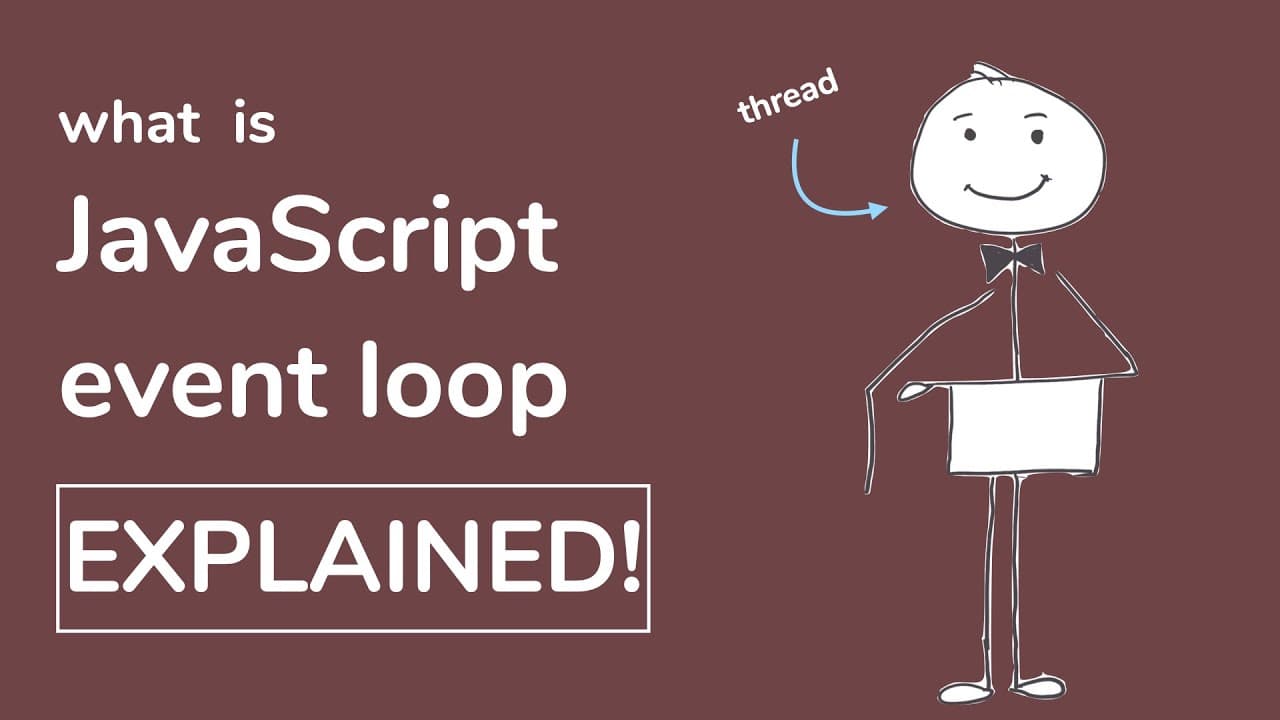
- 🧩 The JavaScript event loop concept is often overcomplicated, but it is actually simple to understand and can be compared to real-life scenarios like waiting tables at a restaurant.
- 🌐 JavaScript is primarily single-threaded, meaning that there is only one thread that executes all of the work in a JavaScript runtime, although there are exceptions like worker threads.
- 🔁 The event loop is the logic that handles the execution of events in JavaScript. It uses an event queue to manage events in a first come, first serve basis.
- 💤 The event loop goes through the event queue and executes events until the queue is empty. If the queue is empty, the thread goes to sleep until a new event is added.
- 🔀 When executing a function that calls other functions, the event loop follows the stack of function calls until the first function has completed executing.
- ️ Synchronous events in JavaScript are executed one after another. If an event is asynchronous, the event is added to the event queue and executed later.
- 💡 Asynchronous events often have associated callbacks that are added to the event queue. The callback is executed when the asynchronous event is complete, following the first in, first out manner of the queue. ⏰ Understanding the event loop and the event queue can help developers better understand JavaScript behavior and apply strategies to optimize code execution, such as utilizing callbacks and promises.
Install to Summarize YouTube Videos and Get Transcripts
Explore YouTube Video Summarizer or Get YouTube Transcript Extractor
Questions & Answers
Q: How does the JavaScript event loop handle synchronous events?
The event loop executes synchronous events in order, one after another. It acts like a waiter in a crowded restaurant, making a mental note of incoming requests and serving them in a first-come, first-serve basis.
Q: What happens when a JavaScript function calls another function?
When a function calls another function, the event loop follows the execution logic until the call stack is empty. The runtime uses a call stack to manage nested function calls and ensures each function is executed completely before moving on.
Q: How does the event loop handle asynchronous events?
Asynchronous events, like a waiter handing off an order to the chef, are added to the event queue with a callback. The event loop continues with other tasks until the callback is executed at the end of the event queue.
Q: Why does a hung browser tab respond after a slow function finishes?
In a hung browser tab situation, multiple clicks on a button are added to the event queue. When the slow function finally finishes, the event loop executes all the button click handlers together, resulting in a delayed response.
Summary & Key Takeaways
-
JavaScript is primarily single threaded, meaning there is only one thread executing all the work in a JavaScript runtime.
-
The event loop is responsible for managing the execution of events in the event queue, which operates on a first in, first out basis.
-
Synchronous events are executed one after another, while asynchronous events are handed off and executed later through callbacks.
Read in Other Languages (beta)
Share This Summary 📚
Summarize YouTube Videos and Get Video Transcripts with 1-Click
Try YouTube Summary with ChatGPT & Claude or YouTube Transcript Generator
Explore More Summaries from Java Brains 📚

Summarize YouTube Videos and Get Video Transcripts with 1-Click
Try YouTube Summary with ChatGPT & Claude or YouTube Transcript Generator