How to Schedule Text Messages on iPhone
TL;DR
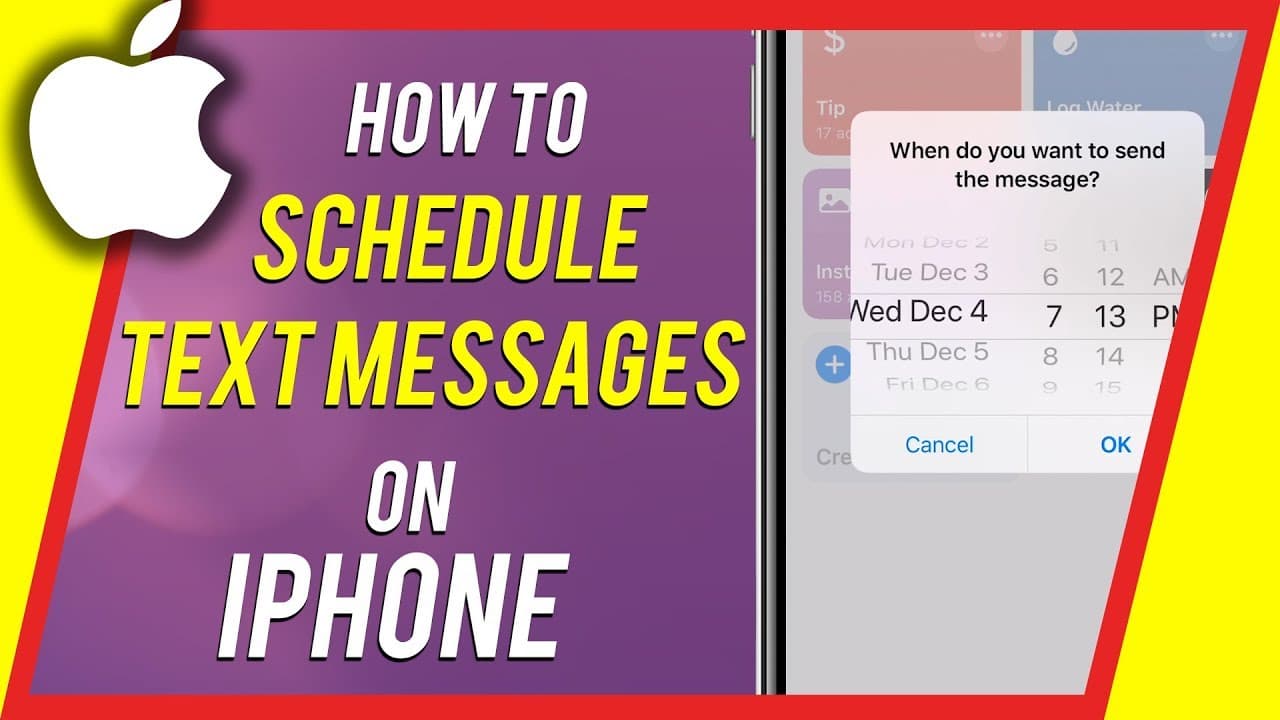
Learn how to schedule text messages on your iPhone using the Shortcuts app, which is available in iOS 12, 13, and 14.
Transcript
everyone in today's video I'm gonna show you how to schedule text messages to God at a later time on your iPhone and we're gonna do this with an app that came out in iOS 12 so iOS 12 13 14 will have it and it's called short cuts and go ahead and look for it in the App Store so I just jumped into the app store got the short cuts app and I'm gonna pr... Read More
Key Insights
- 😀 The Shortcuts app allows users to automate tasks on their iPhone, including scheduling text messages.
- 👏 Enabling the "Allow Untrusted Shortcuts" option in the Settings app is necessary to use shortcuts downloaded from external websites.
- 💨 The "Delayed Time iMessage" shortcut provides a convenient way to schedule text messages on an iPhone.
- 😀 The background app refresh setting for the Shortcuts app needs to be enabled for it to work properly.
- 📅 Users can input the recipient's contact, type the message, and choose the desired send date when scheduling a text message.
- 😀 The video suggests an alternative app called Yellow, which sends a notification to remind users to manually send the scheduled text message.
- 😀 The tutorial advises viewers to check out another video for more information on using the Yellow app.
Install to Summarize YouTube Videos and Get Transcripts
Explore YouTube Video Summarizer or Get YouTube Transcript Extractor
Questions & Answers
Q: What is the app needed to schedule text messages on an iPhone?
The app needed to schedule text messages on an iPhone is the Shortcuts app, which can be downloaded from the App Store.
Q: How can I download the "Delayed Time iMessage" shortcut?
To download the "Delayed Time iMessage" shortcut, you can visit the Shortcut Gallery website and click on the "Get Shortcut" button.
Q: What should I do if I receive a message saying the shortcut is not trusted?
If you receive a message saying the shortcut is not trusted, you need to enable the "Allow Untrusted Shortcuts" option in the Settings app under the Shortcuts section.
Q: Can I schedule text messages for specific dates, like birthdays?
Yes, you can schedule text messages for specific dates, such as birthdays, by selecting the desired date when setting up the scheduled message.
Summary & Key Takeaways
-
The video explains how to schedule text messages on an iPhone using the Shortcuts app, which can be found in the App Store.
-
Users need to download a specific shortcut command called "Delayed Time iMessage" from the Shortcut Gallery website.
-
To use untrusted shortcuts from other websites, users need to enable the "Allow Untrusted Shortcuts" option in the Settings app.
Read in Other Languages (beta)
Share This Summary 📚
Summarize YouTube Videos and Get Video Transcripts with 1-Click
Try YouTube Summary with ChatGPT & Claude or YouTube Transcript Generator
Explore More Summaries from Howfinity 📚






Summarize YouTube Videos and Get Video Transcripts with 1-Click
Try YouTube Summary with ChatGPT & Claude or YouTube Transcript Generator