Animation with ControlNet, almost perfect!
TL;DR
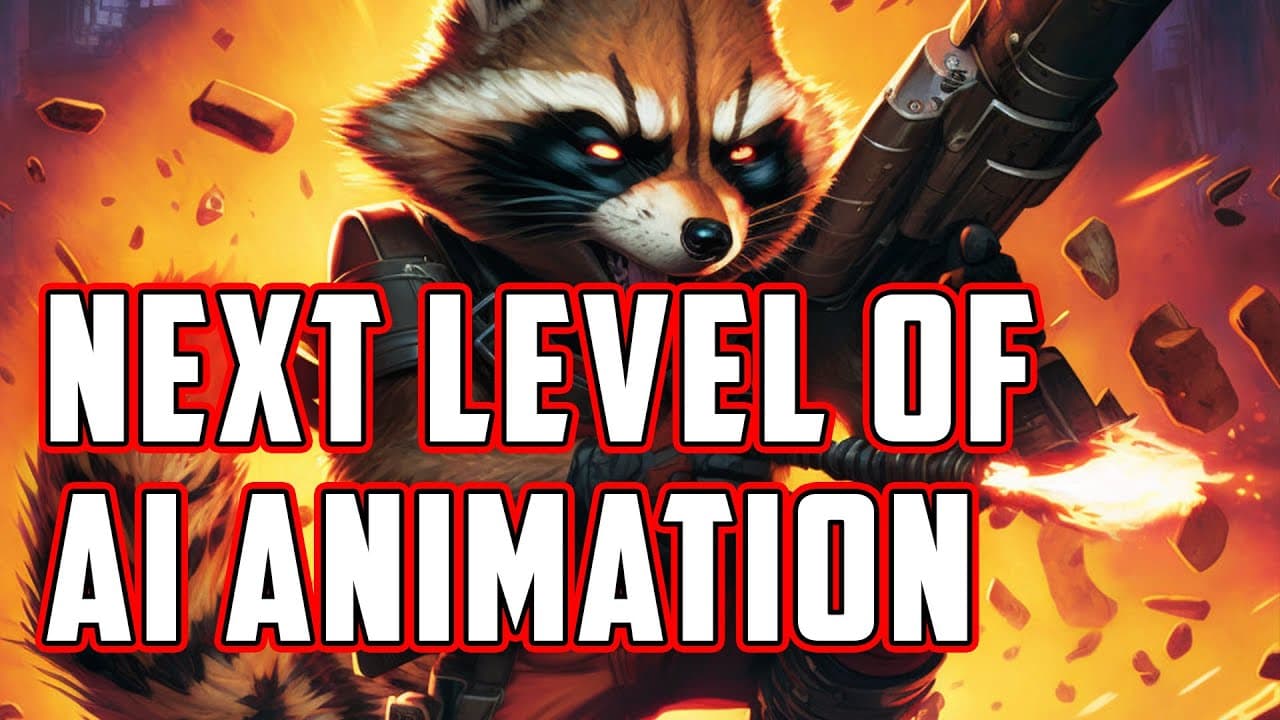
Learn how to create AI animations using the ControlNet extension, which offers more control over motions and produces cleaner and better-defined animations compared to GIF-based animations.
Transcript
hello there so in this video I want to cover control net and stable diffusion and primarily how we can make animations by utilizing this new extension if you're not familiar with control net I will let you know what it is as well if you interested to install it I will provide a link below to the great video created by entrepreneurs about how to cre... Read More
Key Insights
- 🎥 Control Net is a new extension that allows for the creation of AI animations. It offers more control over motions and produces cleaner animations compared to traditional methods like GIFs.
- 🎞️ Control Net eliminates limitations in size, resolution, and length that are present in GIF animations. It allows for the creation of longer videos without compromising quality.
- 💻 Installing Control Net is recommended, and regular updates should be checked for to ensure the latest version is being used.
- 🖼️ Image to image transformation is a key feature of Control Net, where users can specify the style and content of the animation.
- 🔄 Batch processing in Control Net is a useful tool, as it allows for the seamless generation of animations from multiple frames.
- 🌈 Control Net offers the ability to add additional elements to animations, such as background, color, and dress, to enhance the overall visual experience.
- 📈 The noise string parameter in Control Net affects the deviation and fidelity of the animation. Finding the right balance is important to achieve desired results.
- 🎬 Control Net animations can be further edited and assembled using video editing software, providing flexibility and customization options.
Install to Summarize YouTube Videos and Get Transcripts
Explore YouTube Video Summarizer or Get YouTube Transcript Extractor
Questions & Answers
Q: How does ControlNet improve AI animations compared to GIF-based animations?
ControlNet offers more control over motions and produces cleaner and better-defined animations, solving the limitations of GIF-based animations.
Q: What are the limitations of GIF-based animations?
GIF-based animations have limitations in controlling motions, limited size and resolution, and can result in nonsensical animations when too much style is applied.
Q: How does ControlNet work for creating AI animations?
ControlNet uses a different approach and allows for more precise control over motions, resulting in cleaner and better-defined animations.
Q: What are the benefits of using ControlNet for AI animations?
ControlNet offers more control over motions, eliminates limitations on video length, and produces cleaner and better-defined animations compared to other methods.
Q: Can ControlNet be used with video footage, or is it limited to GIFs?
ControlNet can be used with both video footage and GIFs, allowing for more control and better-defined animations in both cases.
Q: How can users install and use ControlNet for AI animations?
Users can install ControlNet on their local installations or on Google Collab by following the provided link to a tutorial video. Once installed, they can utilize ControlNet through the Image to Image feature and adjust various settings for their desired animations.
Q: What other models and preprocessors does ControlNet offer?
ControlNet offers a variety of models and preprocessors, such as open pose and open hand, which can be explored in another video. These models provide even more options for creating unique AI animations.
Summary & Key Takeaways
-
ControlNet is a new extension that allows for more control over AI animations.
-
GIF-based animations have limitations in controlling motions, resulting in less precise animations.
-
ControlNet offers a different approach, producing cleaner and better-defined animations with unlimited video length.
Read in Other Languages (beta)
Share This Summary 📚
Summarize YouTube Videos and Get Video Transcripts with 1-Click
Try YouTube Summary with ChatGPT & Claude or YouTube Transcript Generator
Explore More Summaries from Vladimir Chopine [GeekatPlay] 📚
Summarize YouTube Videos and Get Video Transcripts with 1-Click
Try YouTube Summary with ChatGPT & Claude or YouTube Transcript Generator